- 11 -
2. Setting Pay Closing Date
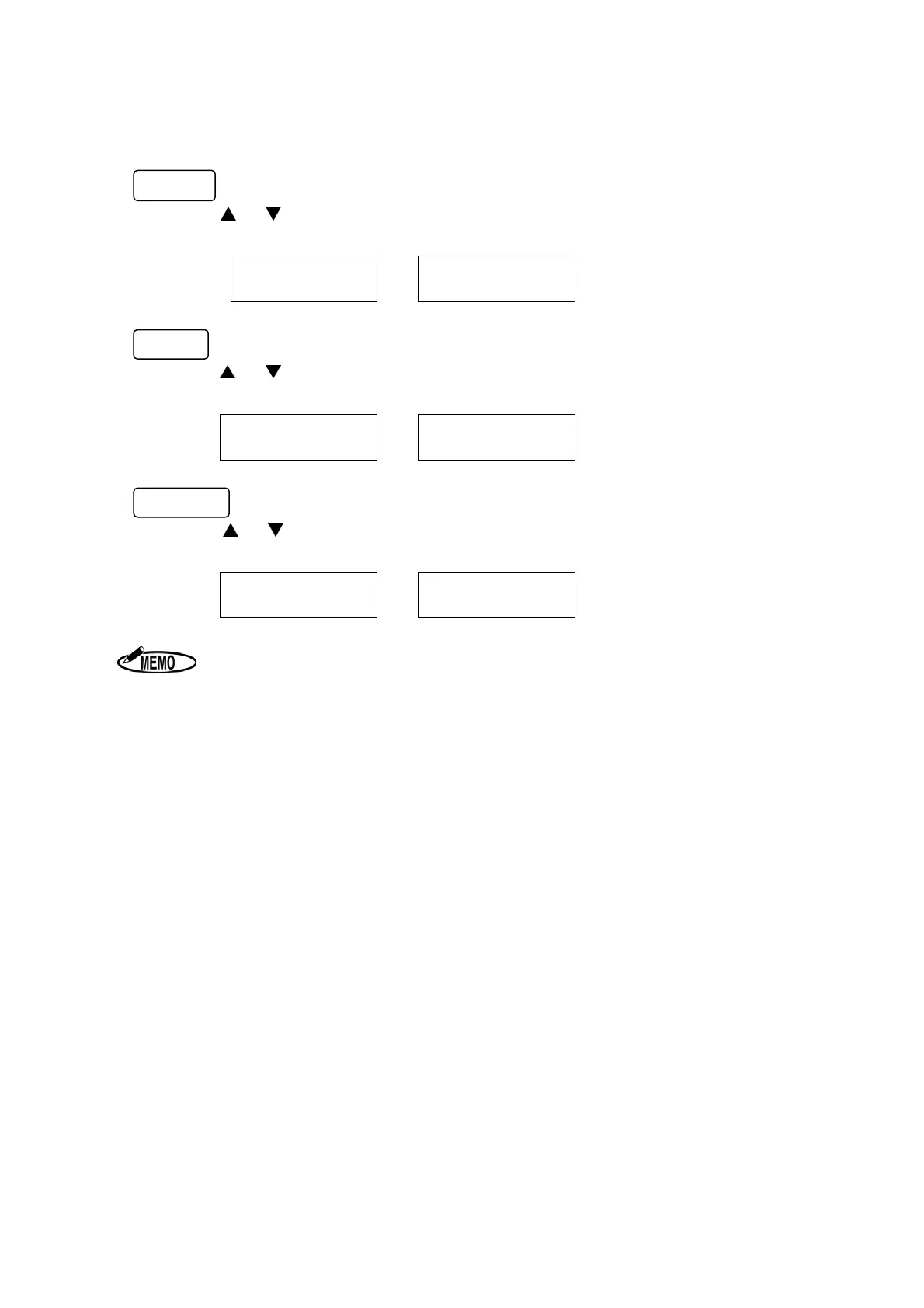
After setting “Machine Mode Number”, “Pay Closing Date” is shown on the display.
Monthly
Press the
or key to select the Pay Closing Date. When the display shows the desired
closing date, press the SET key.
From
to
Weekly
Press the
or key to select the Pay Closing Date (from today to the next 6 days). When
the display shows the desired closing date, press the SET key.
From
-
to
-
SAT
SUN
Bi-weekly
Press the
or key to select the Pay Closing Date (from today to the next 13 days).
When the display shows the desired closing date, and press the SET key.
From
-
to
-
SAT
SUN
1. The time is printed only in 24-hour format.
2. When setting in the Laid Down Position, only 24-hour format is displayed.
3. If the “CANCEL” key is pressed while setting data, the display returns to the
start of the setting mode without registering the changes.


 To Next Page