Switch the light switch to the position.
When starting to drive the vehicle, the running lights turn on again.
NOTE
The running lights can be disabled using the personalisation features (page 4-63).
Auto-light control
When the headlight switch is in the AUTO,
position and the ignition is
switched ON, the light sensor senses the surrounding lightness or darkness and
automatically turns the headlights and other exterior lights on or o.
CAUTION
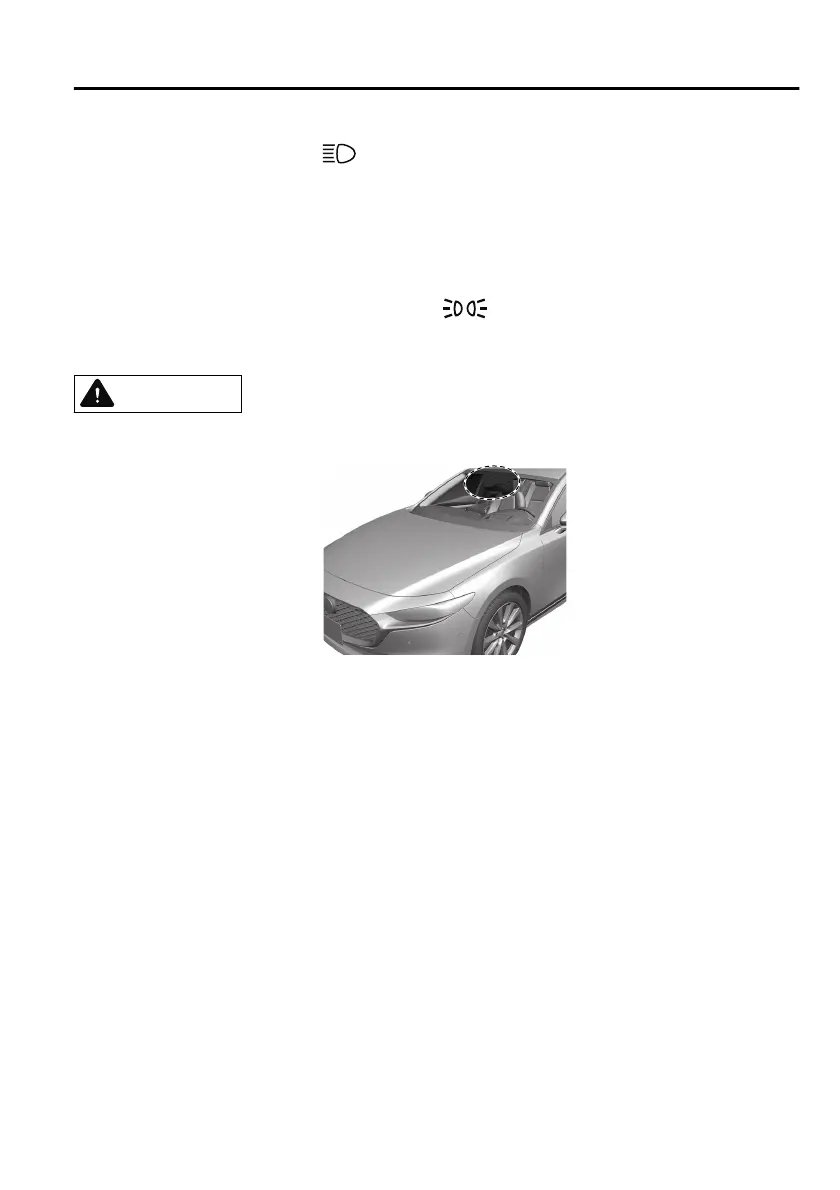
Do not shade the light sensor by adhering a sticker or a label on the windscreen.
Otherwise the light sensor will not operate correctly.
The light sensor also works as a rain sensor for the auto-wiper control. Keep hands
and scrapers clear of the windscreen when the wiper lever is in the AUTO position
and the ignition is switched ON as fingers could be pinched or the wipers and
wiper blades could be damaged when the wipers activate automatically. If you are
going to clean the windscreen, be sure the wipers are turned o completely when
it is particularly tempting to leave the engine running. This is particularly important
when clearing ice and snow.
NOTE
The headlights and other exterior lights may not turn o immediately even if the
surrounding area becomes well-lit because the light sensor determines that it is
night time if the surrounding area is continuously dark for several minutes such as
inside long tunnels, trac jams inside tunnels, or in indoor parking lots.
The sensitivity of the auto-light control may be changed.
Refer to the Settings section in the Mazda Connect Owner's Manual.
When Driving
Switches and Controls
4-61
Mazda3_8HS5-EE19I_Edition1_new 2019-7-1 10:56:36



 To Next Page