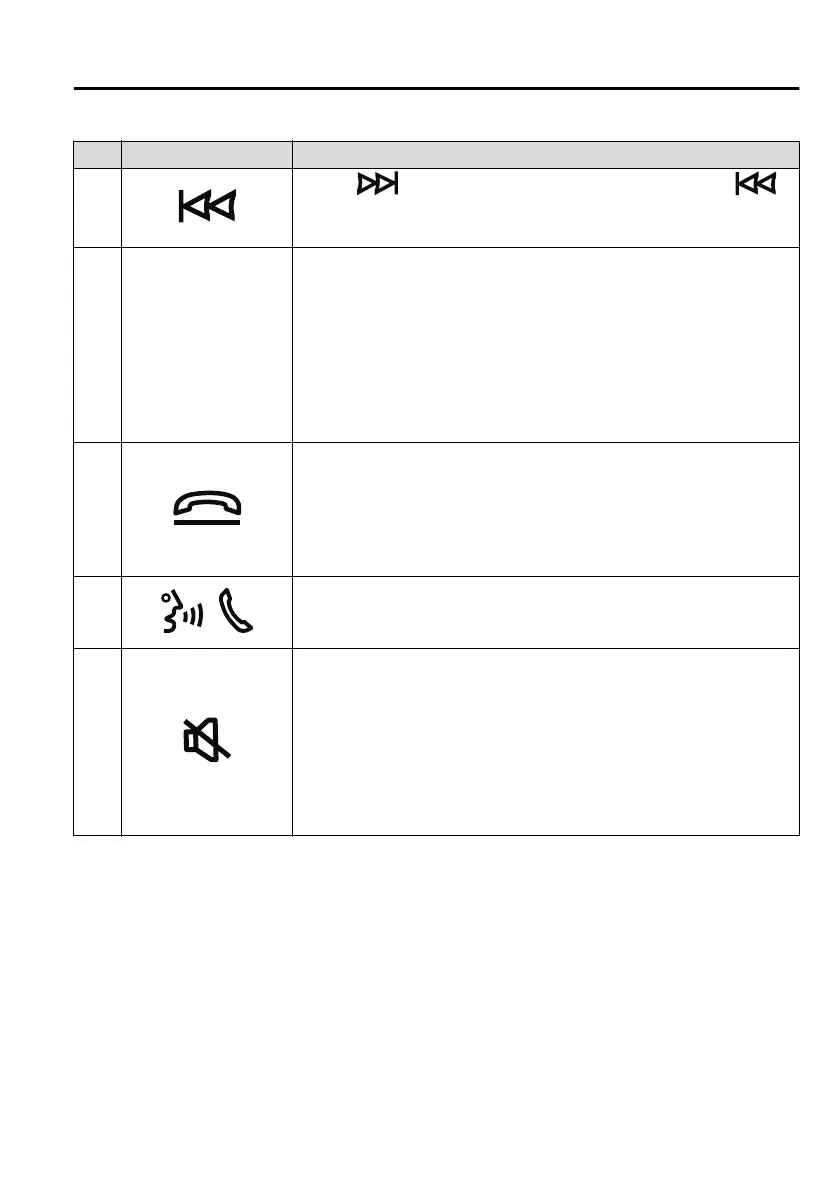
No. Item Explanation
Press the ( ) to cue to the beginning of the next song and press the ( )
to cue to the beginning of the previous song. (The order of the songs is in the order
of the selected file list.)
3 SOURCE
SOURCE button:
The audio source can be switched each time the button is pressed.
In addition, when the button is pressed and held, the audio currently
being played is turned o and the audio source selection screen is dis-
played.
(During Apple CarPlay or Android Auto™ playback)
Press and hold the SOURCE button to turn o the audio currently be-
ing played.
4
Hang-up button
*1
:
(During a call)
Press the button to end the call.
(While receiving a call)
Press the button to refuse a call.
5
Talk/Pick-up button
*1
:
(While receiving a call)
Press the button to answer the call.
6
Mute button:
Press the button to mute.
Press it again to cancel the mute.
NOTE
If you press the mute button to mute an audio source which can be
paused, such as Apple CarPlay, USB audio, or Bluetooth
®
audio, while
it is playing, the song playback pauses. Press the mute button again to
cancel the mute and the pause at the same time.
*
1 You can also use the voice recognition for the talk/pick-up button, and hang-up
button.
For details, refer to Operation Using Voice Recognition Function (page 5-24).
Interior Features
Mazda Connect
5-23
Mazda3_8HS5-EE19I_Edition1_new 2019-7-1 10:56:36



 To Next Page