PLAY
PLAY
PLAY
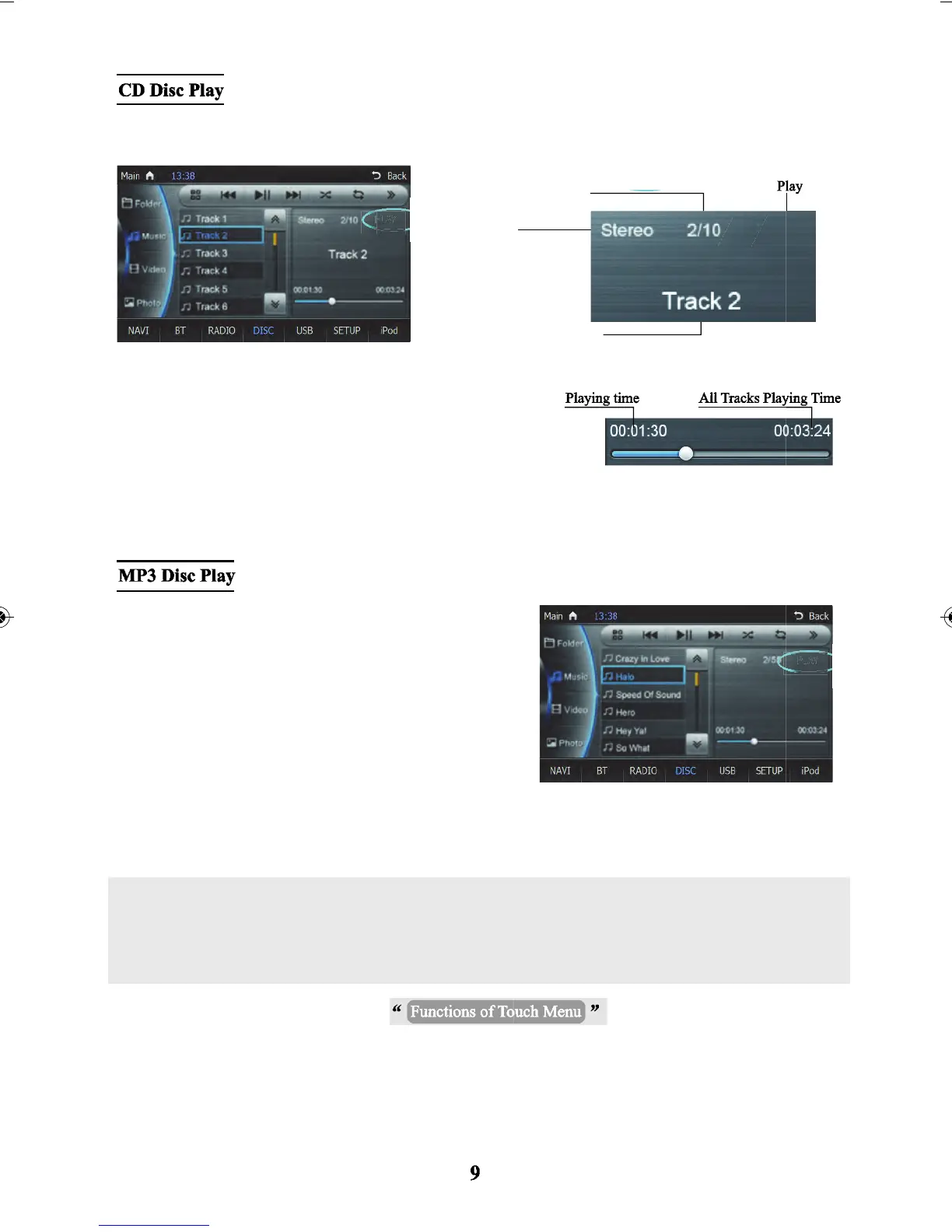
Insert a disc in the format of a CD into the DVD player, the system will play songs/tracks in order after
reading the disc .
When playing a disc and there is no operation within 10sec,
the system will switch to the spectrum mode automatically.
When the disc supports to play by the numeric keyboard, you
can open the numeric keyboard to select the tracks directly.
Insert a disc in the format of MP3s into the DVD player, the
system will play the first track automatically after reading the
disc.
When playing a disc and there is no operation within 10 sec -
the system will switch to the spectrum mode automatically.
When the disc supports to play by the numeric keyboard, you
can open the numeric keyboard to select tracks directly.
Current track no..
Audio state
Current track no.
Total tracks.
Note: During playback operation of the touch menu and to perform various play options -
the Functions of Touch Menu - please refer to the 4th section in the DVD function operations.



 To Next Page