Touch
Touch
Touch
Touch
history lists.
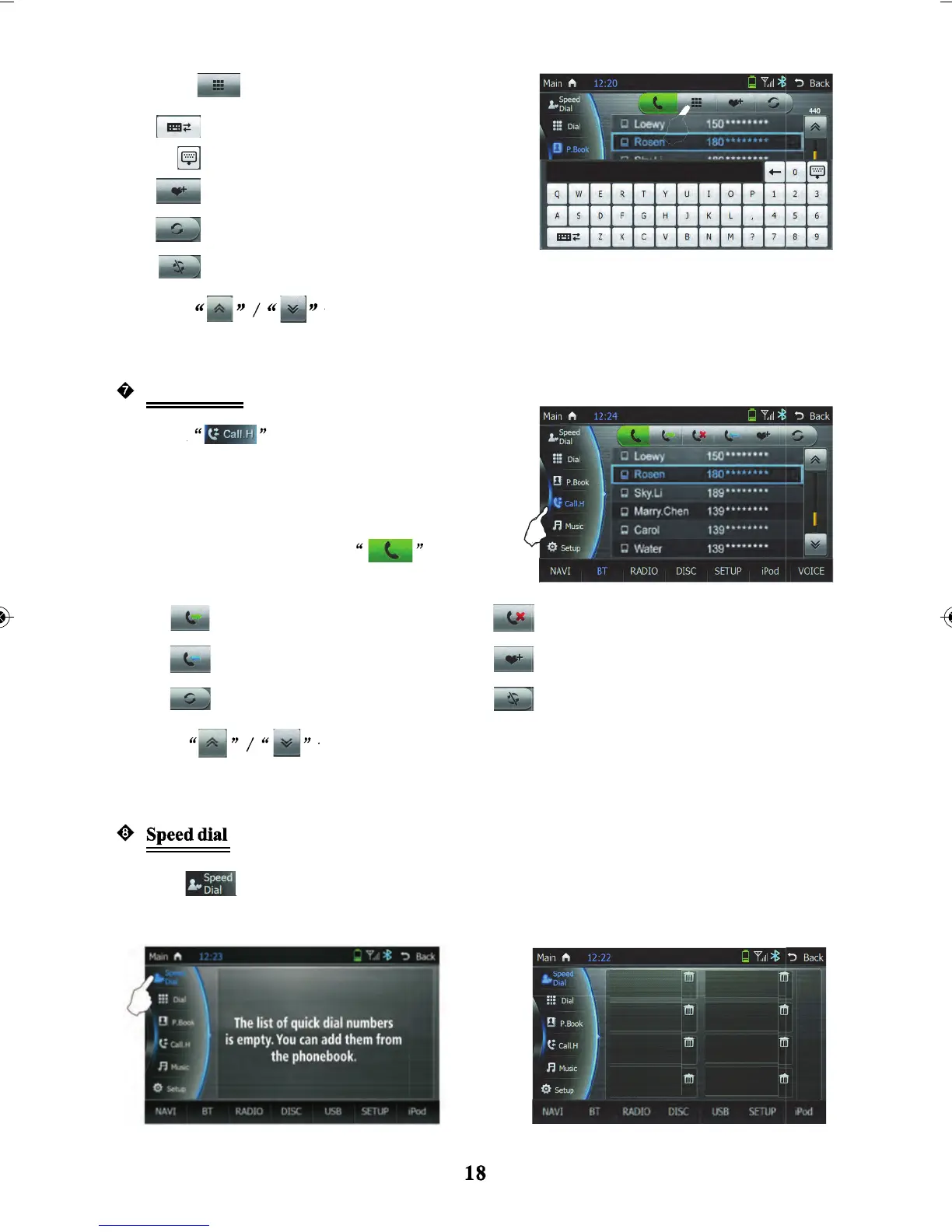
Speed dial function with no phone numbers displayed
Speed dial function with phone numbers displayed
icon to enter into the speed dial function
Touch
to scroll up and down the phone book list. The user can slide the scroll bar
on the right to scan the phone book list to search for a contact.
to scroll up and down the history lists and slide the scrolling bar to scan the
Language switching
Hide keyboard
Add the selected number to
speed dial function.
Refresh the phone book.
Stop refresh for phone book.
to search the phonebook contacts by
typing contacts name
lightly to enter the call history
interface in the BT interface. It records received
call/missed call/incoming calls.
Touch the number in the received call/missed call/
incoming call column and touch
to
call that number.
Display the dialled call from the
phone list
Display the answered calls list
Refresh call list
Display missed calls list of numbers
Add the selected phone number to the speed
dial function
Stop refresh on call list.
Call History



 To Next Page