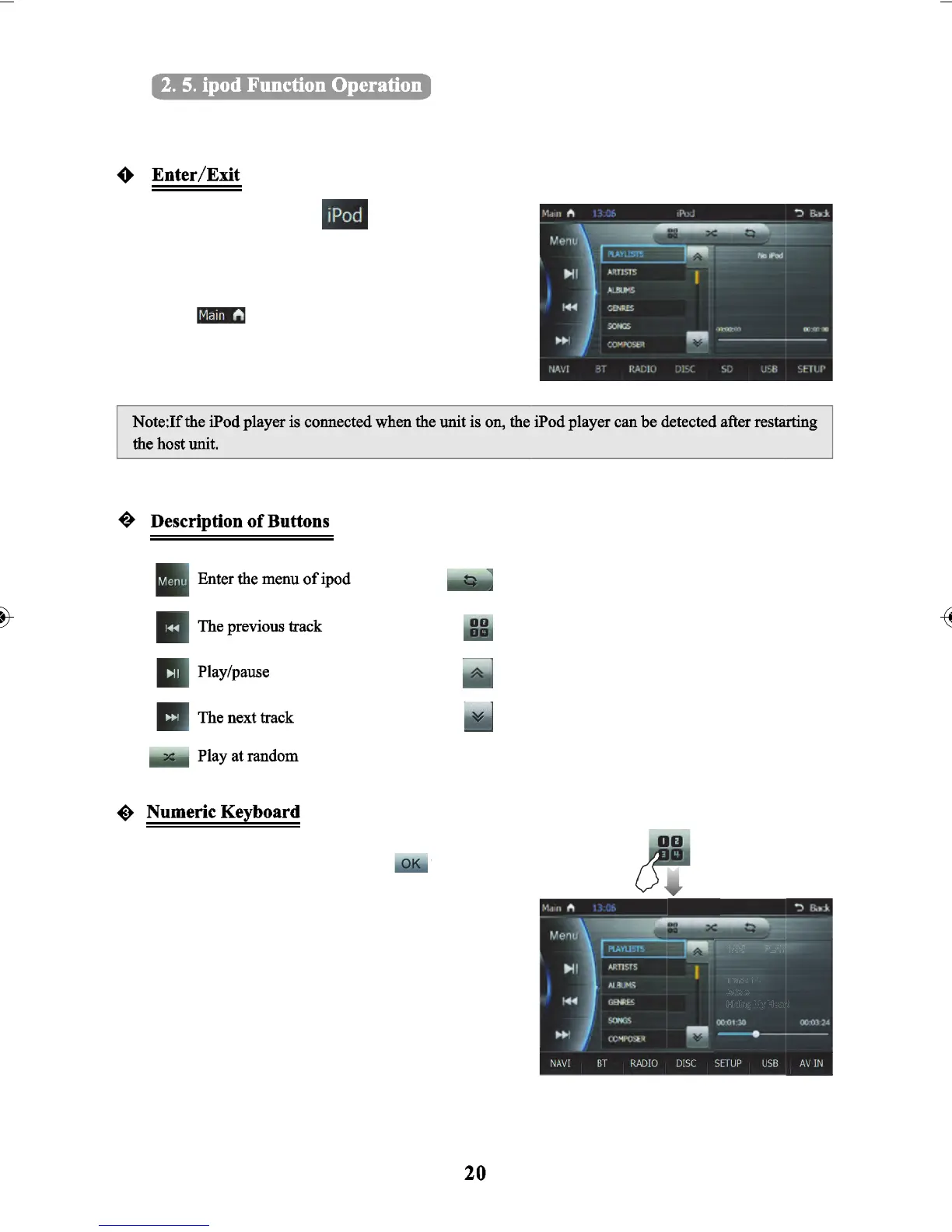
When the unit is connected with an external iPod player, the audio stored in iPod player can be played
through the unit.
In the main menu, touch
interface.
Hide/open the keyboard
Scroll up the list
Scroll down the list
Open input track no. on the keyboard and you may play
the exact track you want. Then press
track selection - you may select and play the exact track
you want.
Turn on/off the repeat function
Touch
to enter into the main menu interface, then
touch other icons to exit from the iPod function.
to enter the iPod
to confirm



 To Next Page