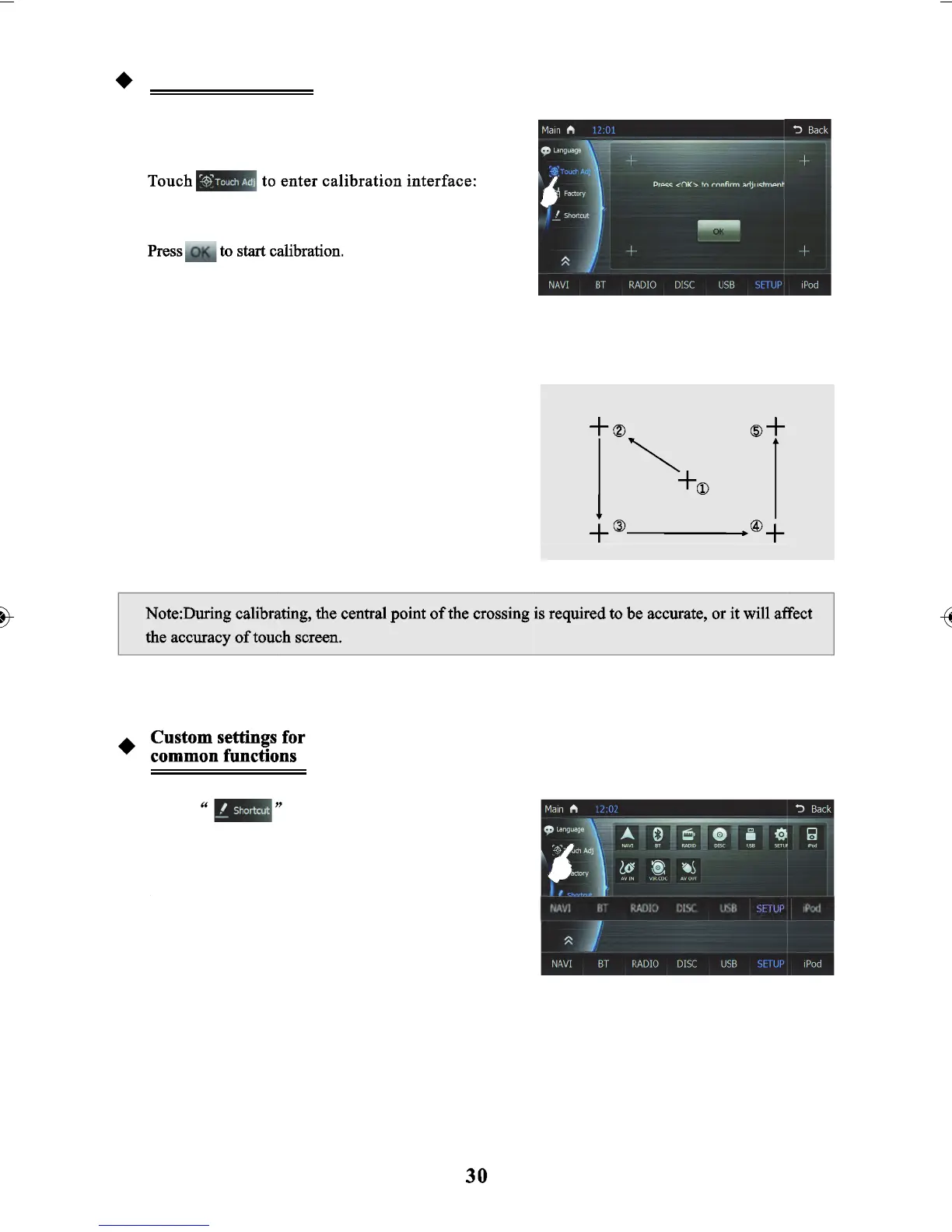
After calibrating from Point 1 to Point 5 touch the
blank area on the screen to finish calibration and return
to setting menu.
Touch
to enter the interface to change
the options for common functions.
You can also set up function shortcuts at the bottom of
the interface by choosing functions from the list.
Shortcuts are limited to seven, then touch and drag function icons and pull therm into the list of shortcuts
to finish. If there are seven shortcuts, and you want to replace a shortcut - you just need to pull the new
function icons into the list to replace the old shortcut.
Screen Calibration
If Touch deviation occurs, calibration is available by
touching the screen to recalibrate.
Then Touch “+” with stylus from point 1 to point 5 to
calibrate screen touch.



 To Next Page