Stereo/L-Mono/R-Mono/Mix-Mono (choose the dolby digital sound channel)
Note: Preference Set - can be set only when there is no disc inside player.
1 KID SAFE/2G/3PG/4PG 13/5PGR/6R/7NC17/8ADULT Select one to lock the level.
English/Chinese/French/Hungarian/Italian/Russian/German/Spanish/Portuguese/others
Select the language for audio during playback. (disc support is needed)
English/Chinese/French/Hungarian/Italian/Russian/German/Spanish/Portuguese/others
Select the language to be displayed during playback. (disc support is needed)
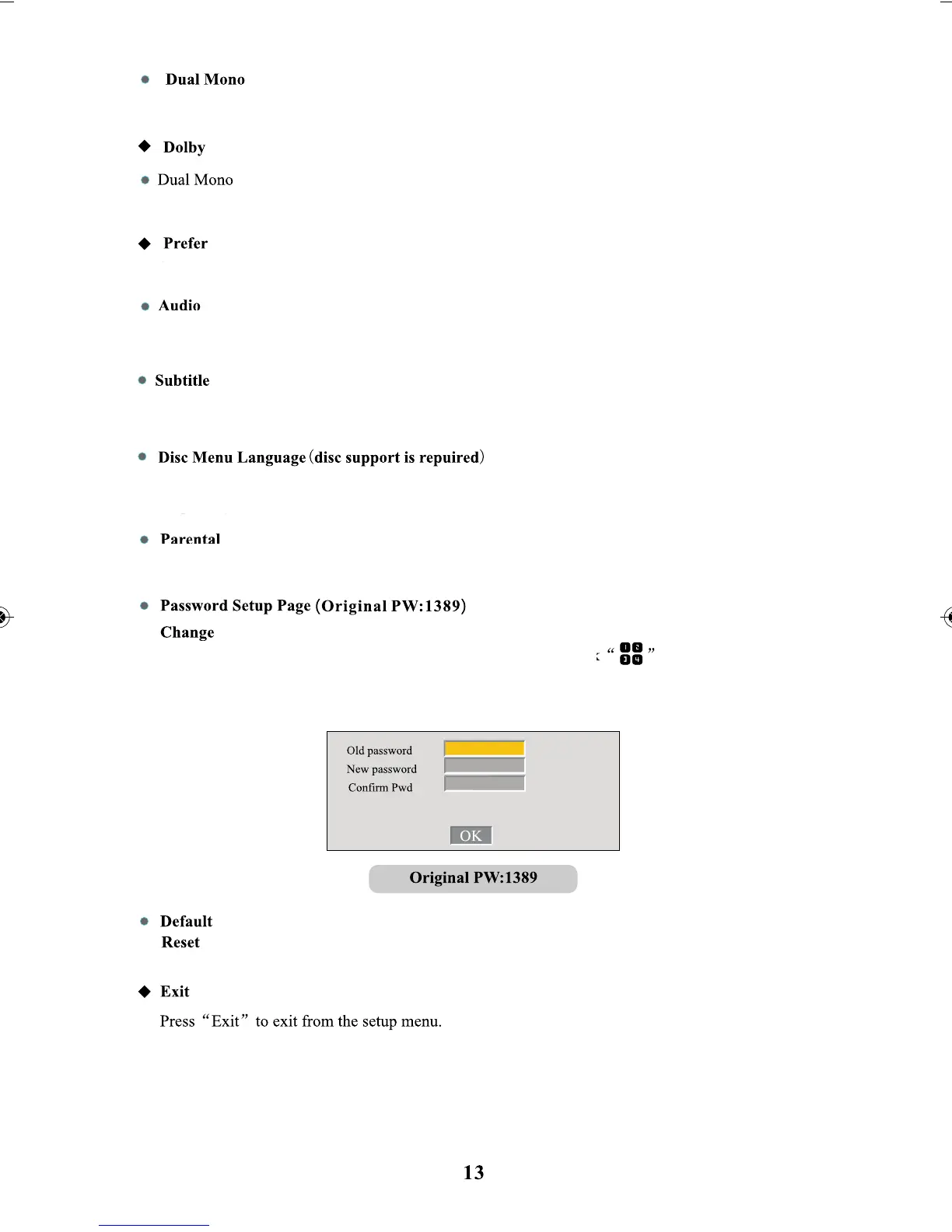
Click “Change” button and long press the screen and then click
Reset all the values of DVD function setup options to system default.
board appears - enter the original password and then enter the new password - and you can finish
this setup procedure by pressing “OK”
button, once the numeric
English/Chinese/French/Hungarian/Italian/Russian/German/Spanish/Portuguese/others
Select the language to be displayed.. (disc support is needed)
Stereo/L-Mono/
R-Mono/Mix-Mono
(choose the dolby digital sound channel)



 To Next Page