Pull out the car key from the ignition and the system will recognize the information to turn off the unit.
Press and hold on the power button for more than 2 seconds and the system then enters stand-by mode
automatically.
If the unit was turned off by removing the car key from the ignition, it will turn on automatically by
inserting the key again and turning to the accessory position.
If you pressed the power button on the panel to turn off the unit last time, press the power button lightly
again to turn the unit on.
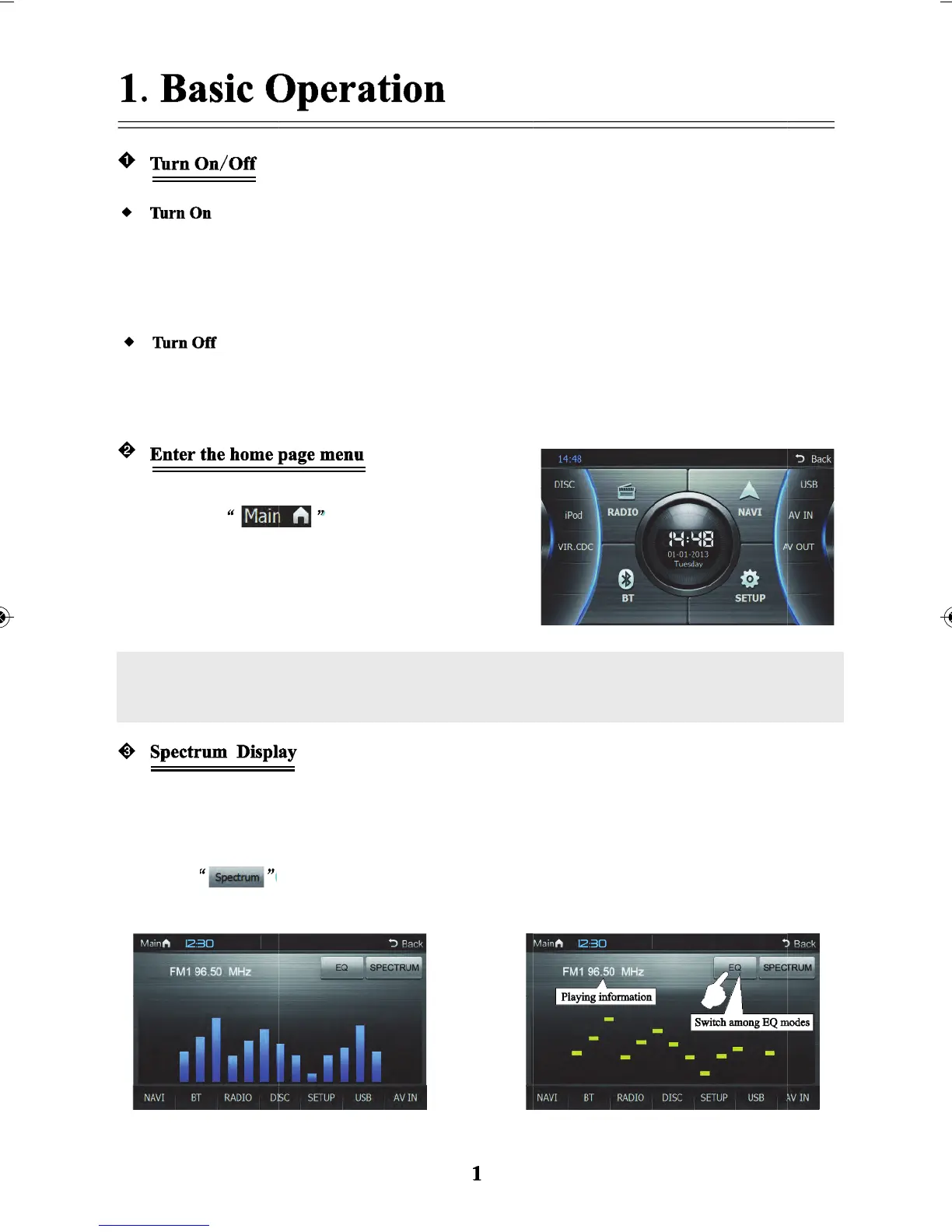
Radio is the default state when turning on the system,
then touch
home page menu interface.
Touch the icons in the menu to enter into the
corresponding function operation interface.
Note: If you touch the above-mentioned icon lightly, and “Device not connected” is indicated it
means there is no connection between the device and the host unit present.
When the spectrum display is enabled and when in Disc state and playing discs that are in the format of
MP3/CD and other discs without any video, if there is no operation within 10 seconds, the screen will
automatically switch to the spectrum mode.
Touch
lightly and the screen will switch between the different spectrum modes.
Rectangular spectrum
Column spectrum
lightly on screen to enter the



 To Next Page