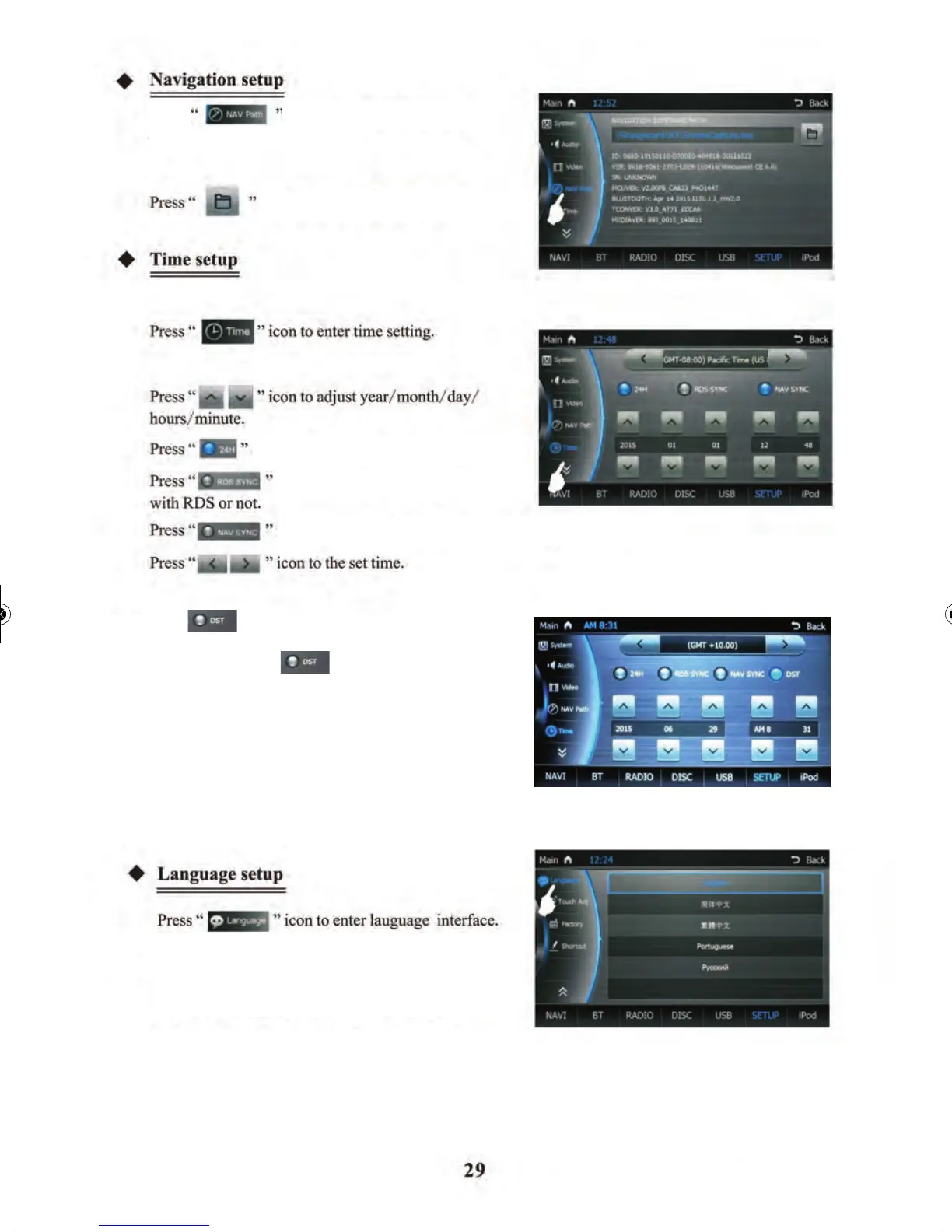
to select navigation software
to setup navigation path
icon to choose 24 hour display.
icon to choose whether to synchronise
icon to enter language interface.
Select English/Simplified Chinese/Traditional
Chinese/ Portuguese/Russian.
icon to choose whether to synchronise with navigation or not
path
Touch
Select English/Simplified Chinese/Traditional Chinese/
Portuguese/Russian.
Press to choose Daylight Savings time which
will make the time go forward by 1 hour.
By unselecting the the time will go
backward by 1 hour.



 To Next Page