When Driving
29
For details, refer to Section 4, “i-ACTIVSENSE”.
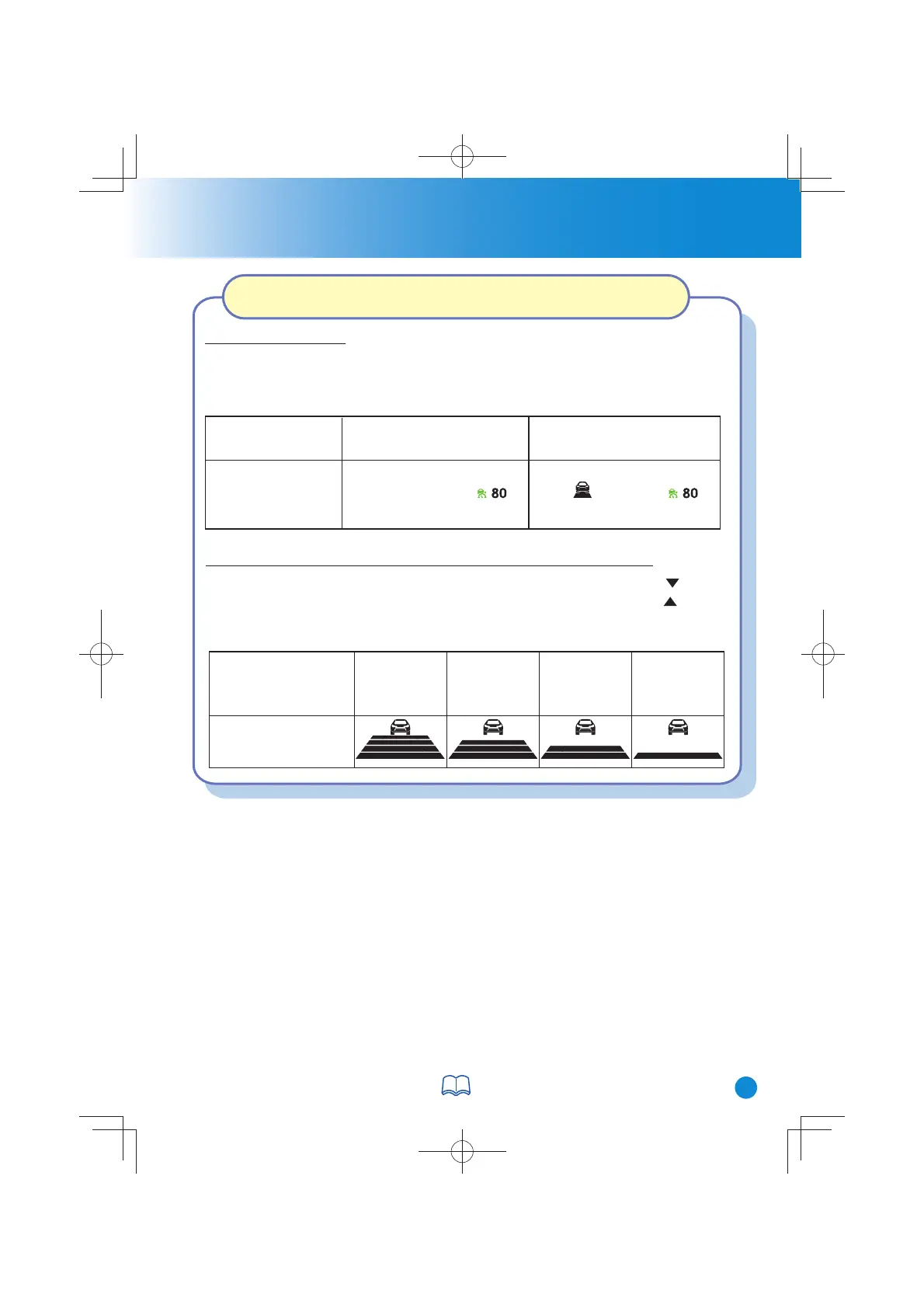
How to Set the Distance Between Vehicles During Headway Control
Distance-between-vehicles
guideline (at 80 km/h (50
mph) vehicle speed)
Long
(about 50 m
(164 ft))
Medium
(about 40 m
(131 ft))
Short
(about 30 m
(98 ft))
Extremely short
(about 25 m
(82 ft))
Display
The distance-between-vehicles is set to a shorter distance by pressing the switch.
The distance-between-vehicles is set to a longer distance by pressing the switch.
The distance-between-vehicles can be set to 4 levels; Long, medium, short, and
extremely short distance.
How to Set the Speed
1. Adjust the vehicle speed to the desired setting using the accelerator pedal.
2. Headway control begins when the SET + or SET - switch is pressed. The set
speed and the inter-vehicle distance display filled with white lines are displayed.
Travel status
During travel at constant
speed
During travel under headway
control
Display
Setting the Mazda Radar Cruise Control with Stop & Go function
(MRCC with Stop & Go function)
CX-38GT4EE18DEdition8QuickGuide.indb31CX-38GT4EE18DEdition8QuickGuide.indb31 2019/11/229:08:022019/11/229:08:02



 To Next Page