- 4 -
BONNET GRANDE CUISINE
Rue des Frères Lumière - Z.I Mitry Compans
77292 MITRY MORY Cedex
12.3 PROGRAMMES MENU
è
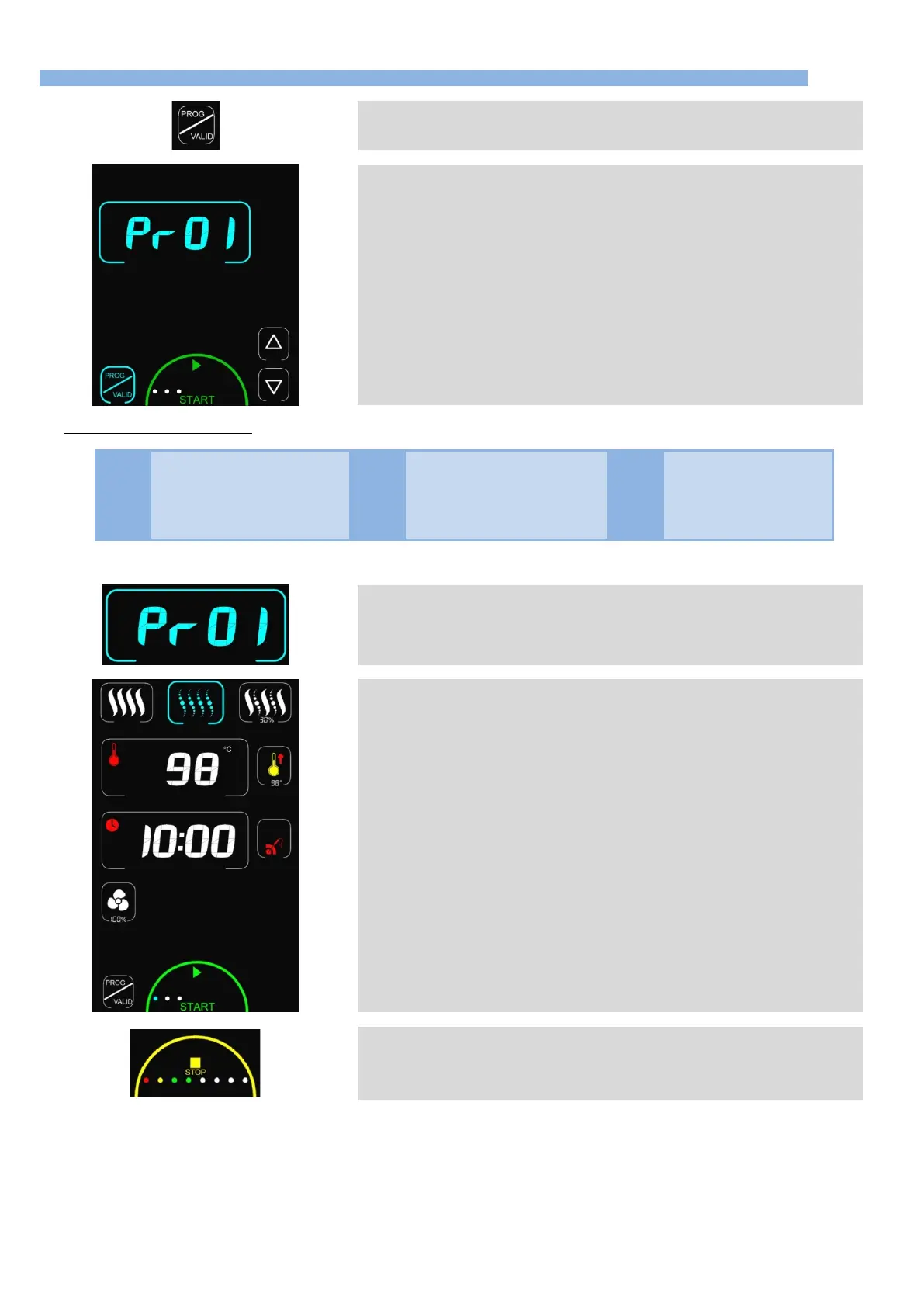
The first press on the PROG/VALID button gives access to saved programmes
(recipes)
è
Display shows “Pr01” in the timer zone.
6
5
buttons scrolls through the programmes (Programmes
No 01 to 18).
Note: the programmes are pre-recorded.
Only programmes that are not empty are displayed
The dots (white) in the “Start” zone indicate the number of cooking phases in the
programme (maximum 6 phases with preheat)
Pressing “Start” launches the programme.
Pressing the PROG/VALID button or any inactive zone exits this menu and returns to
the previous screen.
List of pre-recorded programmes:
Sliced carrots from frozen
Fish : steamed from fresh
12.3.1 DISPLAYING THE CONTENTS OF A MENU PROGRAMME
è
Pressing the display “Prxx” or the coder reveals the content of the programme selected
(cooking mode, temperature, time …)
è
Pressing PROG/VALID or the coder scrolls through the phases one at a time
The phase being displayed is indicated by the colour of the dots in the Start zone:
1
st
dot is in cyan = 1
st
phase (other dots are white)
2
nd
dot is cyan = 2
nd
phase (other dots are white)
After the last phase consulted the screen shows “Prxx” (the last programme displayed).
Pressing Start starts the programme (from phase 1).
The programmes can be modified if this is authorised (Edit in the Prog menu) but will
not be saved permanently.
Changes continue to be available until another programme is used
è
Whilst cooking the programme’s progress is symbolised by the coloured dots in the
STOP zone:
Green = phase not started


 To Next Page