McHale F5400 Baler
40
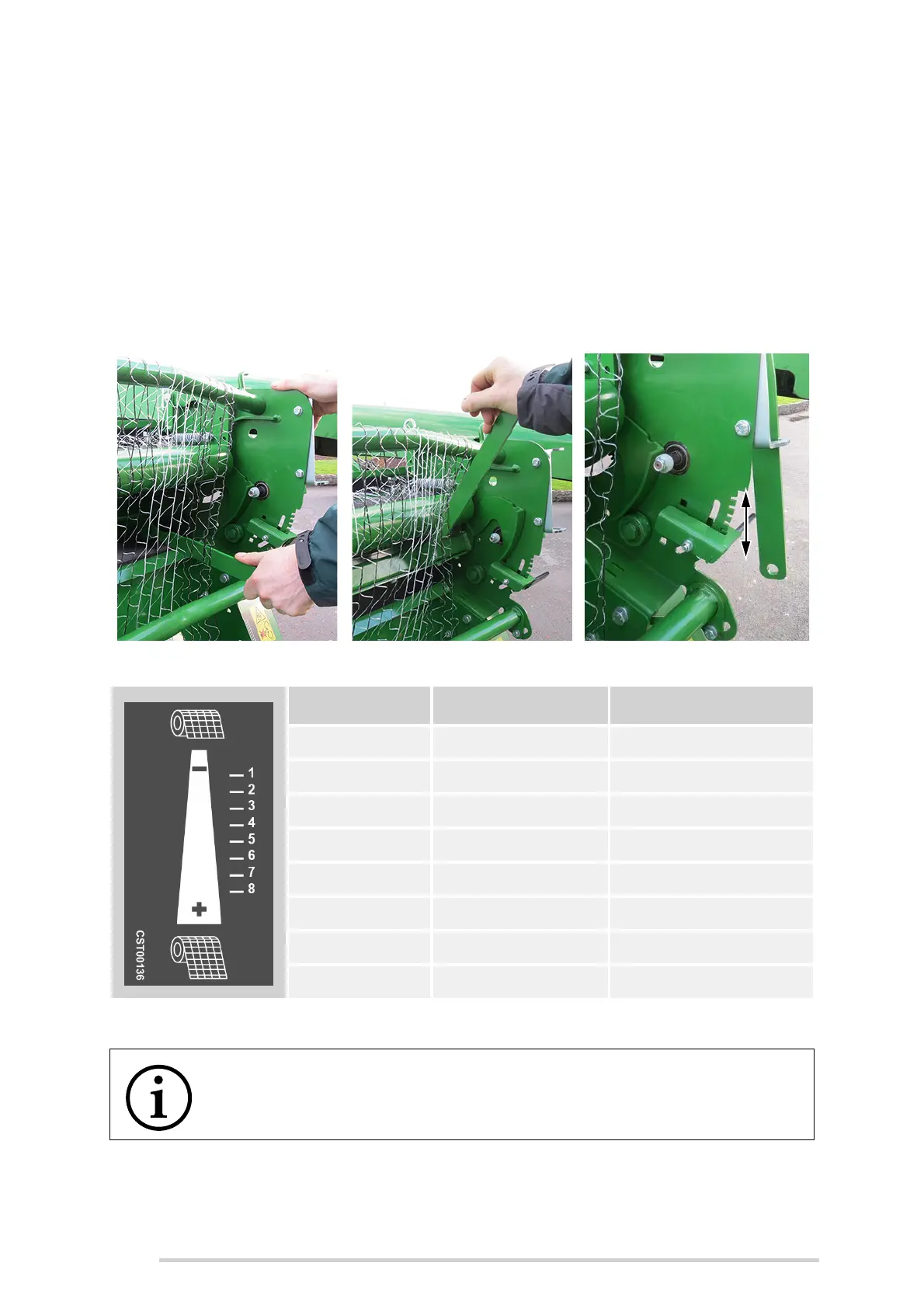
4. Adjust the net amount adjuster accordingly. Adjustment is achieved by pushing
the adjustment lever (D) to the right in order to release the latch from the
notches. Choose the desired notch, upwards or downwards, for less or more
net to be applied, before re-engaging. The notches are sequenced from top to
bottom and are numbered from 1 to 8 respectively. See the table below for the
exact amount of net applied for each specific notch.
5. Once the desired setting is selected, replace the bill hook onto the adjuster by
pulling upwards on the knife frame bar, using the handle provided. Ensure that
the bill hook rests on the adjuster, in the knife re-set position, before returning
the handle into the holster provided. (C)
*Calculated net settings
Knife tripped Knife not tripped (re-set) Net adjustment
Notch (#) Layers of Net* (#) Length of Net* (m)
1 2 7.5
2 2.25 8.5
3 2.5 9.4
4 2.75 10.4
5 3 11.3
6 3.25 12.3
7 3.5 13.2
8 3.75 14.2
NOTE: Ensure bill hook rests on the adjuster
Always ensure that the bill hook rests on the adjuster, in the knife re-set
position.



 To Next Page