EasyManua.ls Logo

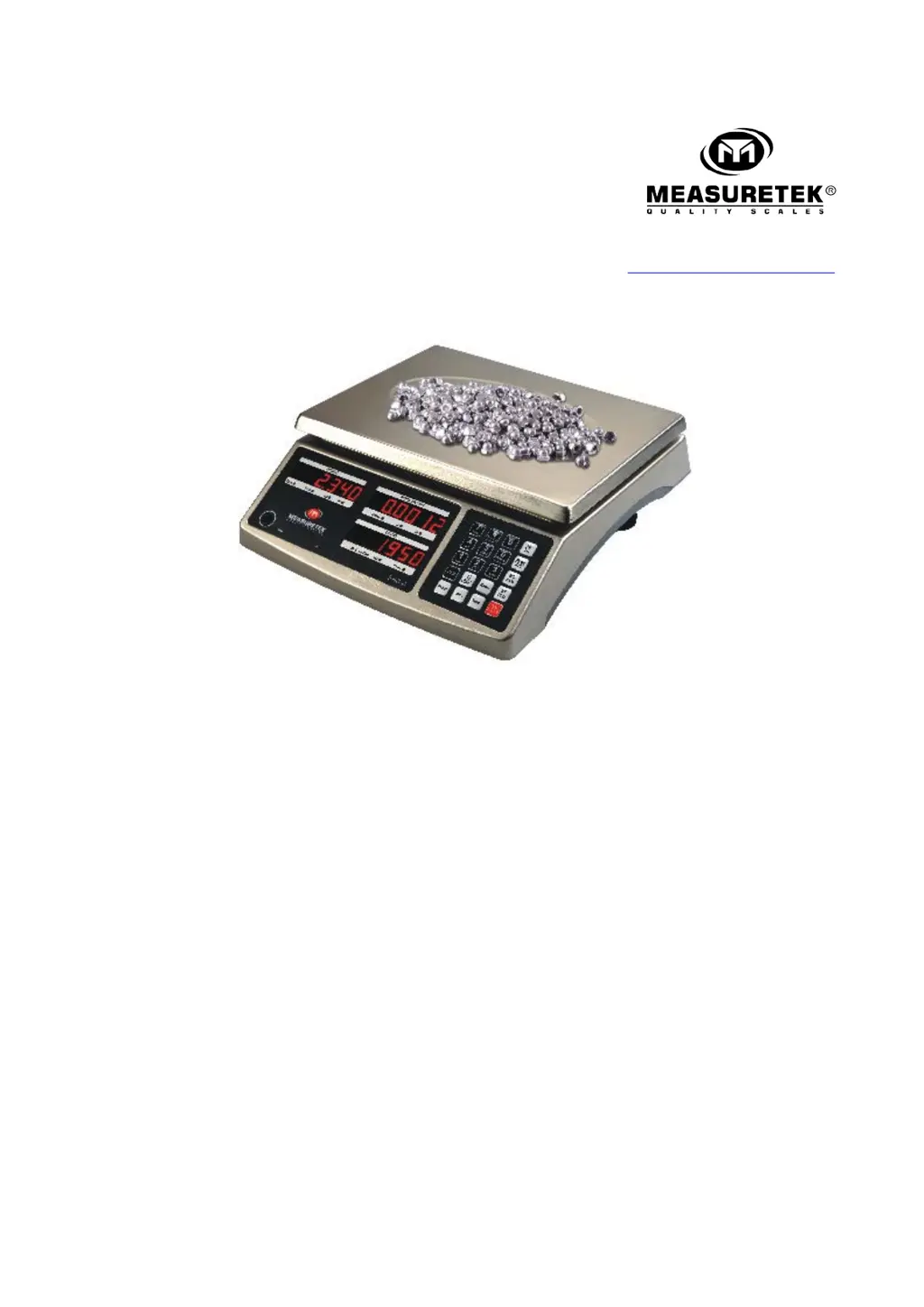
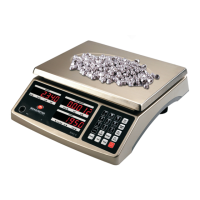
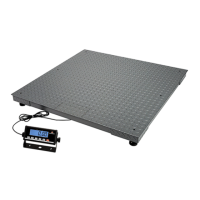
Measuretek 12R982A - User Manual

Measuretek 12R982A
16 pages
Print Icon
To Next Page IconTo Next Page
Loading...
www.easthigh.com.cn
EHC-C
12R982A 12R983A
12R984A 12R985A
User/Technical Manual
Contents subject to change without notice
Version 1.0
7/2013

Questions and Answers

  • Q
    qgomezSep 9, 2025
    What to do if weight reading exceeds the overload limit on Measuretek Scales?
    • J
      Jennifer WallerSep 10, 2025
      If the weight reading on your Measuretek Scales exceeds the overload limit, or if the weight value cannot be displayed in the current unit of measure, reduce the load on the scale until the weight value is displayed. Alternatively, you can use an alternate unit of measure.
  • J
    John KennedySep 8, 2025
    What to do if I am unable to zero the display on my Measuretek 12R982A?
    • G
      Gregory CollinsSep 8, 2025
      If you're unable to zero the display on your Measuretek Scales, it might be due to a load on the scale exceeding allowable limits, an unstable load, or load cell damage. First, remove any load from the scale. Then, wait for the load to stabilize. If the issue persists, service may be required.
  • A
    antoniohornSep 7, 2025
    Why won't my Measuretek Scales power on?
    • M
      Michael CisnerosSep 7, 2025
      The Measuretek Scales might not power on due to several reasons. Check if the power cord is correctly plugged into both the scale and the power outlet, and verify that the power outlet is supplying electricity. If using batteries, try replacing them. If these steps don't resolve the issue, service may be required.
  • J
    Jennifer JohnsonAug 22, 2025
    What to do if my Measuretek 12R982A will not power on?
    • R
      Rodney PetersenAug 23, 2025
      If your Measuretek Scales won't power on, check the power cord connections to ensure they are properly plugged in. Verify the power outlet is supplying electricity. If it's battery-operated, replace the batteries. If these steps don't resolve the issue, service may be required, as there could be another failure.
  • R
    Rebecca Smith DVMSep 5, 2025
    What does Err30 mean on my Measuretek 12R982A?
    • E
      Elizabeth MartinezSep 5, 2025
      If your Measuretek Scales display shows 'Err30', the load cell wires to the indicator are incorrectly connected, shorted, or open, or the ADC or load cell is damaged. Ensure the wires are correctly connected. Service is required to replace the load cell or ADC chip.
  • T
    Tracy RiveraSep 3, 2025
    What does Lo.bAt mean on my Measuretek 12R982A?
    • H
      Hailey MorrisonSep 4, 2025
      If your Measuretek Scales display shows 'Lo.bAt', the battery is discharged. Charge the battery to resolve this.
  • E
    Elizabeth SmallSep 2, 2025
    What does Err40 mean on my Measuretek Scales?
    • J
      James Gates Jr.Sep 2, 2025
      If your Measuretek Scales display shows 'Err40', the data memory is not set, not correctly set, or the set data has been lost. Reset the data memory for the address you are attempting to recall.
  • J
    Jessica OliverSep 1, 2025
    What does Err20 mean on my Measuretek 12R982A Scales?
    • A
      Angela DrakeSep 1, 2025
      If your Measuretek Scales display shows 'Err20', a calibration error has occurred. This can happen if the input data or loaded weight is too small, too large, unstable, or not linear. Input correct data, load the correct weight onto the platform. If the issue continues, service may be required.
  • K
    Kimberly StephensAug 31, 2025
    Why do my Measuretek 12R982A Scales show incorrect counting results?
    • L
      Lauren MezaAug 31, 2025
      If the counting result is incorrect when using SPL to enter a piece weight on your Measuretek Scales, the sampling quantity may be too small, or the calculated piece weight may be slightly different from the real value. Increase the sampling quantity to resolve this.
  • T
    Terri Briggs MDAug 30, 2025
    What to do if my Measuretek 12R982A Scales show Err11?
    • E
      Erik MunozAug 30, 2025
      If your Measuretek Scales display shows 'Err11', the setup parameters are either not set, not correctly set, or have been lost. Reset the parameters and perform calibration.

Measuretek 12R982A Specifications

General IconGeneral
BrandMeasuretek
Model12R982A
CategoryScales
LanguageEnglish

Related product manuals