93075 Page 19
4069 RT April 2014
4069 RT Operating Instructions & Function Tests
Operate from Platform
• Enter the platform through the personnel entry gate. Close and secure the
entry.
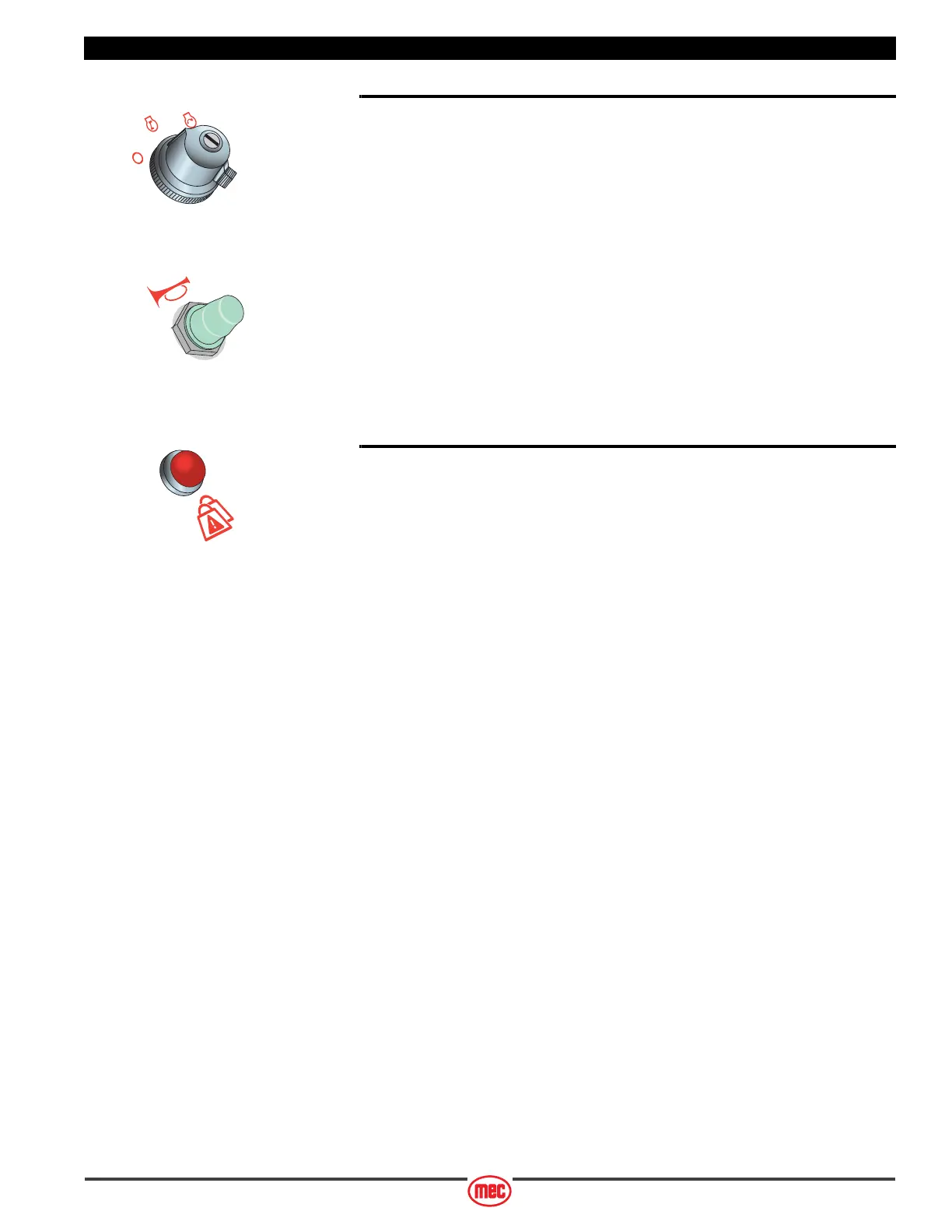
• Turn the platform selector switch to the ON position.
• Start the engine as previously described (see page 15).
• Press the Horn Button (if equipped) to verify proper operation.
Overload Indicator Light
• Light ON indicates too much weight on the platform.
• An audible alarm will sound and all machine functions will stop.
Remove weight from the platform to restore function and continue.
ART_2404 R1
ART_3824
ART_3928



 To Next Page