Page 26 65-J Diesel - Operator’s Manual
September 2022Section 7 - Operating Instructions & Pre-Operation Function Tests
Platform Operations Test
Emergency Stop
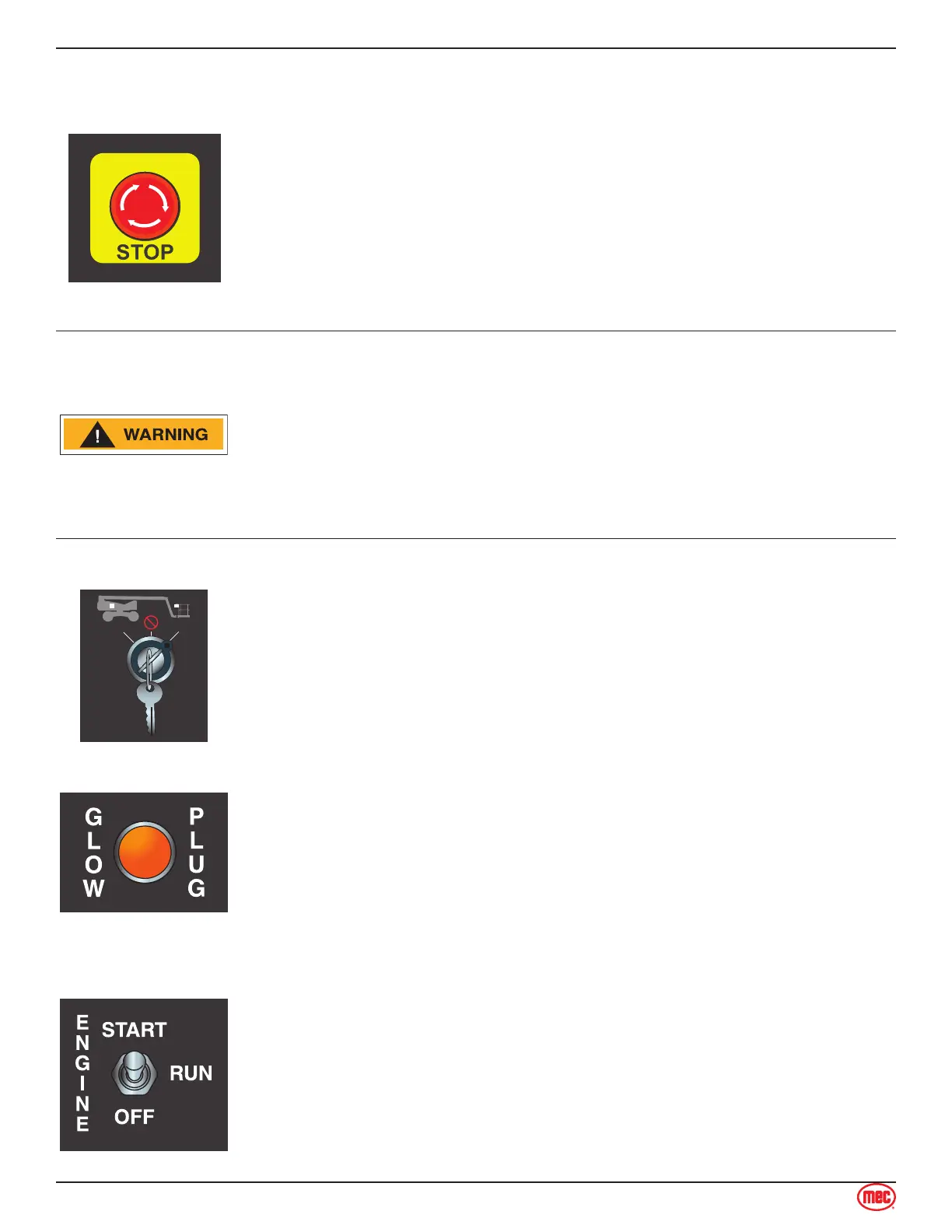
Press the EMERGENCY STOP switch at any time to stop all machine
functions.
Turn switch clockwise to reset.
Depress the EMERGENCY STOP switch whenever the machine is not in
operation. Turn switch clockwise to reset.
Activation of the EMERGENCY STOP switch will apply brakes
immediately.
This will cause sudden platform movement as the machine comes to an
abrupt stop.
Brace yourself and secure objects on the platform during operation of
machine.
Select PLATFORM Operation
Base Controls: Turn the selector switch to PLATFORM.
The light will turn on when the Kubota ECU determines it necessary to activate
glow plugs before starting the engine.
Operate from Platform
Enter the platform through one of the personnel entry gates. Close and secure
the entry.
Press the Start/Stop switch UP to start. Release the switch when the engine
starts.



 To Next Page