Software Upgrade
73
is connected to PC.
Note: Please connect PC to internet, as a driver needs to be installed at the first use.
After drive installation, determine a fixed USB port for connection of the USB-to-RS232
connection cable in the future. If you change the port for connection of this line, you need to
reinstall the driver.
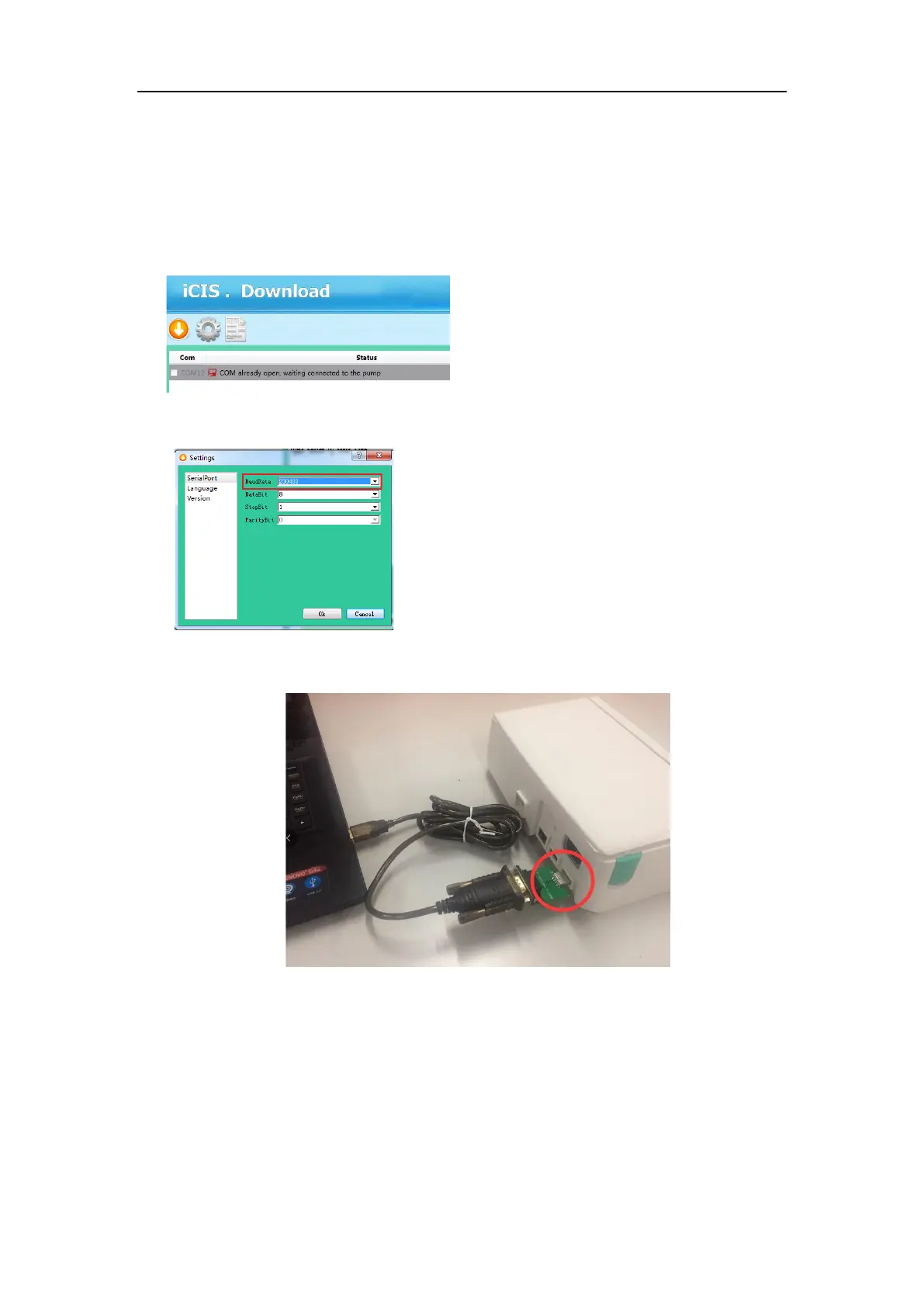
3) Check the baudrate : 230400;
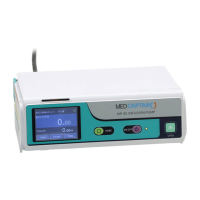
4) Connect the black end of the USB-to-RS232 connection cable to the external USB port of the
HP-30/HP-60 rear panel assembly.
5) Restart the integrated machine or power on the board. The system displays a message
indicating that the connection is successful.



 To Next Page