Software Upgrade
Confidential Information of MEDCAPTAIN MEDICAL TECHNOLOGY CO., LTD. 72/ 82
12 Software Upgrade
12.1 Software Programming Tools
1) PC: Windows 7 operating system
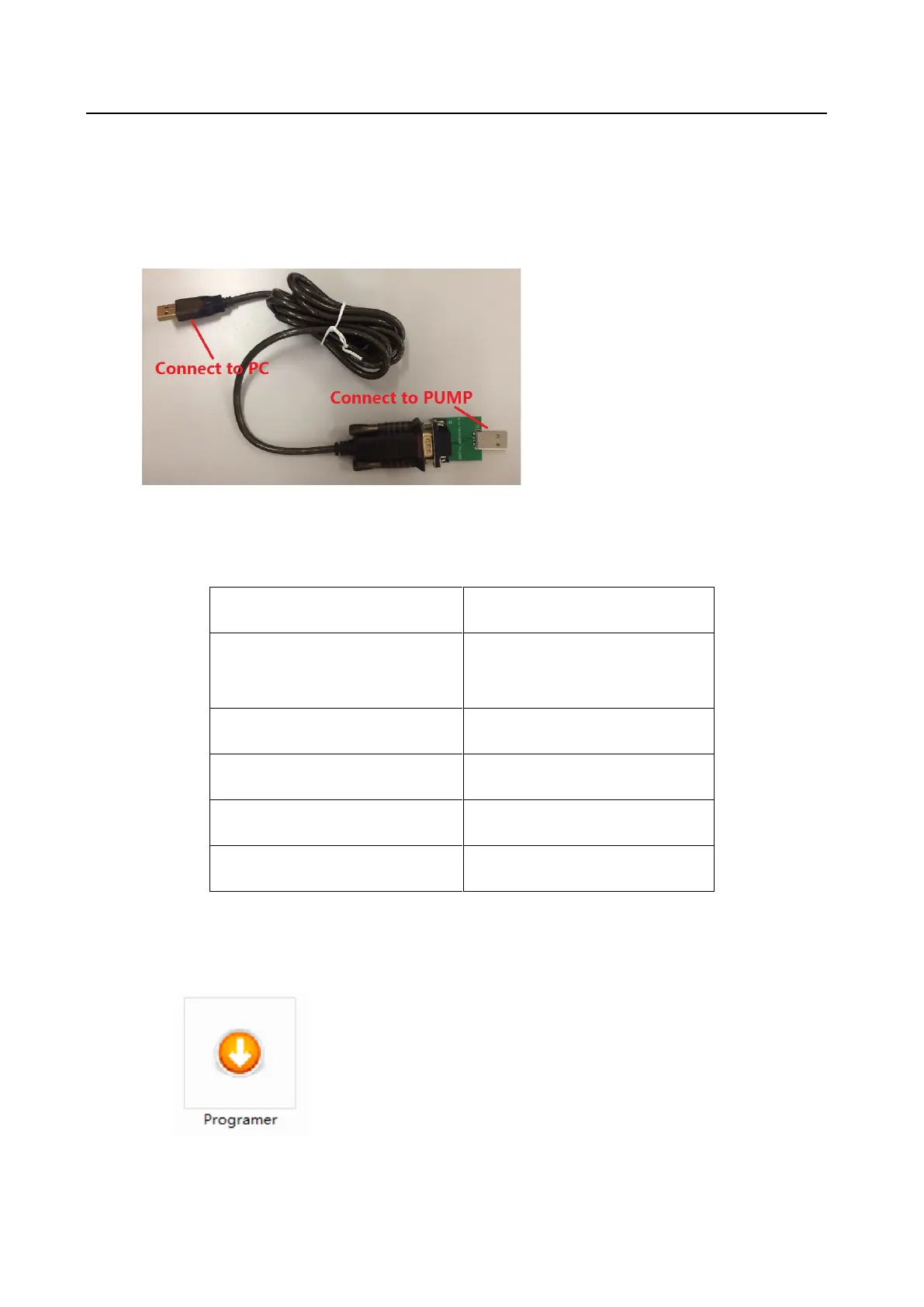
2) Programming device: USB-to-RS232 serial port cable
12.2 List of Executable Files for Software Programming
1) List of software downloaded using “Infusion clinical information system
download”
Main program of HP-30 system
software
HP-30 safe driver_V1.X.0.bin
HP3060UI resource_V1.X.bin
HP-30 consumables library
12.3 Upgrade procedure
1) Open the software [Programmer]
2) Connect the white end of the USB-to-RS232 connection cable to the USB port of PC. If it
shows the words [com already open, waiting connected to the pump], it means that the cable



 To Next Page