MIXER
LCDDisplay
DrumVol
BassVol
OcVol
VoiceR1
VoiceR2
VoiceL
000-031020
000-031018
000-031021
000-031
024
000
000
-
-
012
031
031
012
STYLESONGFILE
TEMPOVELMEASURE
BEAT
MEMORY
TICKO.TS.
DSP
card
25
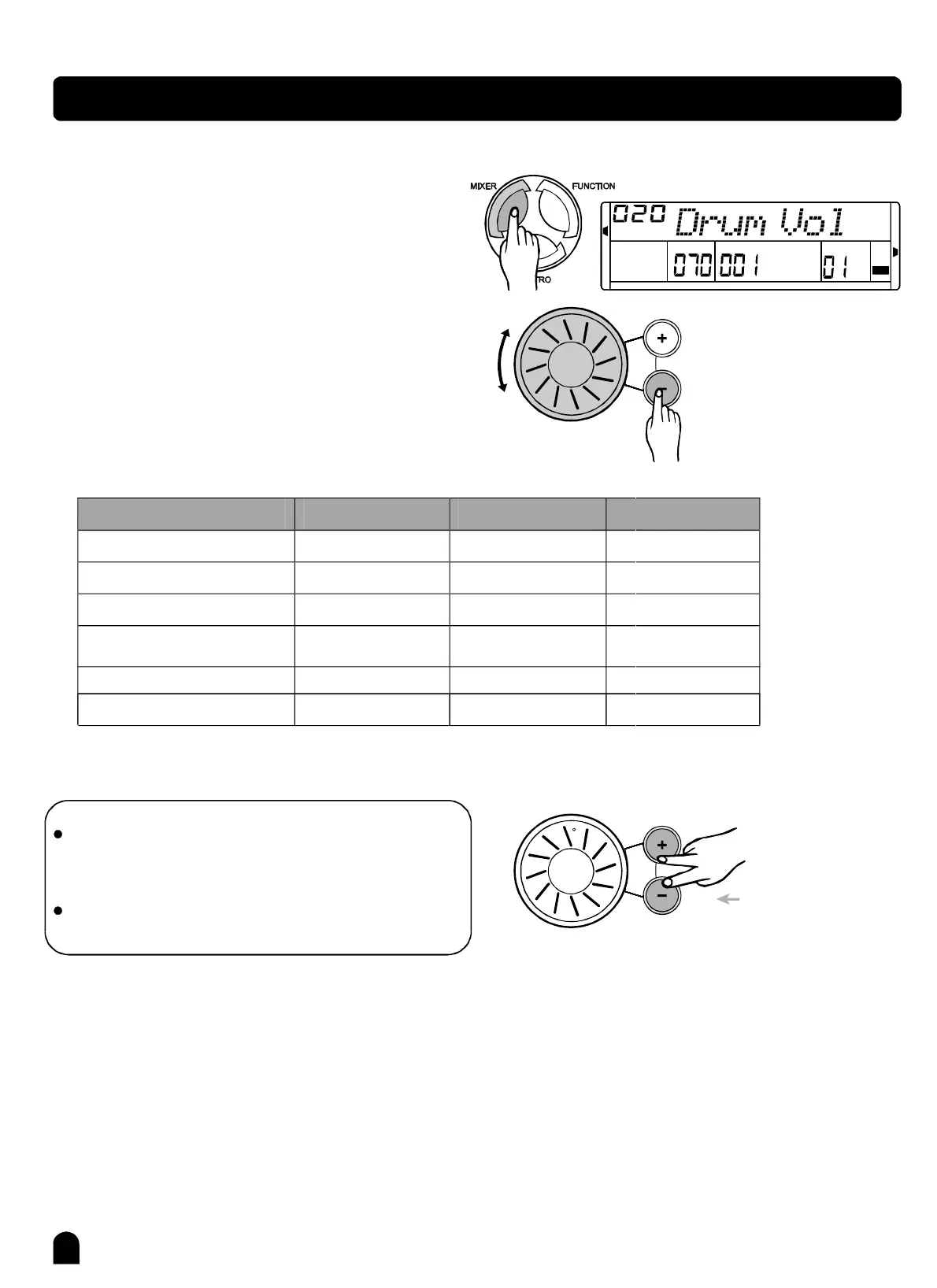
Press[MIXER]buttontoenterthemenuofMIXER.
ThedefaultoptionofthemenuisDrumvolume.When
youenterthismenunexttime,youwillfindtheoption
isthesameaslasttime.
Press
Youcanadjustkeyboardvoicevolume,stylevolume
throughMIXERbypressing[]and[]buttonorusing
dial.
Theoptionandtheparametersareasthefollow:
[MIXER]buttontoselecttheoptionyouwanttoset.
+-
Adjustcontent
DRUMvolume
BASSvolume
ORCHESTRAvolume
UPPER1volume
UPPER2volume
LOWERvolume
RangeDefaultvalue
NOTE:
Ifyoudonotpressanybuttonfor5secondsafter
enteringMIXERmenu,itwillquitthismenuautoma-
tically.
Whenyoupress[+]and[-]together,thevolumeyou
aresettingwillturnoff.
Presstogether
PDF 文件使用 "pdfFactory Pro" 试用版本创建 ² www.fineprint.com.cn



 To Next Page