Function Menu
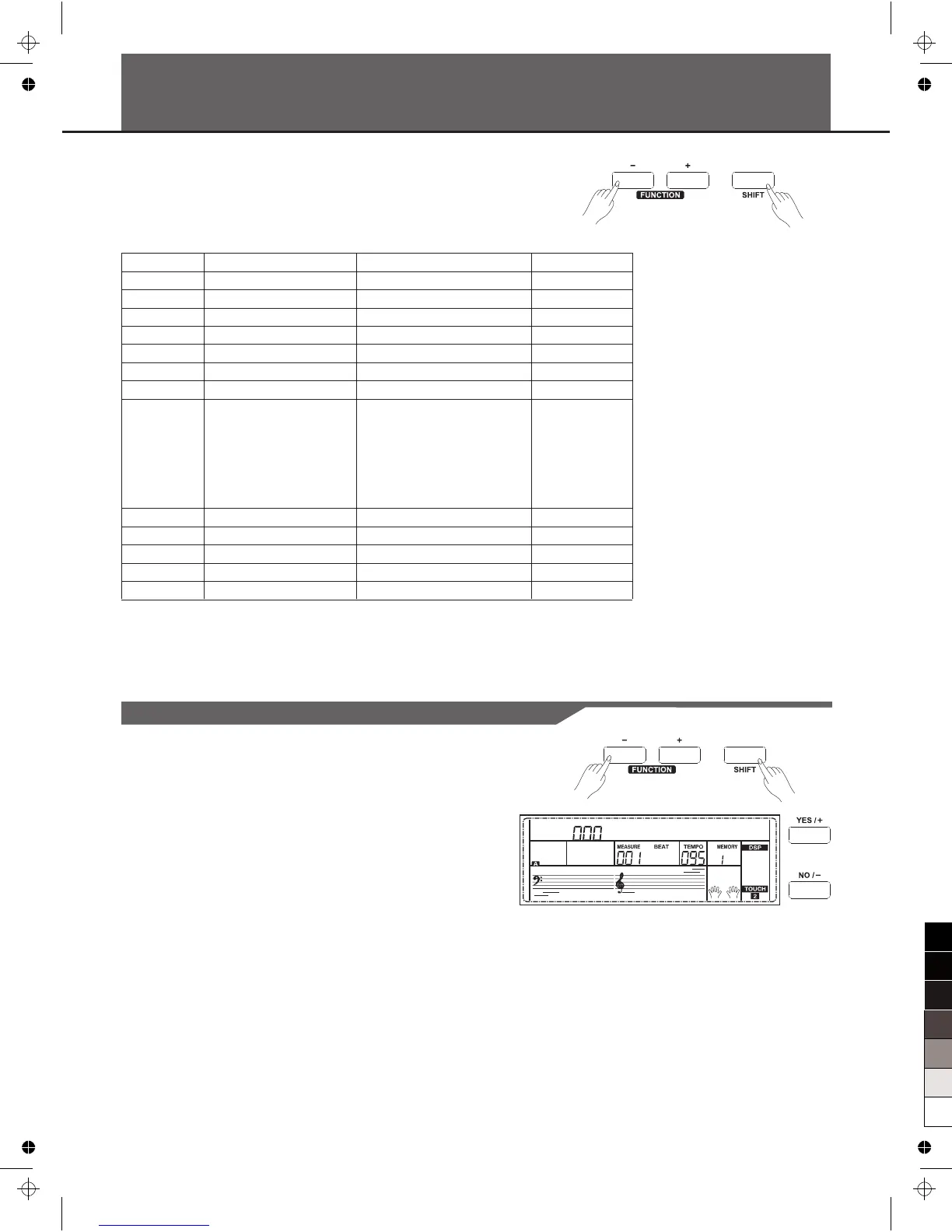
Holding down [SHIFT] button, and then press [FUNCTION+/-] button to
enter function menu. The LCD displays the current function menu
option. Use [+/YES]/ [-/NO] or data dial to set parameter of the current
menu.
The option and parameters are as follows:
Number
1
2
3
4
5
6
7
8
9
10
11
12
13
LCD display
xxx Tune
xxx KeySplit
xxx BeatType
xxx MetroVol
00x Pedal xxxx
xxx ReverbVol
xxx ChorusVol
xxx xxxx
xxx HarmonySpeed
xxx Midi In
xxx Midi Out
xxx PowerOff
xxx Perform Beat
Range
-50 ~ +50
1 ~ 88
0, 2 ~ 9
0~127
Sust,St/T, Mem
0 ~ 127
0 ~ 127
Duet, StandardTrio, Full
Chord, Rock Duet, Country
Duet, Country Trio, Block, 4
Close 1, 4 Close 2, 4 Open,
1+5, Octave, Strum, Echo,
Tremolo, Trill
1 ~ 4
1 ~ 16,ALL
1 ~ 16
OFF, 30,60
4-4,3-4,2-4,6-8
Default
000
034
004
90
Sust
Depend on voice
Depend on voice
Duet
1
ALL
001
030
4-4
Note:
The function menu status will exit if no operation is done within 5 seconds.
24
Tune
This function sets the pitch of entire keyboard by steps of cents.
1. Holding down [SHIFT] button, and then press [FUNCTION+/-]
button to select tune menu. LCD displays “xxx Tune”.
Use [+/YES]/[-/NO] or data dial to change tune value. Its range is
from -50 to 50 cents.
2. Press [+/YES] and [-/NO] simultaneously will set the tune value to
its default setting:000. The setting is applied to both accompaniment
and the voice.
T u n e



 To Next Page