Song
The piano has 63 songs in all, including 3 user songs.
Listen to the songs
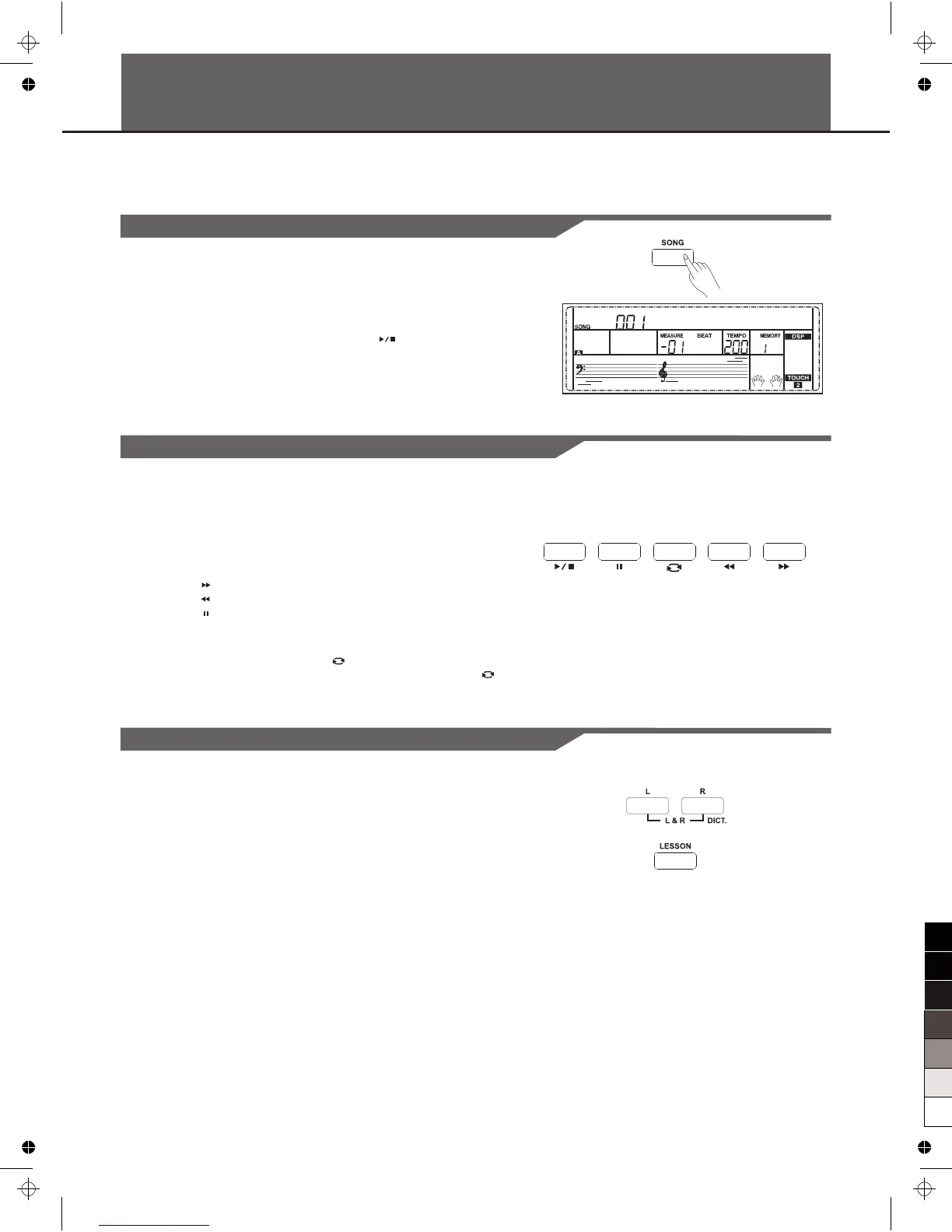
1. Press the [SONG] button to enter the song mode. The LCD shows
“SONG” indicate and it will play all songs circularly.
2. Use the data dial, [+/YES] or [-/NO] button to select a song.
3. Once you start playing a song by pressing [ ] button, it will play
current song repeatedly.
4. When the song is stopped, press the style or voice direct button,
[DUAL] button and so on will exit the song mode.
Song Control
1. Introductory beat
Before song start playing, it has the introductory beat, the measure
starts from negative value. It begins to play song when the measure
goes to 1.
2. REW, FF and PAUSE
When the song is playing:
Press the [ ] button to fast forward the song.
Press the [ ] button to rewind the song (base on the measure).
Press the [ ] button to pause the playing song.
3. Song Repeat
When playing the song, press the [ ] to set the loop begin and
press it again to set the loop end. When in loop status, press [ ]
again to quit the loop playing status.
Lesson Mode
In the instrument, there are 3 different ways to practice the song: time
training, note training and performance. The keyboard has a grading
system to assess your study.
1. Press the [LESSON] button.
In Song mode, press the [LESSON] button will enter the lesson mode.
2. Select the practice hand.
There are 3 levels of the lessons. Use [L] or [R] button to select which
hand you want to practice. If neither hand is selected, the keyboard
will automatically select the right hand practice for you.
Note:
According to the type of the song, the content of your practice by left
hand is different. If you choose a chord song, the left hand practices the
chord, otherwise, practices the melody. When the song is playing, the
staff and the keyboard displayed on the LCD indicate the melody and
chord position, the numbered musical notation displayed on LCD shows
the last note played by RIGHT track, and it will be convenient for you to
practice.
Jambalay
32



 To Next Page