Song Recording
Playback Recording
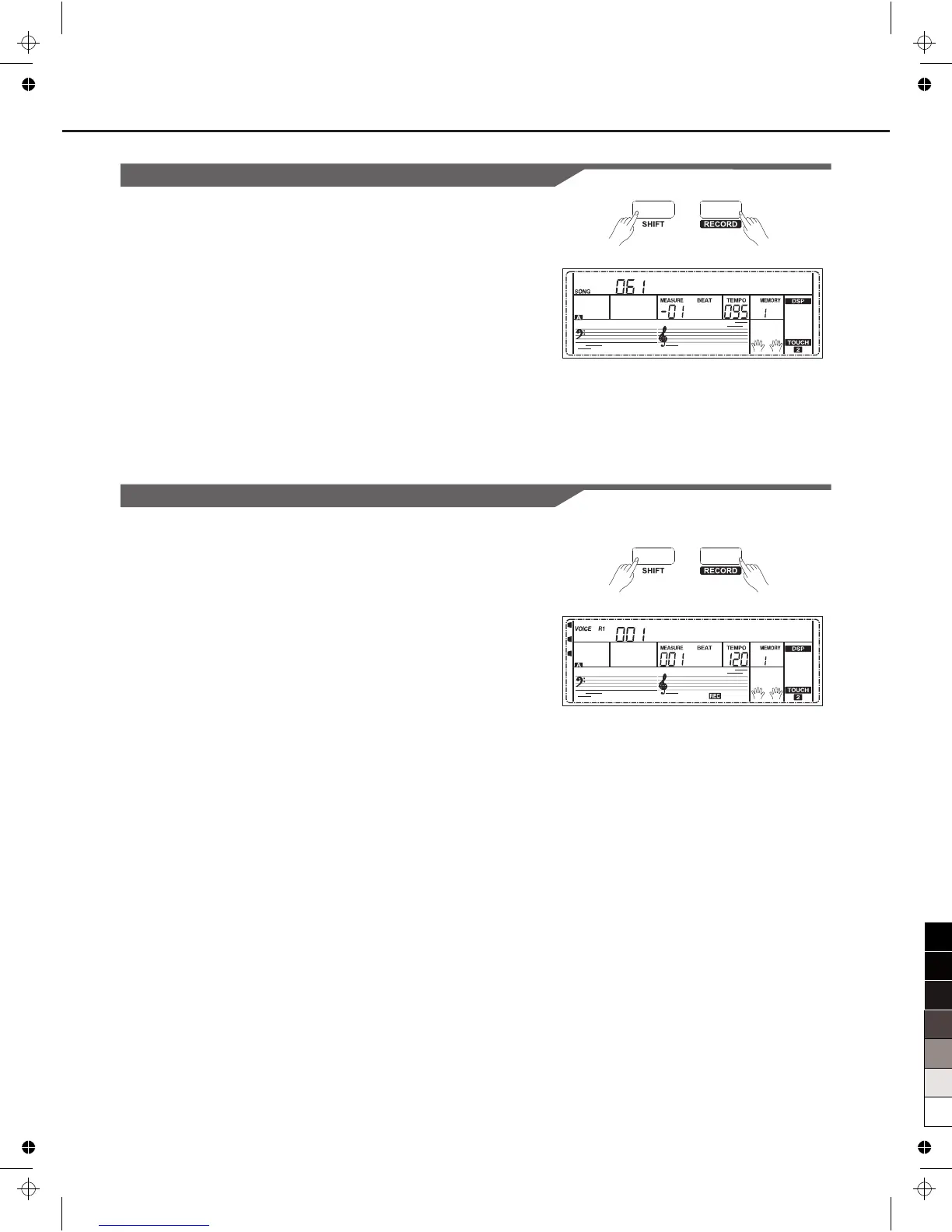
1. When recording is in process, holding down [SHIFT] button and
then press the [RECORD] button, it will stop recording and enter the
song play mode, and the current recorded song will play
automatically in circle.
2. Press the [SONG] button to enter the song mode and it will play all
songs circularly. Use the data dial, [+/YES] or [-/NO] button to select
a song, there are 63 songs in all, including 3 user songs (61~63). If
there is no data in the selected user song, it will display “NoFile”
and stop playing.
3. You can select one user song in song stop playing mode, press
[PLAY/STOP] button, this user song will play circularly.
Delete User Song
1. Pressing and holding [RECORD] and [SONG] button together and
turn power on simultaneously, all user songs will be erased.
2. In the recording preparation status, holding down [SHIFT] button
and then press the [RECORD] button for two second, the LCD will
display “Delete?”. Holding down [SHIFT] button then press
[ACCOMP] (or [MELODY 1] to [MELODY 5]) button to select the
track you want to delete.
When some track indicate is lightened, it indicates that the track
data you want to delete, otherwise, it indicate that the track data you
want to keep. If all the track indicates are lightened, the whole user
song will be erased after confirmation.
3. Choose the track you want to delete, press [+/YES] to confirm and
the recorded data in this track will be erased. Press [-/NO] to quit
this step, and go back to the recording preparation status
NoFile!
Delete?
31



 To Next Page