20
Memory
There are 4 memories for storage.
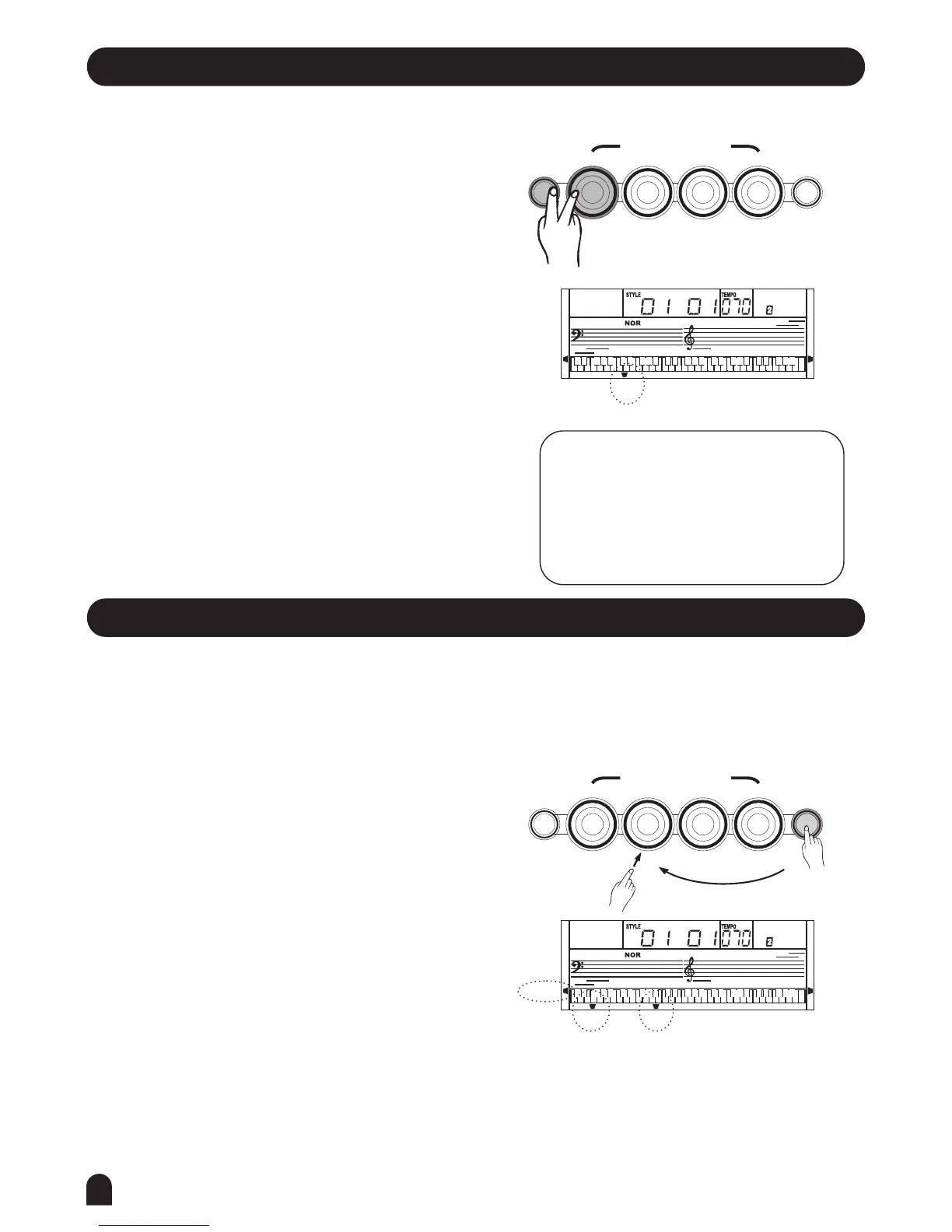
Press and hold [STORE], press [M1](or [M2]-[M4])
meanwhile. The data will be stored into M1 (M2-M4).
The data which can be stored into the memory are as
follows:
VOICE DATA
VOICE:VOICE 1, VOICE 2;
VOICE EFFECT:TOUCH ON/OFF, SUSTAIN ON/OFF,
TRANSPOSE, OCTAVE, SPLIT POINT;
ACCOMP DATA
STYLE NUMBER, TEMPO, A.B.C ON/OFF, NORMAL/
VARIATION STATUS.
1.
2.
NOTE:
current memory data, the corresponding
memory flag on the LCD will flash.
The memory data will change to its default
after power off.
If the current data is different from the
STORE
STORE
O.T.S.
O.T.S.
M1
M1
M2
M2
M3
M3
M4
M4
ONE TOUCH SETTING
ONE TOUCH SETTING
LESSON 1
LESSON 1
LESSON 2
LESSON 2
LESSON 3
LESSON 3
A.B.C.
A.B.C.
O.T.S.
O.T.S.
M1
M1
M3
M3
M2
M2
M4
M4
RIGHT
RIGHT
LEFT
LEFT
DUAL
DUAL
TOUCH
TOUCH
One Touch Setting
Press [O.T.S.] button to turn this mode on and the
O.T.S. flag on the LCD will be lightened.
Press any of the[M1] ~ [M4] buttons, the relative
type of the parameter will be loaded according to the
current style.
The keyboard will turn the A.B.C. mode on automatically
while the O.T.S. is on.
Press any of the M1-M4 buttons, which is corresponded
to your desired setting.
One Touch Setting is a powerful and convenient
function that allows you to reconfigure all set-
tings instantly with the touch of a single button.
In this function, 4 types of parameters (M1~M4)
will be loaded for operating the current style.
1.
2.
Press [O.T.S.] button again to turn off the O.T.S. Mode.
3.



 To Next Page