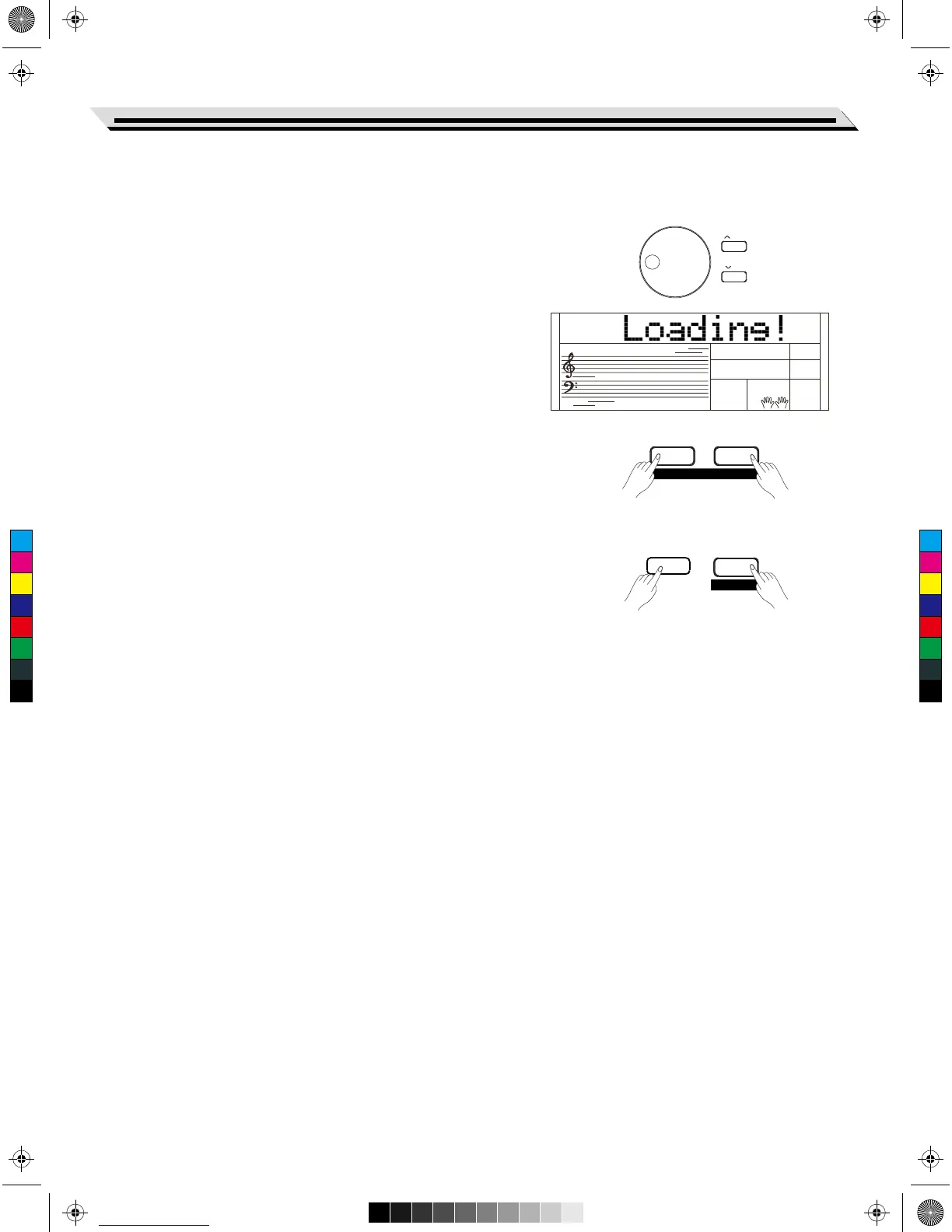
By pressing some designated combinations of buttons and keeping for
a while, and then starting the instrument. This instrument will execute
some special functions.
Restore Factory Setting
Holding down [+/YES] and [-/NO] buttons simultaneously and then turn
the [POWER] switch on, the instrument will be restored to its default
setting. It will delete all the user data: user styles, user songs and
registered memory. The LCD will display “Loading!”.
After the restore process is completed, the instrument will start normally.
Handle with care!
Restore the Registered Panel Settings
Holding down [STORE] and [M1] buttons simultaneously and then turn
the [POWER] switch on , the instrument will be restored to its default
setting. It will delete all data of registered memory.
Handle with care!
Delete User Songs
Holding down [SONG] and [RECORD] buttons simultaneously and then
turn the [POWER] switch on, the system will delete all user songs.
Handle with care!
Restore Factory Setting
39
BANK
RECORD
SONG
M1STORE
ACCOMP MELODY 1
/ YES
/ NO
C
M
Y
CM
MY
CY
CMY
K
AW_SP4200_Manual_G05_150723.ai 39 2015/7/23 11:23:07AW_SP4200_Manual_G05_150723.ai 39 2015/7/23 11:23:07



 To Next Page