16
5. Device overview
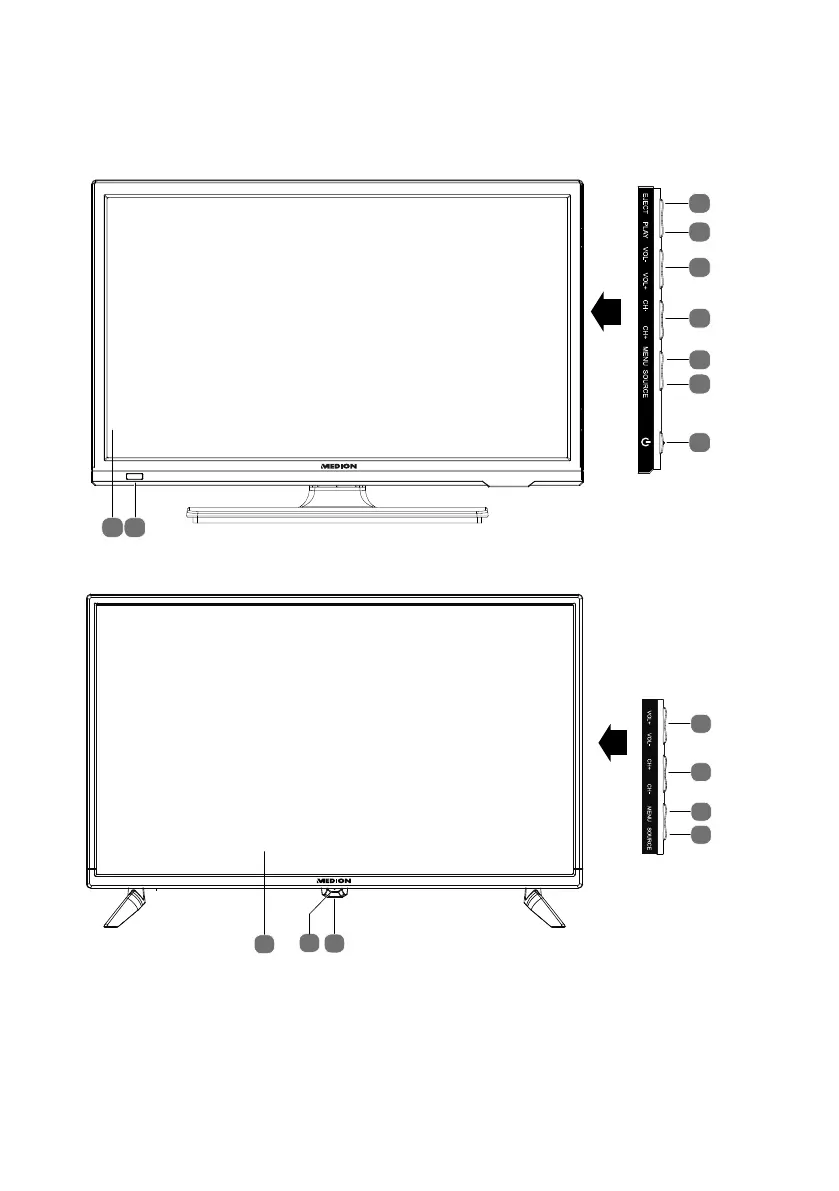
5.1. Front
MD20058 / MD20059:
3
4
7
6
5
8
9
1
2
MD20087 / MD20088:
7
9
3
4
6
5
8
(MD 20088)
1) EJECT: DVD: Eject button (MD20059)
2) PLAY: DVD: Start/pause playback (MD20059)
3) VOL+/VOL: Set the volume or navigate in the menu
4) CH+/CH: Select a program or navigate in the menu
5) MENU: Call up the on-screen menu to make settings on your device
6) SOURCE: Change the input source



 To Next Page