50
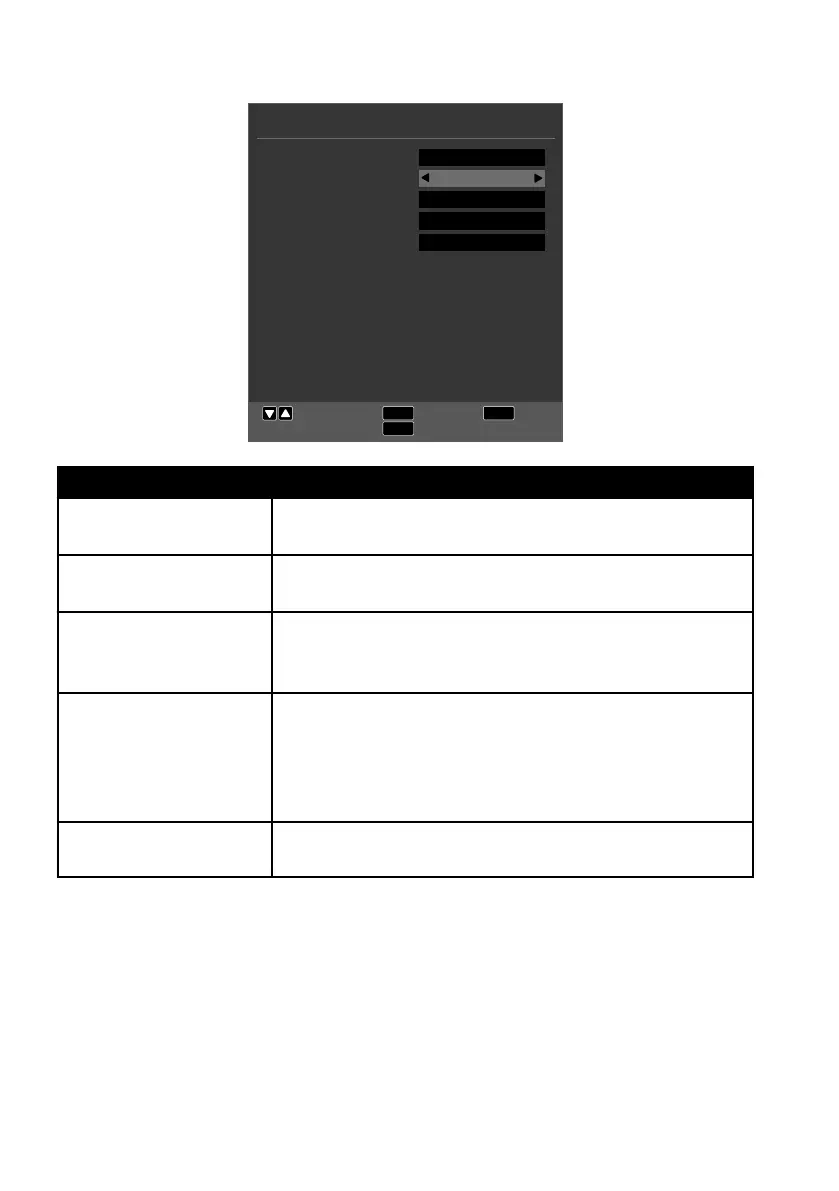
10.4. Time menu
TIME
EXIT
MENU
Move
Return
Exit
OK
Select
Clock
Time Zone
Sleep Timer
Auto Standby
OSD Timer
21/Jan 10:11
GMT
Off
4H
15 S
Menu option Setting
CLOCK Time display. It is not possible to set the time.
This option is only available in DTV mode.
TIME ZONE You can set the time zone here.
This option is only available in DTV mode.
SLEEP TIMER Select a time after which the device will switch off auto-
matically.
Select OFF to deactivate the function.
AUTO STANDBY Set a time here after which the LCD TV will switch off
automatically if no operations are carried out on the op-
erating panel or the remote control within the defined
period of time.
This function serves to protect the environment.
OSD TIMER Here you can set the time after which the OSD menu
automatically closes.



 To Next Page