38
10.1. Channel menu
Auto Tuning
Program edit
Signal Information
CI Information
Dish Setup
CHANNEL
EXIT
MENU
Move
Return
Exit
OK
Select
OK
OK
OK
OK
OK
Menu option Setting
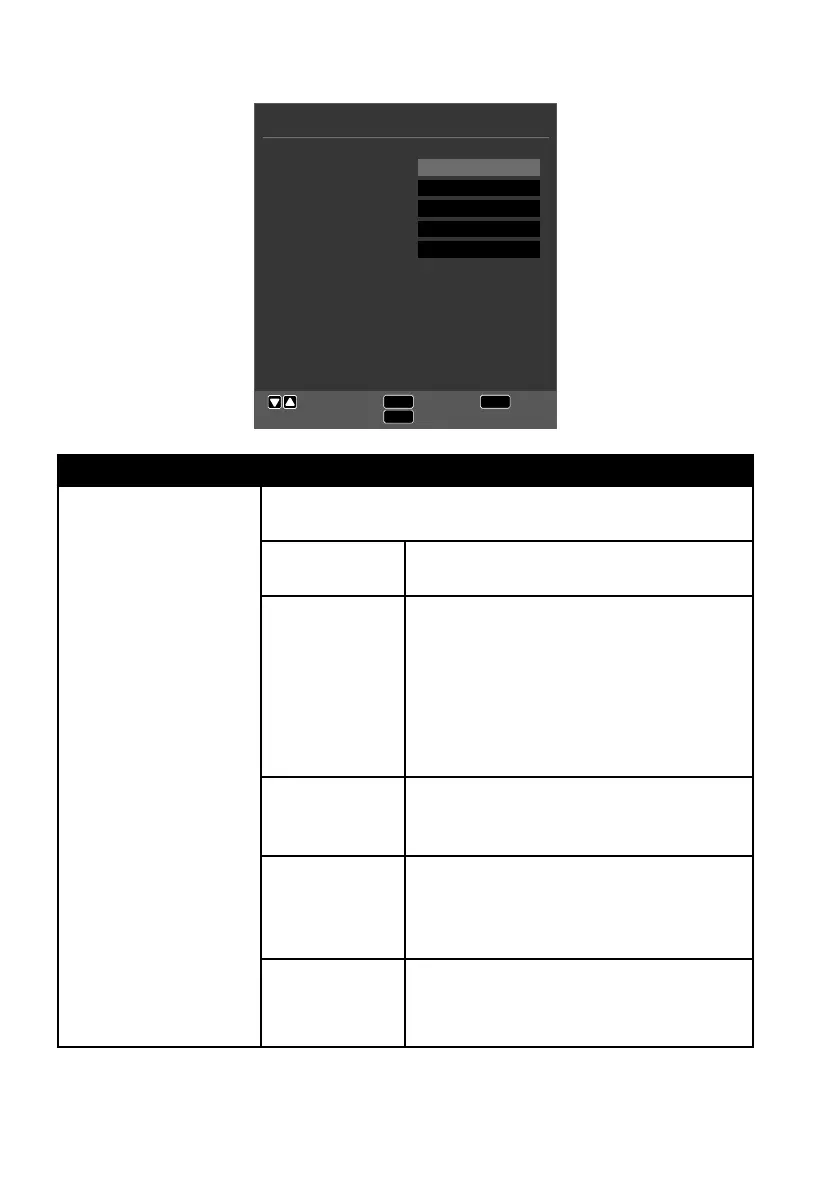
AUTO TUNING If you have selected the source DTV (DVB-T or DVB-C),
the following setting options are available:
COUNTRY Select the desired country for the chan-
nel search.
TUNE TYPE Use the direction buttons to select the
reception type:
• ATV+DTV (search for analogue and
digital TV channels)
• ATV (search for analogue TV chan-
nels)
• DTV (search for digital TV channels)
DIGITAL TYPE Use the direction buttons to select
the digital connection type (DVBT or
DVBC).
SCAN TYPE
(only in DVB-C
mode)
Set the search mode. Leave the setting
on NETWORK SCAN or FULL if you do
not want to configure any special set-
tings.
NETWORK ID
(only in DVB-C
mode)
Set the network ID. The default setting
is AUTO.



 To Next Page