19
EN
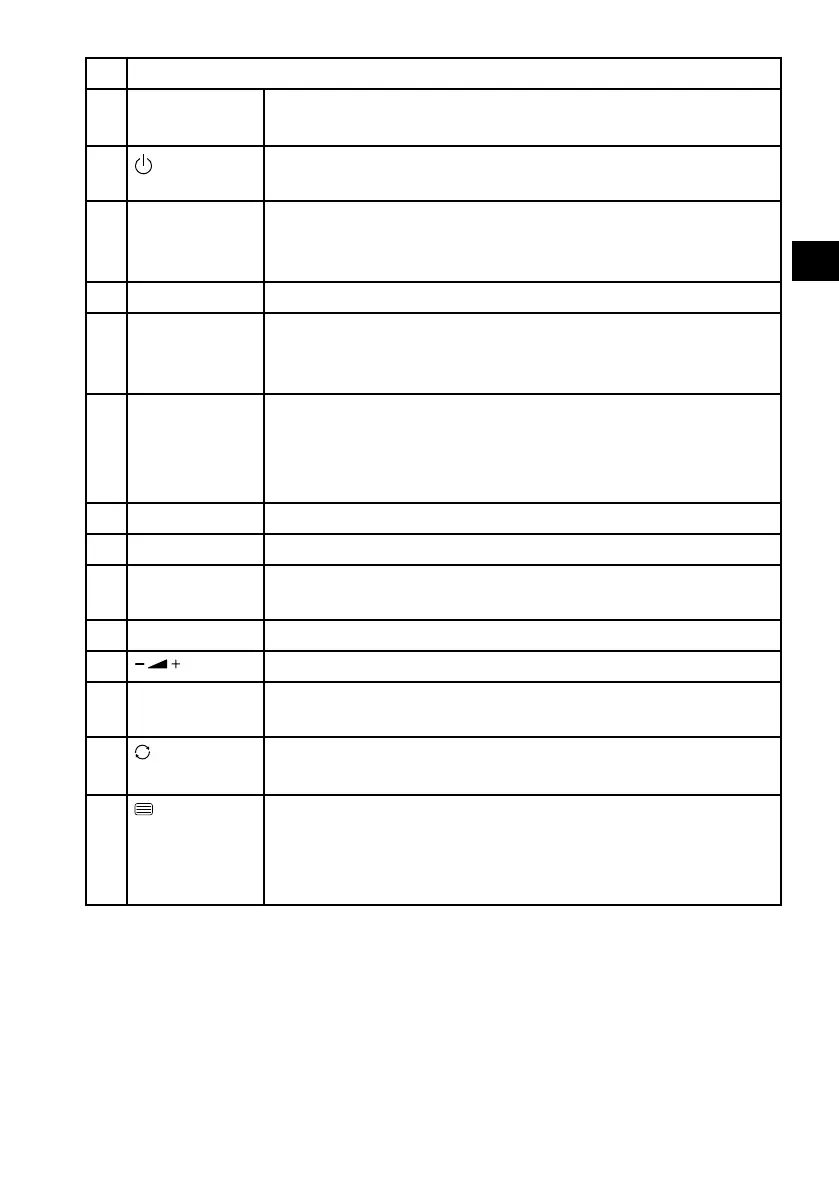
1 LED display for confirming button selection.
2 P.MODE
GOTO
Select picture mode
DVD: for selecting a desired section on a DVD (optional)
3
POWER: i.e. switch LCD TV on/off (switch standby mode on/
off).
4 MEDIA
ANGLE
Open media browser
DVD: select camera position (viewing angle) in the DVD
playback (optional)
5 REVEAL Video text: Display hidden text.
6 AUDIO
LONG
ATV: Set the normal sound format to stereo or mono
DTV/Satellite: Select the audio languages
DVD: select disc language (optional)
7 SIZE
ZOOM
Change image format
Video text: Press once to enlarge top half
Press twice to enlarge bottom half
No function
8 SLEEP Set automatic switch-off function
9 FAV Call up favourites list
10 EPG Electronic television and radio programme guide (broad-
caster-specific)
11 SOURCE Select input signal of connected devices.
12
Increase (+) or decrease (−) volume.
13 Number but-
tons
TV: Programme selection, teletext: Page selection
14
EJECT
Set previous TV programme.
DVD: Eject button (optional)
15
D.SETUP
Open video text
Press twice: set transparent
Press three times: close
DVD: open the menu (optional)



 To Next Page