44
7. Operation
7.1. Operating options
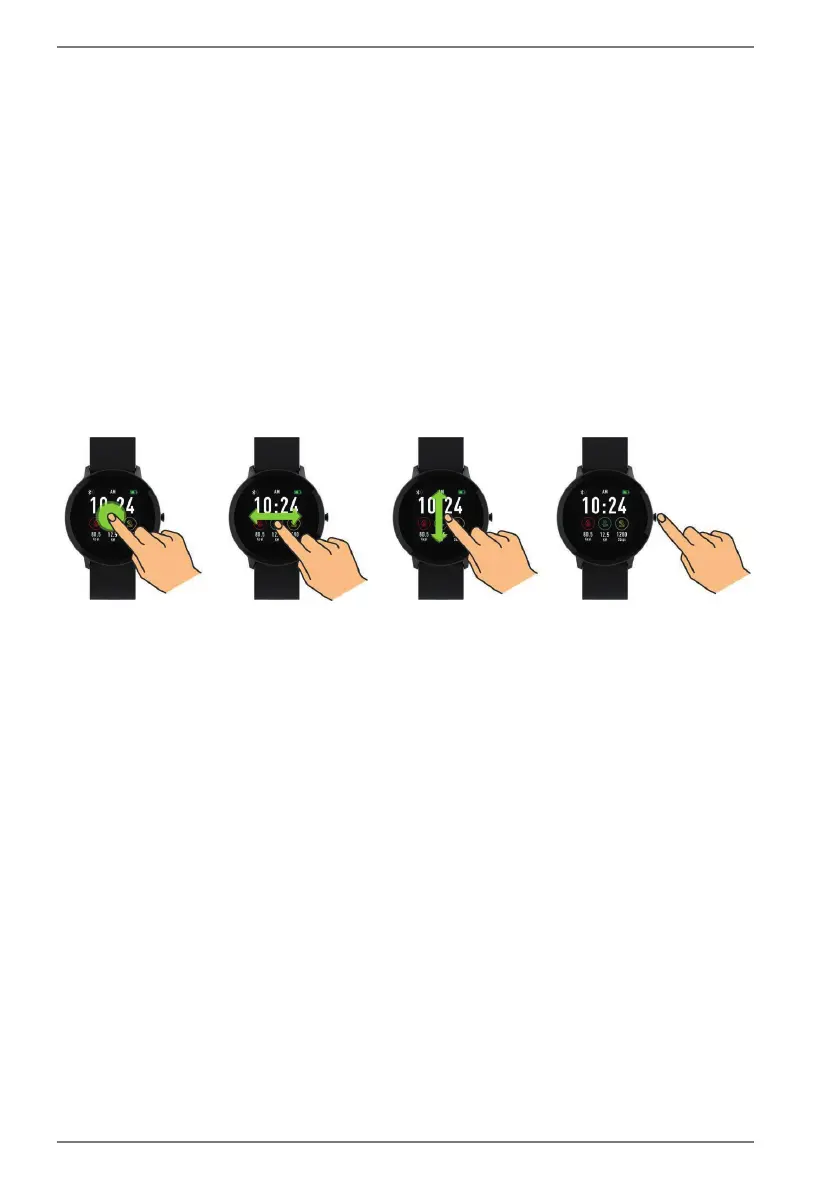
Press the On/Off button to switch the display on/off or to switch to the home
screen when the device is in use.
Press and hold the On/Off button to switch the fitness watch on/off.
When navigating using the touchscreen display, the following operating options are
available:
– Access/scroll through the menu using swipe gestures from right to left, left
to right, upwards and downwards.
– Make a selection by tapping the desired menu item.
– Press and hold the touchscreen display on the home screen to select the
home screen design (see section “7.4. Selecting a home screen design” on
page 47).
Fig. A



 To Next Page