52
During the activity, swipe once from left to right on the display or press the
On/Off button to pause the activity recording. Tap to resume the activity
recording.
Tap to end the activity recording and to store the recorded sports data during
the process.
If insufficient sports data has been recorded to store this progress, a
corresponding message is shown on the display.
Activities of less than 5 minutes cannot be stored.
9.2. Data view during activity
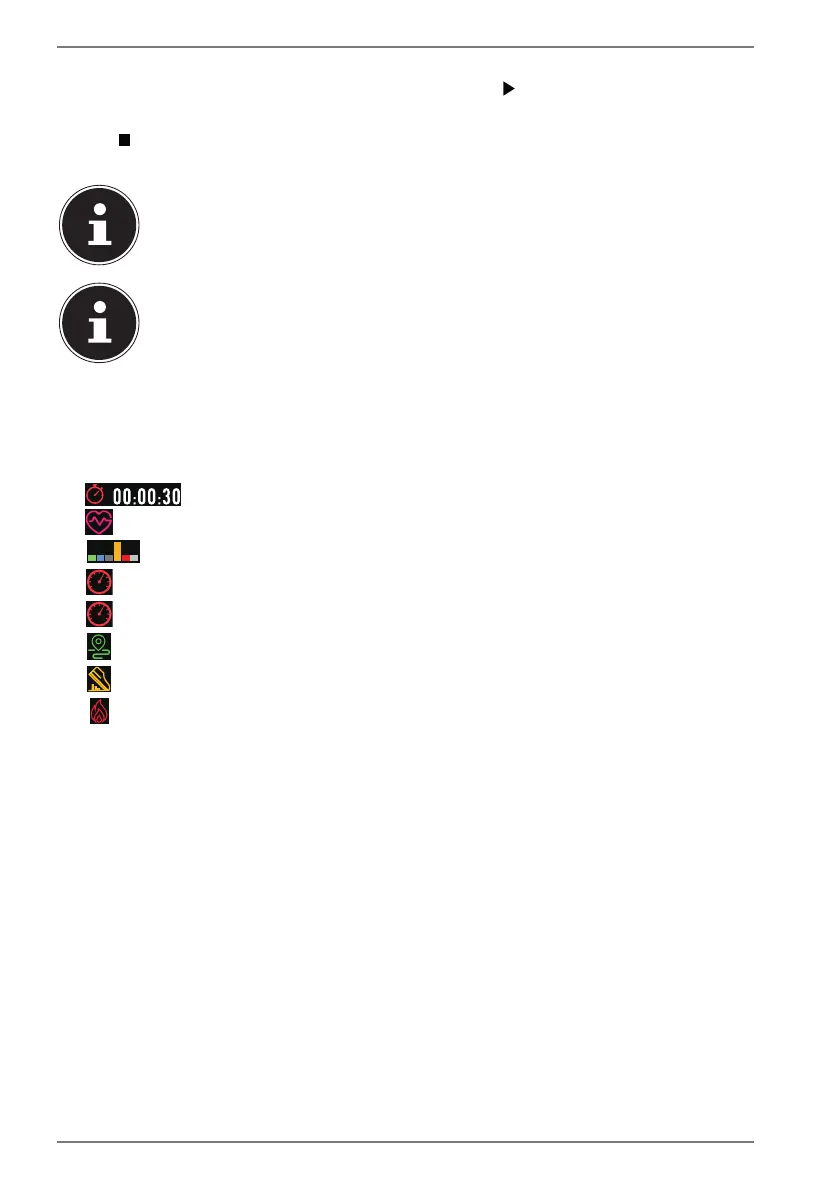
During the activity recording, the various sports data measured are shown on the
display, for example:
• Workout duration
• Heart rate
• Heart rate zone (see “9.2.1. Heart rate zones” on page 53)
• Speed (km/h)
• Lap time (time required per kilometre at the current speed)
• Distance
• Number of steps
• Calorie consumption
Which sports data is measured depends on the selected sports type.
During an activity recording, swipe upwards or downwards on the display to
switch between the various information displays.


 To Next Page