45
IT
EN
SI
HR
7.2. Basic functions
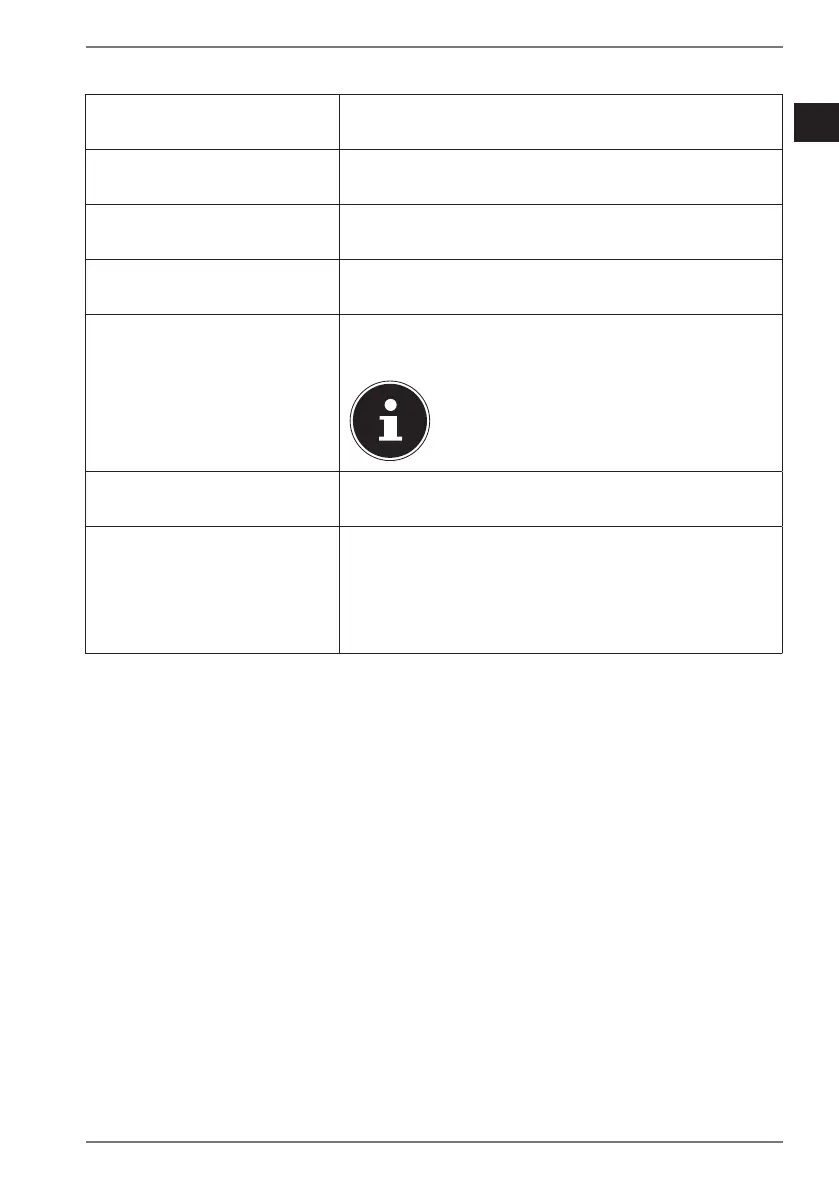
Open the main menu Starting on the home screen, swipe from right
to left on the display.
Menu item selection In the main menu, swipe upwards or
downwards on the display.
Exit the menu In the submenu, swipe from left to right on the
display to return to the menu item above.
Switch to the home screen Press the On/Off button.
View notifications Starting on the home screen, swipe from left to
right on the display.
An active Bluetooth connection with a
smartphone/tablet PC is required in
order to use this function.
Open the shortcut menu Starting on the home screen, swipe downwards
on the display.
View sports data Starting on the home screen, swipe upwards
once or several times on the display or select
the corresponding menu item (see “8. Main
menu” on page 48) to view your sports data
and programmed alarms, if applicable.


 To Next Page