MEGA65 Welcome Guide
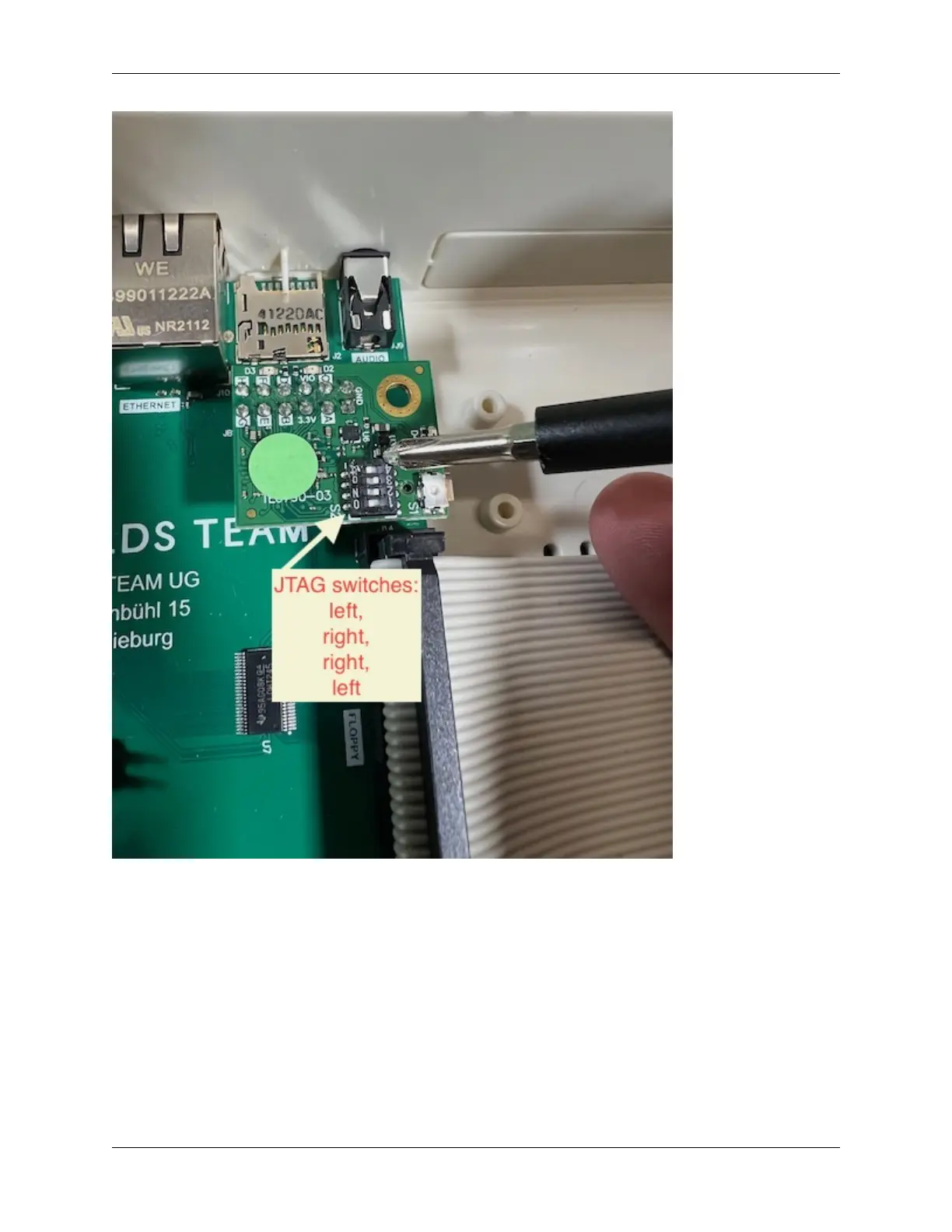
Connect a mini-USB cable to the JTAG connector, and run the cable out the back of the MEGA65 case. You can feed
it out the cartridge port (potentially blocking access to the port), or punch out one of the unused port covers in the back
case. Connect the other end to your PC.
I used a 6-inch USB Mini B Male to USB Mini B Female cable to extend the mini-USB jack to the back of the case,
then punched out one of the unused holes for it with a utility knife. I’m holding it in the hole with tape for now. (Maybe
someone will design a 3D printed mount? And will send me one?) I then connect it to my PC with a standard USB
Mini B Male to USB A Male cable.
11.2. Installing the JTAG adapter 61



 To Next Page