16 | 12-Quart Digital Pressure Cooker | Model MCPR3500
OPERATING INSTRUCTIONS
1. Prepare desired food and place it into the inner cooking pot. (The food should be less
than 3 pounds, or less than 6 cups.)
2. Secure the lid onto the unit and turn it counter clockwise to lock it in place (See page 12).
3. Move the pressure limiting valve to the “Airtight” position (see page 11) and ensure that
the oat valve (4) has sunk in.
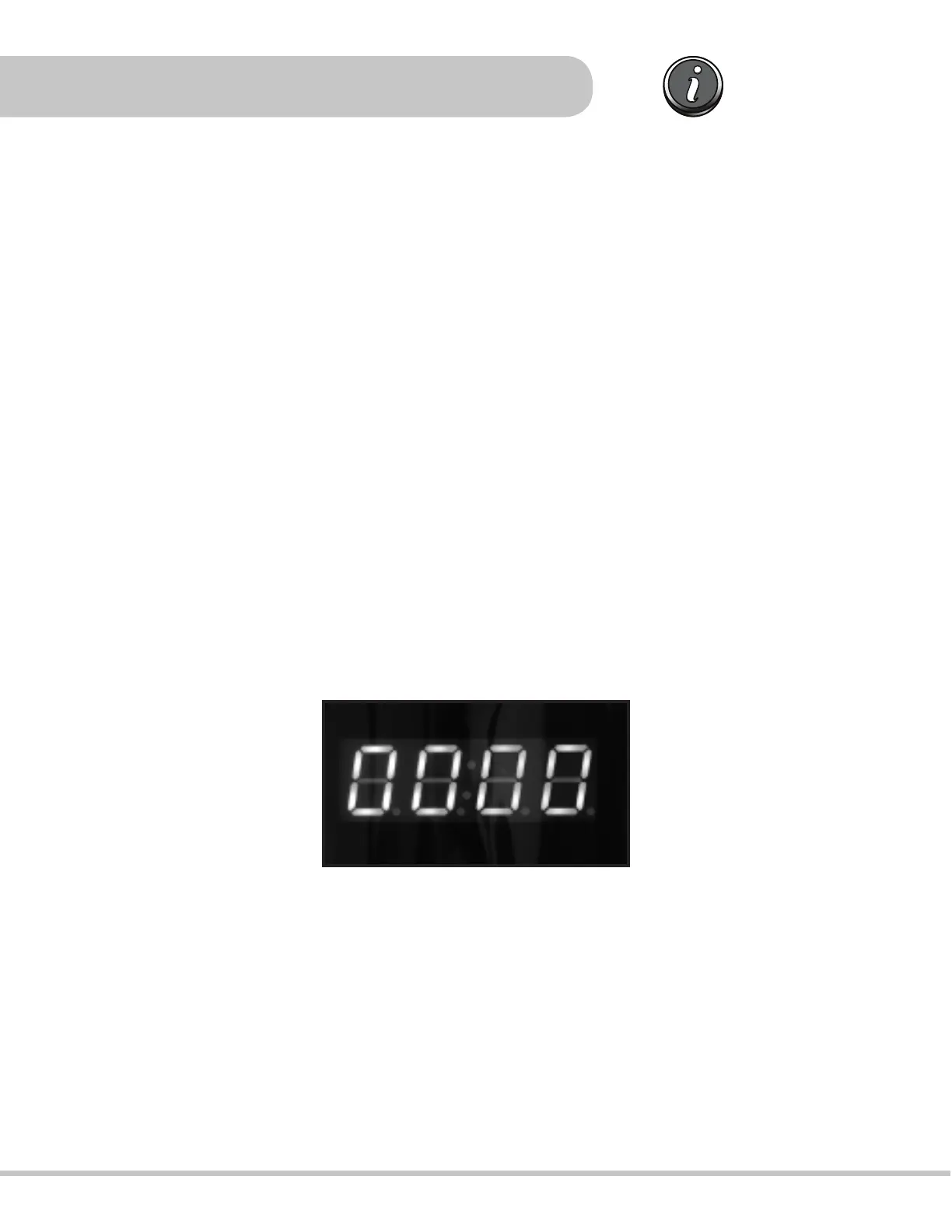
4. Plug the power cord into a 120V outlet. The LED screen will display 0000
USING PRESETS
BEEF/PORK, POULTRY, RICE, FISH, SOUP/STEW, POTATOES, PASTA, BEANS, DESSERT, VEGETABLES
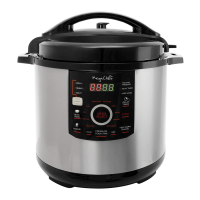
are accessible directly from the front display panel.
5. Choose a preset from the front panel . A red light will illuminate next to the selected
setting. Once a preset has been selected, the LED display will blink.
* Please note: When choosing a setting, the LED will display a letter P followed by
numbers. This represents the amount of time in minutes during which the food will be
cooking and can not be modied.
The MCPR3500 comes with 15 presets for convenience and ease of use; each one of these
settings has a defaulted preset time for quick cooking, and is programmed to detect the
weight of the food being cooked, and the volume of liquid inside the pot during the cooking
process. When using one of the presets, the unit will automatically build up the pressure, cook
the food, and then switch to “KEEP WARM” to keep the food warm once cooking is complete.
Please note that the presets have been programmed for foods that are less than 3 pounds or 6
cups. We recommend manually setting cooking time for foods exceeding 3 pounds or 6 cups
(see p.19).


 To Next Page