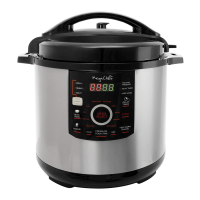
12-Quart Digital Pressure Cooker | Model MCPR3500 | 23
1. Press the “DELAY TIMER” button. A green light will indicate that this mode has been
selected.
2. The timer will appear on the display; the minimum for delay timer is 30 minutes.
3. Use the “HOUR” button to adjust the delayed time by 30 minutes increments.
4. Follow steps 5 to 7 of the “ MANUALLY SETTING COOKING TIME” section
DELAY TIMER WITH MANUAL SETTING
* When in delay timer mode, the unit will start pressurizing only after the delayed
timer countdown has reached 0.


 To Next Page