12-Quart Digital Pressure Cooker | Model MCPR3500 | 19
MANUALLY SETTING COOKING TIME
1. Prepare desired food and place it into the inner cooking pot. (The food should be more
than 3 pounds, or more than 6 cups. Refer to the COOKING CHART section p. 32 for
guidelines about cooking times)
2. Secure the lid onto the unit and turn it counter-clockwise to lock it in place.
3. Move the pressure limiting valve to the “Airtight” position (see page 11) and ensure that
the oat valve (4) has sunk in.
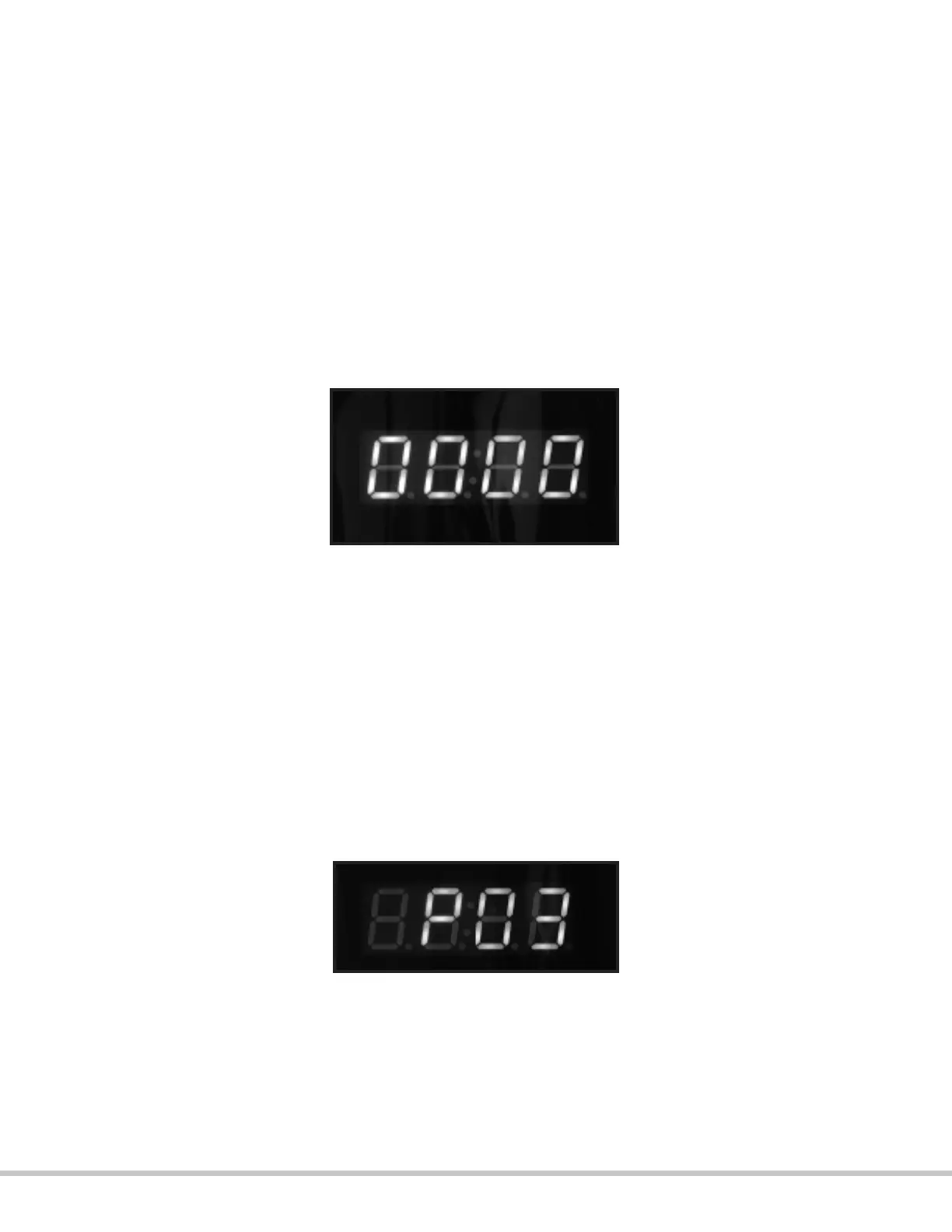
4. Plug the power cord into a 120V outlet. The LED screen will display 0000.
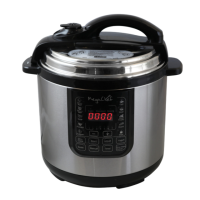
5. Press the “PRESSURE COOK TIME” button. The LED will display a letter P followed by
numbers. This represents the amount of time in minutes during which the food will be
cooking.
6. Press the “MIN” button to adjust the cooking time. The timer will increase by 1
minute with each press of the “MIN” button. Hold down the “MIN” button for
faster increase of the cooking time. The timer can be set to up to 99 minutes.
*If you accidentally pass the desired number, keep pressing the “MIN” button until it
circles back to it, as there is no button for backward selection.
* You may hear hissing or sizzling sounds during the cooking process.
7. Press the START button. The oat valve will rise to indicate that the unit is pressurizing;
once the appropriate pressure is reached, the unit will beep to indicate the start of the
cooking process, the timer will start counting down and the “HOLDING PRESSURE” light
will illuminate.


 To Next Page