28 | 12-Quart Digital Pressure Cooker | Model MCPR3500
HOW TO SLOW COOK WITH YOUR PRESSURE COOKER
1. Prepare desired food and place it into the inner cooking pot.
2. Cover the pressure cooker with the included tempered glass lid.
3. Plug the power cord into a 120V outlet. The LED screen will display 0000
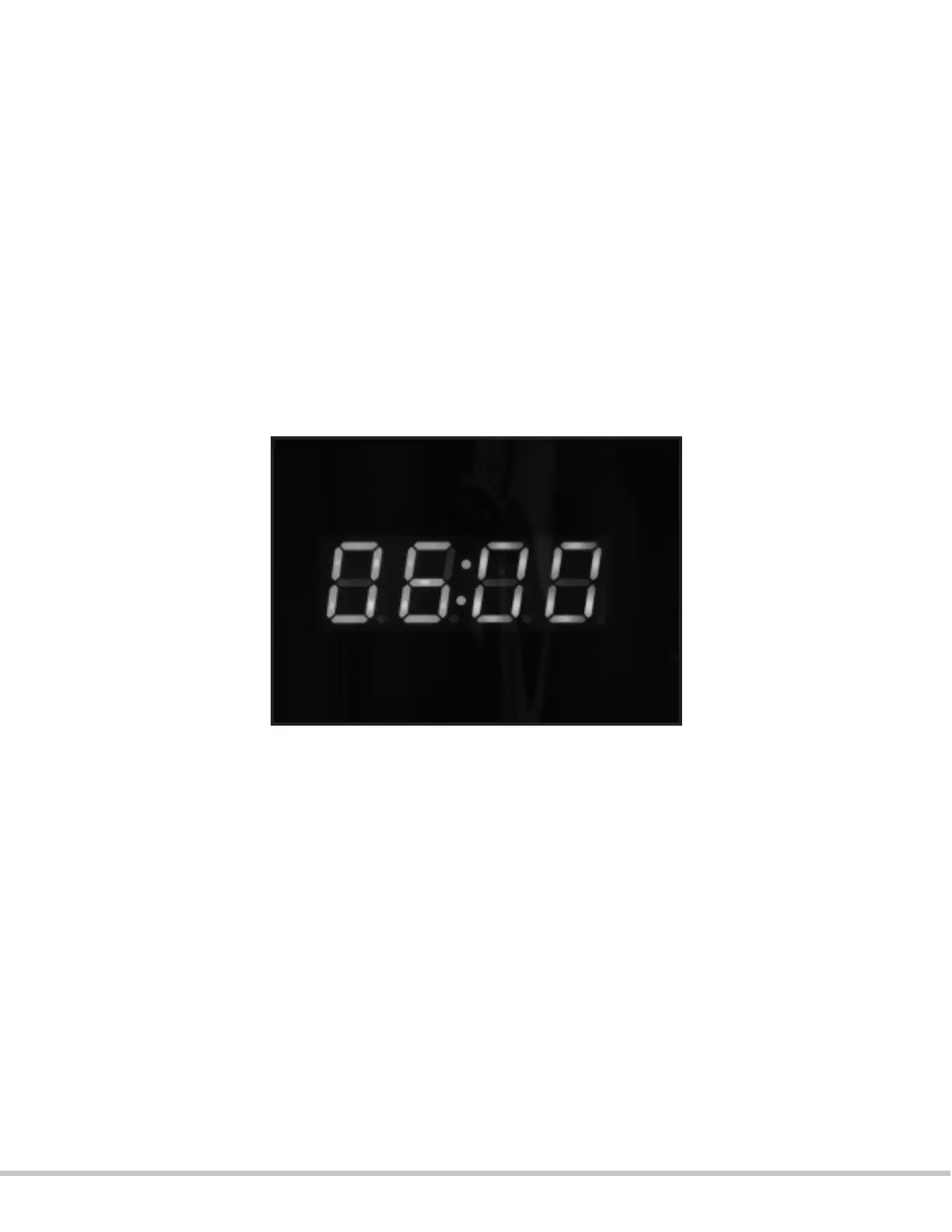
4. Press the “SLOW COOK” button. The display will blink with a defaulted time of 06:00.
5. Press the “SLOW COOK” button in order to set the cooking time. The timer will increase by
30 minutes with each press of the “SLOW COOK” button. Hold down the “SLOW COOK”
button for faster increase of cooking time. The timer can be set from 30 minutes to up to 9
hours and 30 minutes.
6. Press the START button. The timer will start counting down on the LED display.
7. When cooking is completed, the pressure cooker will beep 3 times before automatically
switching to “KEEP WARM”. The display will show “bb” and the “ KEEP WARM” light will
illuminate to indicate that the cooking is completed and that the unit is now keeping the
food warm.
* Please ensure the appliance is not disturbed in any way while in the slow cooking
function. Please exercise extreme caution when removing the lid; there will be hot steam
escaping the pressure cooker as is standard during any cooking process.
* It is not recommended to stay on the “keep warm” mode for more than 4 hours.


 To Next Page