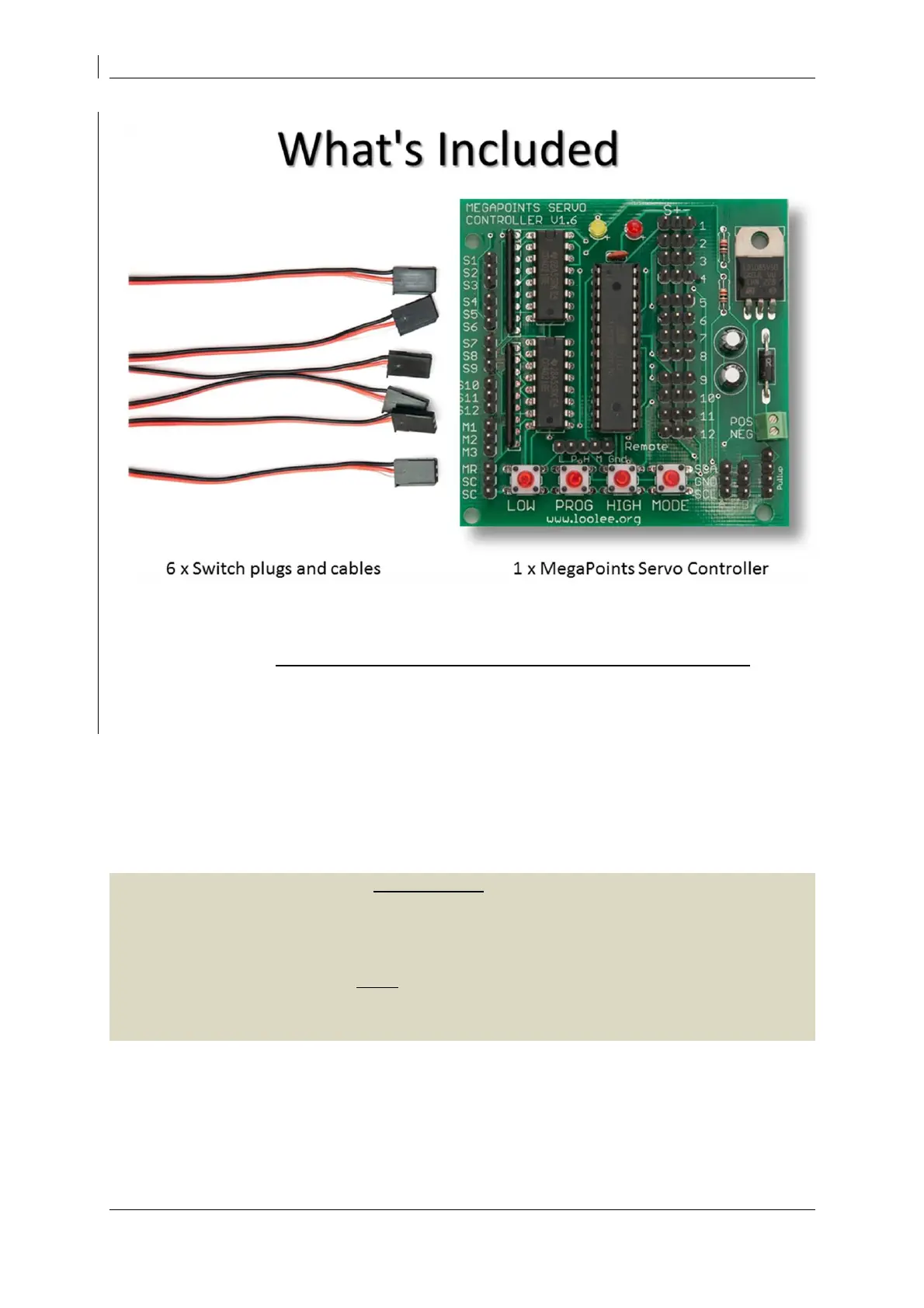
MegaPoints servo controller Revision 24 April 2016
www.loolee.org Page: 4
Before starting
Connect the board to a smoothed (regulated) DC power supply in the range of 10 – 14 volts. 12 volts
is ideal. Your power supply should be capable of supplying a minimum of 2 amps per MegaPoints
Controller. See the FAQ section of the web site for power supply recommendation.
Quick setup guide
We recommend you become familiar with the units operation before installing on any layout. Each
servo output has been set for a wide range of motion during manufacture. This is perfect for testing
on the bench, but unsuitable for installation into a layout as servos may be overdriven. Before
installing on a layout read the paragraph below and factory reset the unit.
IMPORTANT: Before installing servos into your layout we recommend you perform a factory reset by
holding down the LOW and HIGH buttons while applying power. During the reset the lights will flash
(takes about 5 seconds). When complete all servos will move to their mid-point and the range of
motion reduced to zero. Connecting a servo will centre it ready for installation on the baseboard.
Before the servo will move you MUST set the end points for each individually. Following this
procedure will simplify servo installation and prevent any accidental over driving if movement is
restricted.


 To Next Page