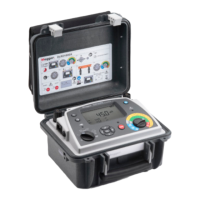
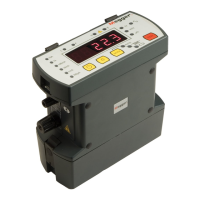
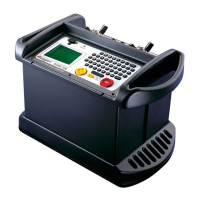
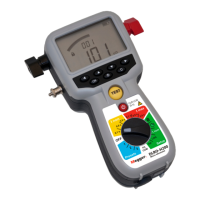
DLRO10HD and DLRO10HDX
7
Overview
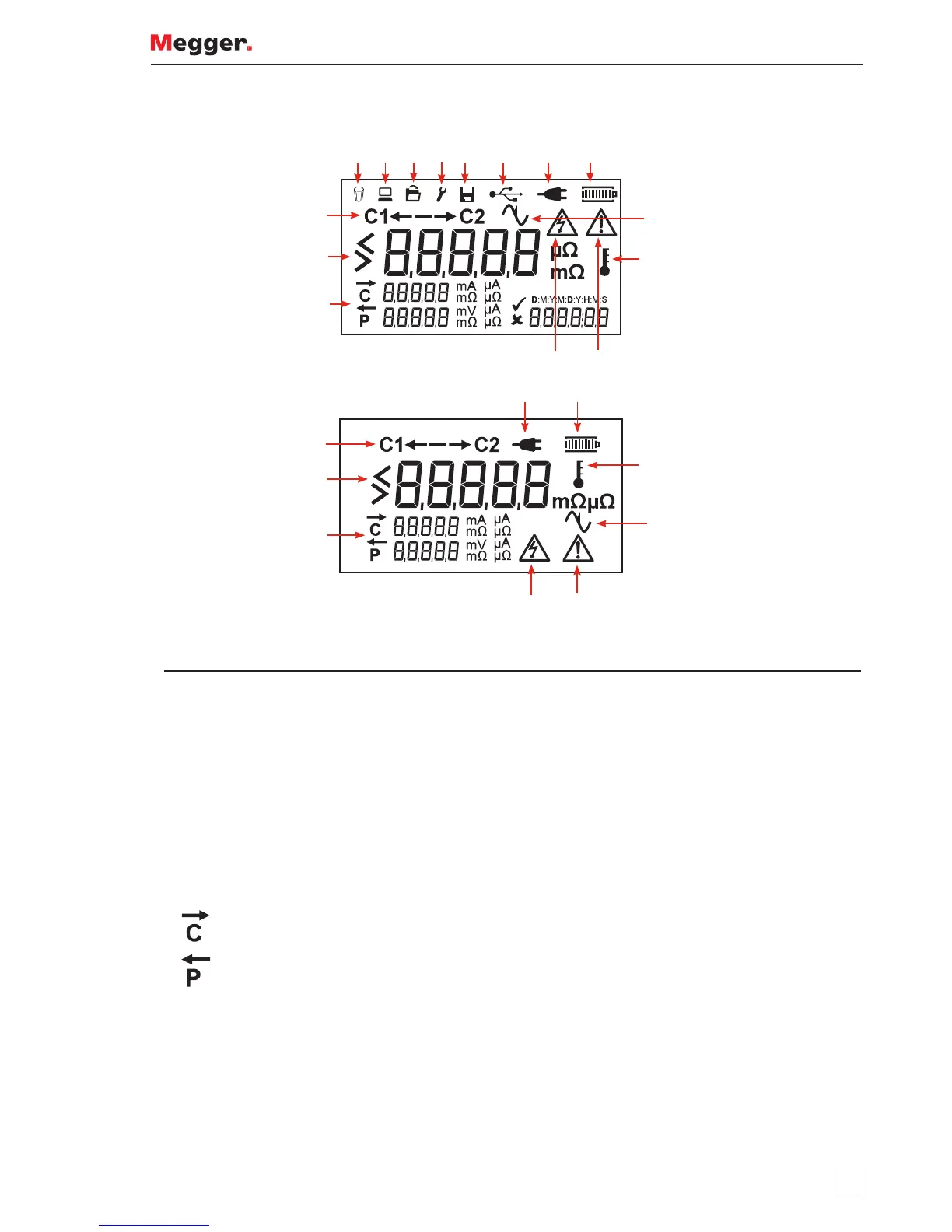
Display Icons
DLRO10HDX
15
71 2 3 4
5
6 8
10
9
11
12
13
14
DLRO10HD
7 8
10
9
11
12
13
14
Item Description Item Description
1 Delete 9 Noise (over 100 mV 50 / 60 Hz)
2 Test Result Download mode 10 Over Temperature
3 Recall Test Result Mode 11 Refer to User Guide
4 Date and Time mode 12 High Voltage Warning
5 Save mode 13 Secondary Display
6 USB connected 14 Primary Display
7 Mains Power connected 15 Direction of Current flow in a test
8 Battery Status
Secondary Display
Directional arrow to show current flow above C indicator
Directional arrow to show current flow above P indicator
15



 To Next Page