24
G
G
0
0.01
0.1
110
100
W
8
W
M
s
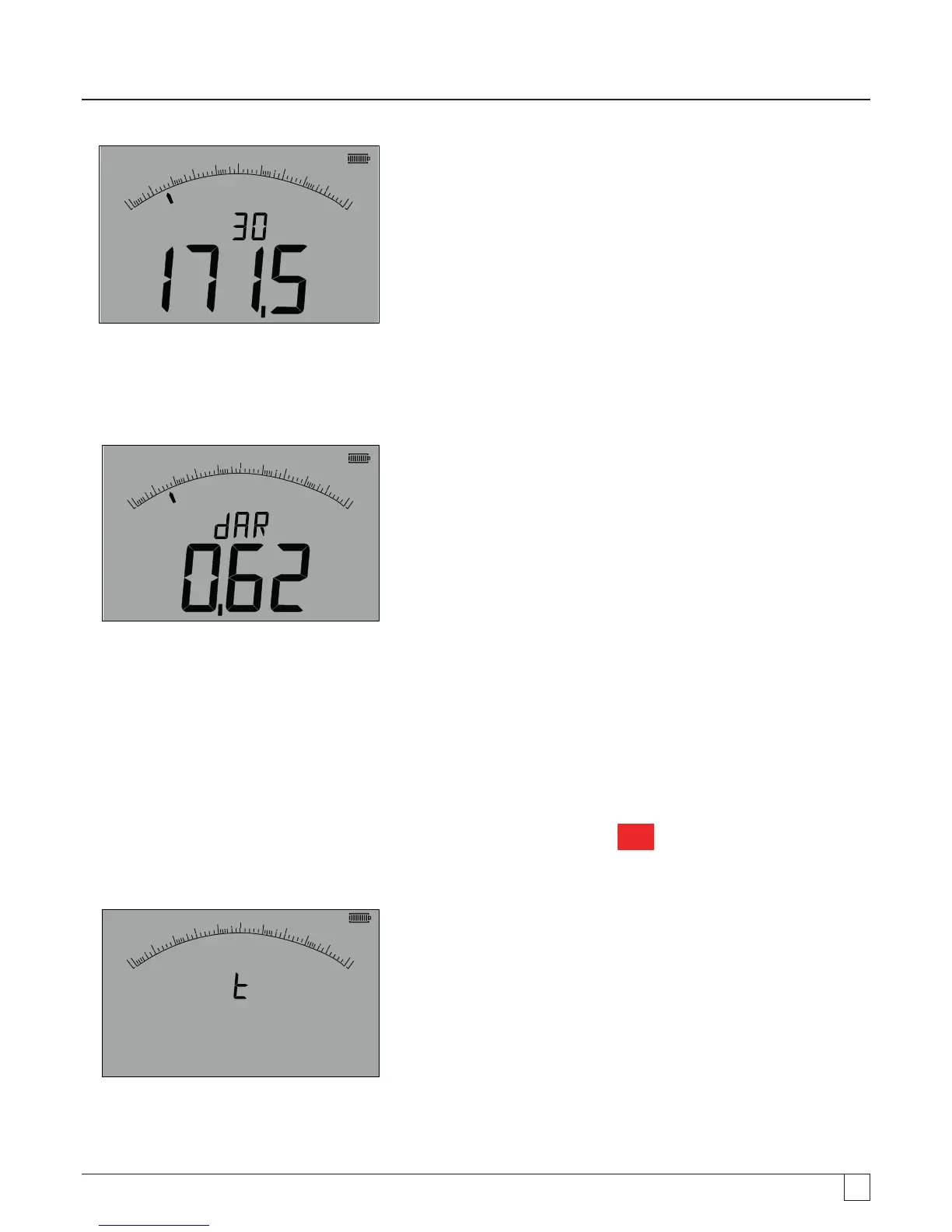
Note: At 30 seconds the measurement is logged internally. This value is not stored in memory unless the "SAVE" button is pressed
AFTER the DAR measurement is complete. See section 9.3.3.
- Figure 26
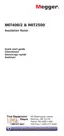
At the end of the test period the MIT will make a second measurement and display the results as a ratio of the 1st and 2nd measured
values, as below:
G
0
0.01
0.1
110
100
W
8
Note: Second measurement is logged at 0 seconds. Again, this is not stored in memory unless the "SAVE" button is pressed at the
completion of the test, see section 9.3.4
- Figure 27
9.3.2 Polarisation Index
The same method as in 9.3.1 above is used. Only the test times change.
9.3.3 Timed tests:
Timed tests run a countdown timer and make a measurement at the end of the timed period.
1. Select one of the test voltages on the MW measurement mode using the range knob
MW
.
2. Connect the test leads to the circuit to be measured.
Press the DAR-PI-T button on the keypad until the display show "t" on the small digital readout, as below:
G
0
0.01
0.1
110
100
1
W
8
W
- Figure 28
3. Press the TEST button. A count down from the limit configured In the SETUP menu will start. At the end of the count down,
the MIT will make a measurement and display the result as a resistance.



 To Next Page