www.megger.com
16
PC Software Update
PC Software Update
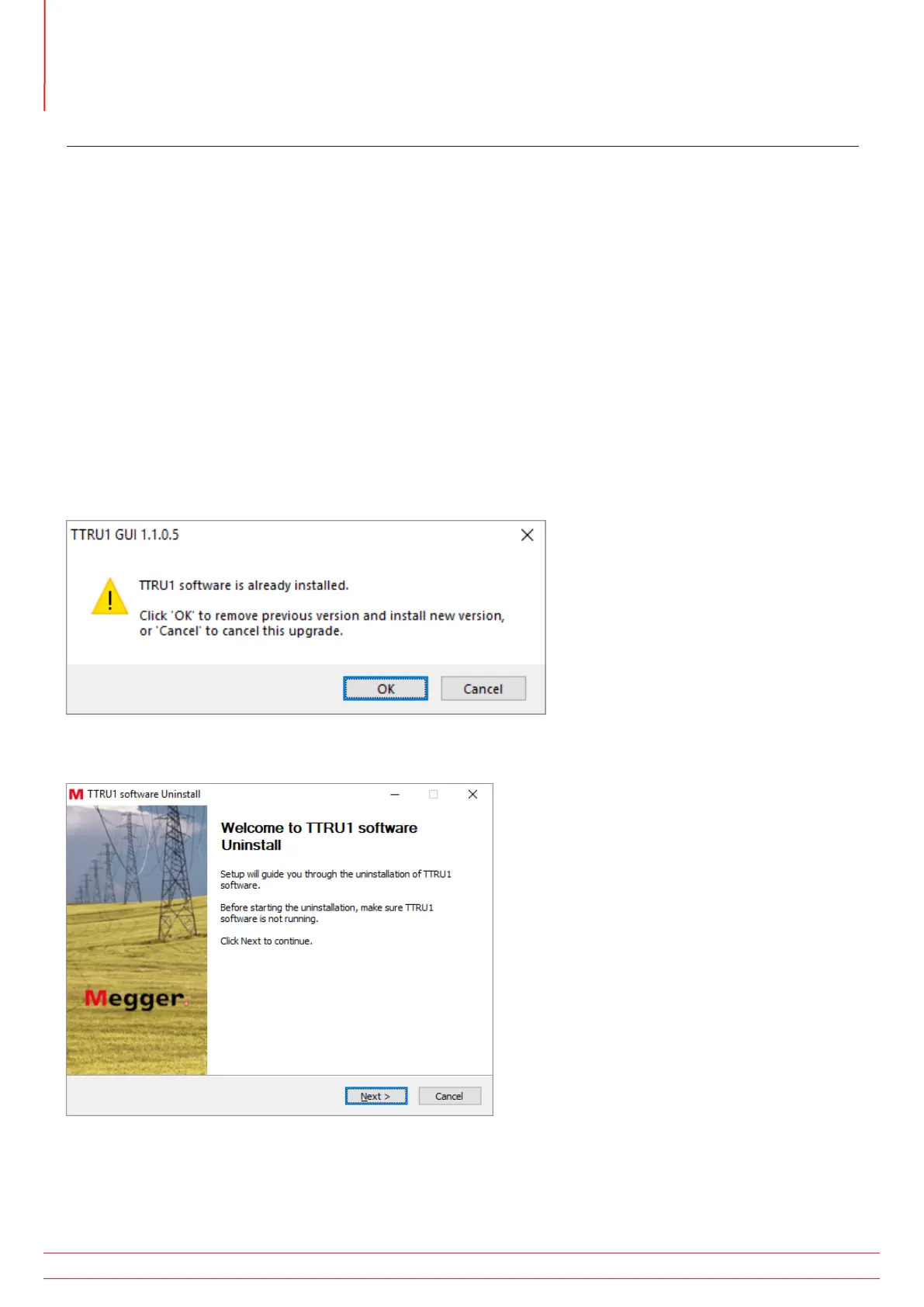
When updating to a new version of the TTRU1 software, the installer will remove the installed version of software.
1. Locate the updated TTRU1 PC software installer
a. From the TTRU1
I Connect the TTRU1 to a PC with the included USB cable
II Turn on the TTRU1
III After initialization, a CD drive will appear on the PC which contains the software
IV Locate the file named TTRU1_installer_X.xxx.exe. X.xxx is the version.
b. From the internet
I Go to www.megger.com/TTRU1
II Download the latest PC installer
2. Double click to launch the installer
3. Click OK to remove the previous TTRU1 version
4. Click Next on the welcome screen



 To Next Page