www.megger.com
38
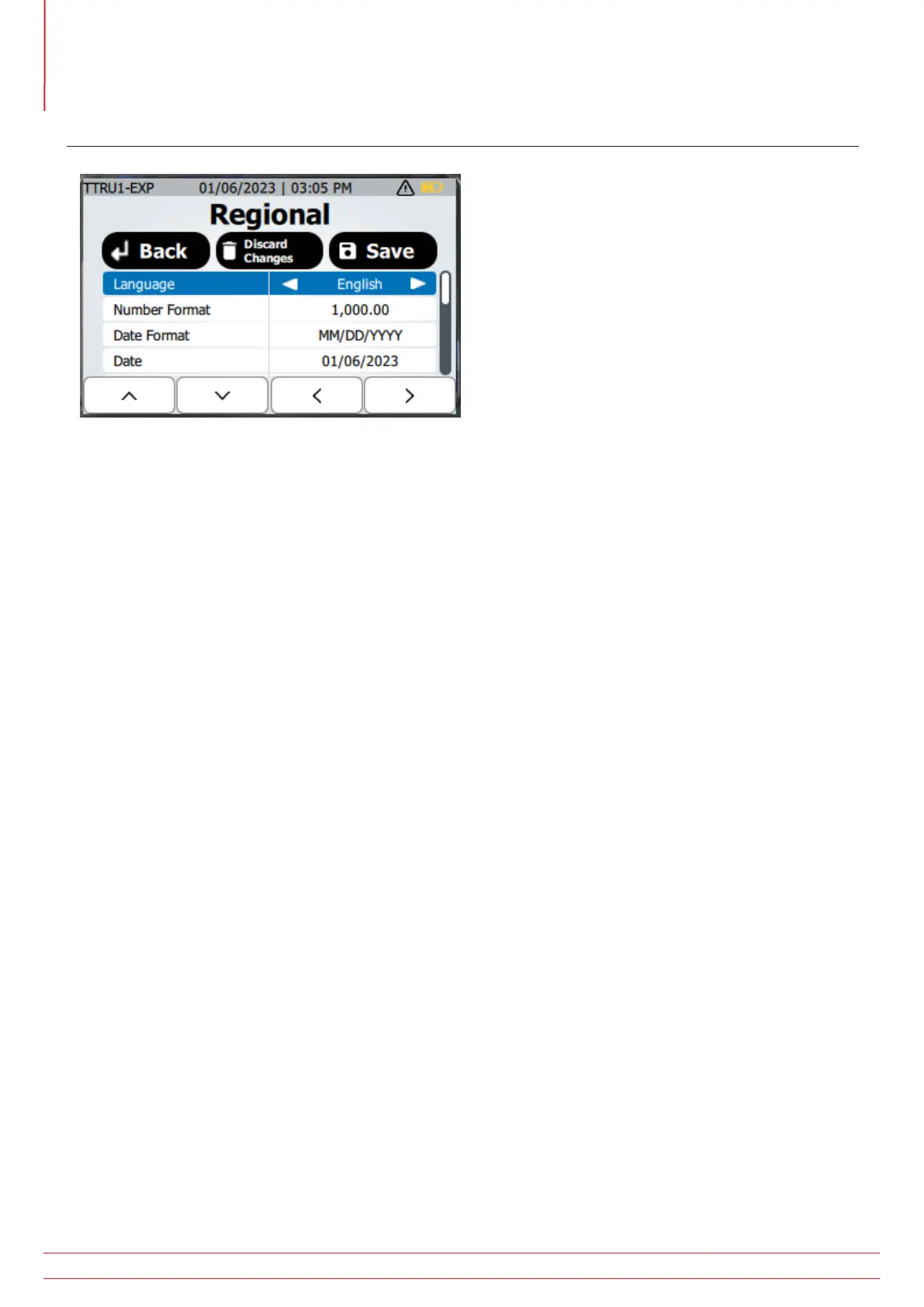
Regional
Regional
Press the back button to return to the settings screen without saving the changes
Press and hold the delete button until the “Release!” message is displayed to discard changes made to the settings.
Press the save button to save changes to the settings
Press the up and down arrow to select a setting to change
Press the left and right arrow to adjust the selected setting
Press the edit button to adjust date and time settings
Available settings in Regional
Language
English, German, French, Spanish
Number format
1,000.00, 1.000,00
Date Format
MM/DD/YYYY, DD/MM/YYYY, YYYY/MM/DD
Date
Adjust Year, Month, Day using up, down, left, and right buttons. Press discard to return to the regional
settings without saving changes. Press save to return to the regional settings with saving changes.
Time Format
12H, 24H
Time
Adjust hours, minutes, and AM/PM using up, down, left, and right buttons. Press discard to return to the
regional settings without saving changes. Press save to return to the regional settings with saving changes.



 To Next Page