Operation
29
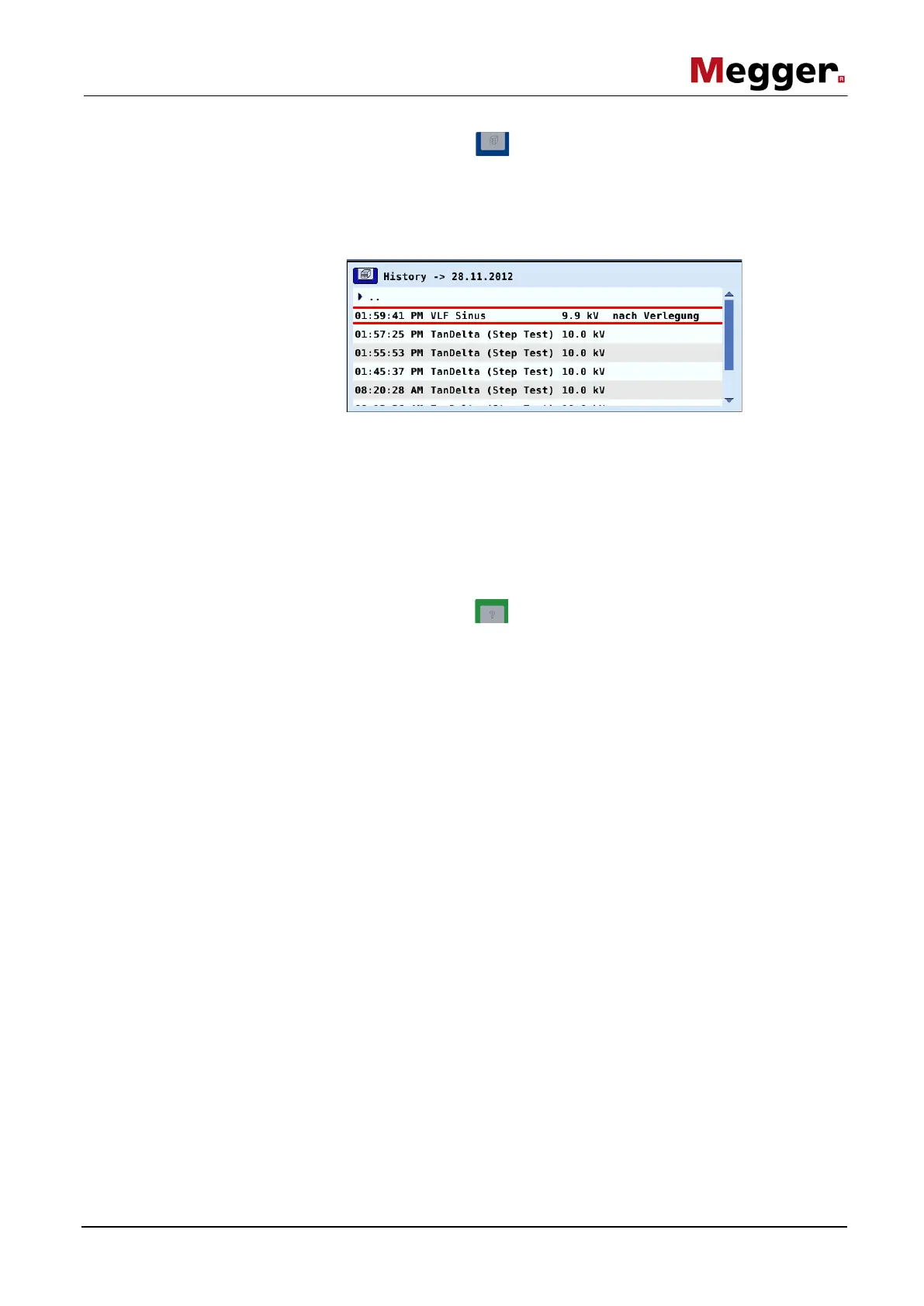
By pressing the function button located below the rotary encoder, the history
database can be called up at any time irrespective of the position in the menu structure.
The data in respect of all measurements and tests carried out with the system are
contained in this database. The records are sorted by date and can furthermore also be
distinguished according to operating mode, voltage or optional comments.
Once the desired record has been selected by turning the rotary encoder, the selection
must be confirmed by pressing it briefly. Thereafter, the following functions are
available:
• Export the selected record or all records to the inserted USB flash drive (for
further processing in EasyProt)
• Delete the selected record or all records
• Add or edit a comment in respect of the selected record
By pressing the function button located above the rotary encoder, a compact
online help function with basic operating instructions can be called up at any time
irrespective of the position in the menu structure.



 To Next Page