8 Quick Start
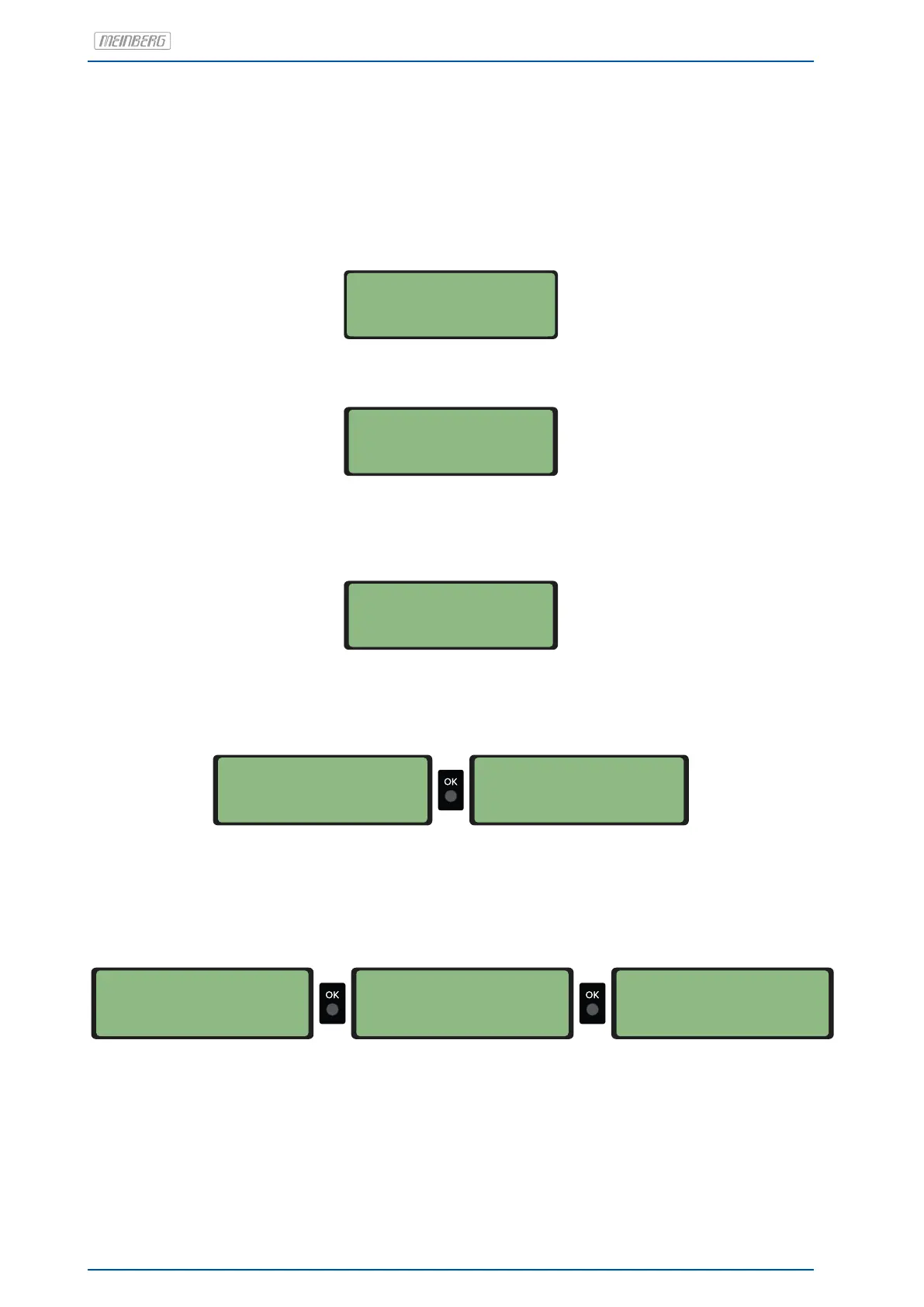
When booting the system the following message will be displayed while dots will be counted up in the lower line:.
Starting up
please wait ....
....
Main Menu will be displayed with some important status informations after booting has finished:
NORMAL OPERATION
NTP : Offs.-1us
Tue, 09.02.2021
UTC 10:06:38
If the GPS receiver remains asynchronous (Refclock LED is still red after 12 minutes) the number of satellites
in view and the good satellites are to check (press bottons ↓, →, →, ↓↓↓ from main menu). The antenna has to
be installed without any obstructions to the sky.
SV CONSTELLATION
SVs in view : 11
Good SVs : 10
Sel : 00 00 00 00
For first time installation enter TCP/IP address, netmask and default gateway. To get an overview of the
current configuration press F2 from main menu. Press F2 again to enter SETUP configuration page. Please
ask your administrator for propper TCP/IP configuration:
-> Interfaces <-
Global Cfg.
Services
Add Interf.
Use Up and Down
to select Port :
lan0:0 #1of4 i
>172.27.80.213
Then press 3 times the OK button to change to IPV4 LAN0 configuration page to enter the IP address, netmask
and the default gateway:
NOTE: These settings are related to the first Ethernet connection (LAN0).
> LAN Address <
LAN Netmask
Gateway
> LAN Address <
LAN Netmask
Gateway
>IPv4 Parameter<
IPv6 Parameter
Link Mode
After this all further settings can be done via network interface, either by using a WEB browser or a Telnet
Session.
Default user: root
Default password: timeserver
36 Date: 31st March 2021 SyncFire 1200





 To Next Page