Chapter 2 – Commissioning
17
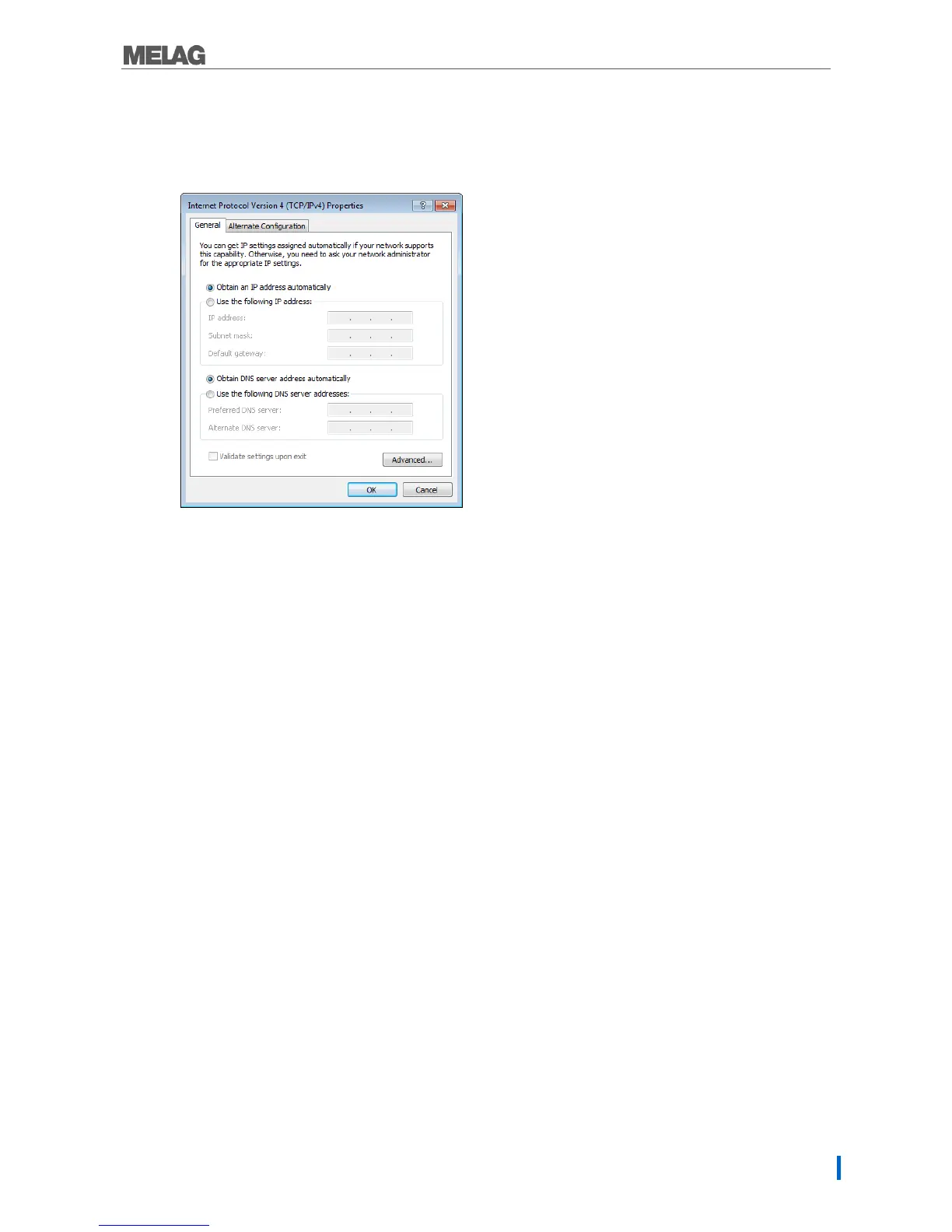
The computer obtains the IP address automatically:
This configuration requires that the network adapter be connected directly with the computer. See “The
computer has a fixed IP address”.
1. Working in the tab Alternative configuration.
2. Enter the IP address previously selected (e.g. 192.168.40.100). The subnet mask is updated
automatically. Confirm with [OK].


 To Next Page