D24030 | Date 11/2018 31
Operation and control
In Setup, you can choose if the timer should run setpoint-dependent or not. This deter-
mines whether the timer should not start until a tolerance band around the set tempera-
ture is reached or if it should start right after activation (see page 48). If the timer runs
setpoint-dependent, this is indicated by the
symbol in the timer display.
When the timer has elapsed, the display shows 00h:00m. All
functions (heating etc.) are switched off. In addition, an acoustic
alarm sounds, which can be turned off by pressing the confirma-
tion key.
To deactivate the timer, open the timer display by pressing the
activation key again and then turning the turn control to reduce
the timer setting until --:-- is displayed. Confirm with the confirma-
tion key.
5.4.6 Programme mode
In this operating mode, programmes saved in the appliance can be started with different
combinations of individual parameters (temperature, humidity, interior lighting) at staggered
intervals, which the appliance then automatically processes in sequence. These programmes
are not created directly at the appliance but externally at a computer / laptop and using
AtmoCONTROL software. Transfer to the appliance is possible using the provided USB storage
medium or via Ethernet.
A description of how to create and save programmes can be found in the separate
AtmoCONTROL software manual.
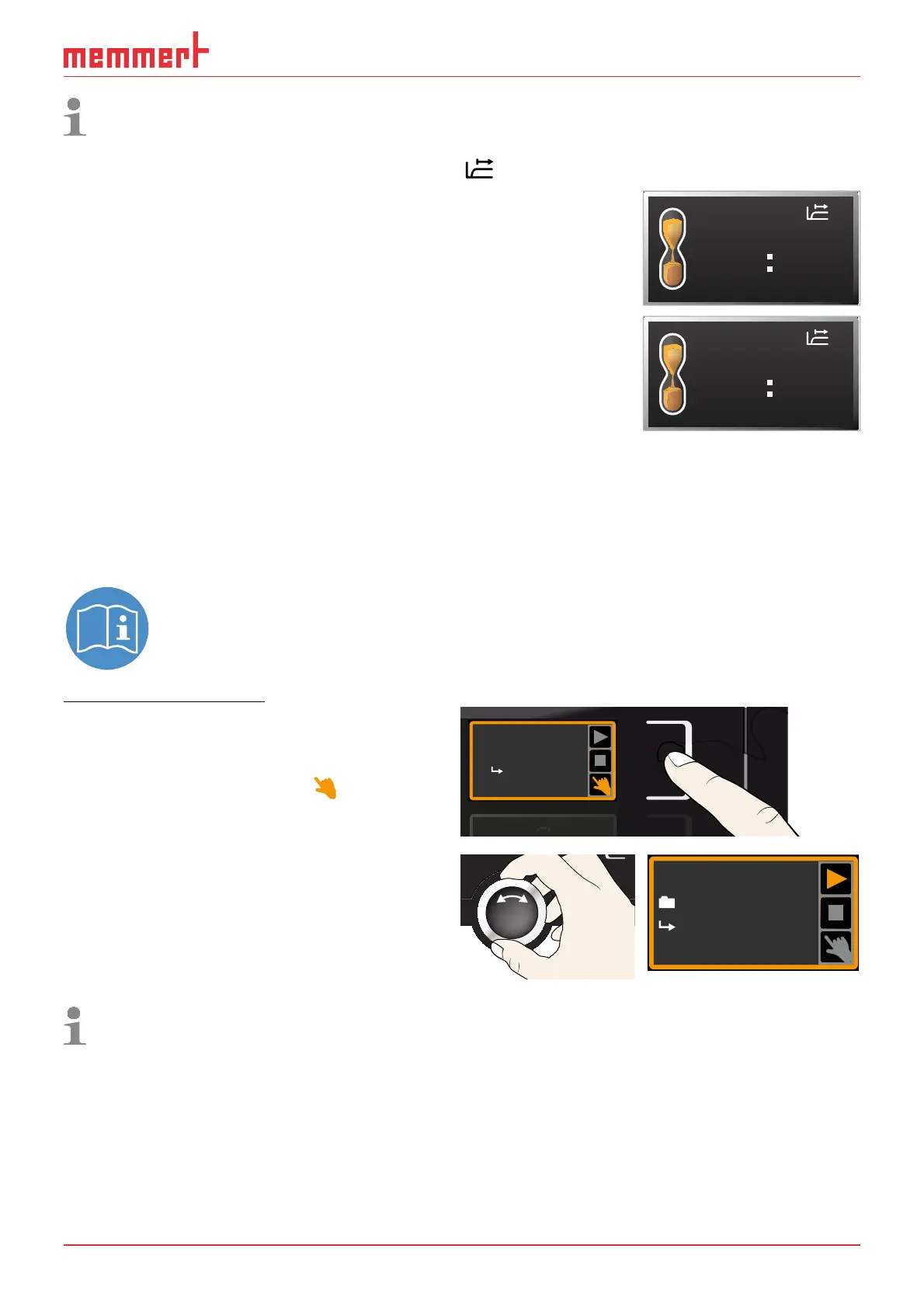
Starting a programme
1. Press the activation key to the right of
the status display. The current operating
mode is highlighted automatically, in this
example
manual mode ( ).
manueller Betrieb
Fr 20.10.2010 20:31
GRAPH
Manual mode
17:4413.Sept.2012
Activate
2. Turn the turn control until the
start
symbol is highlighted. The current
programme is displayed, in this example
Test 012.
Test 012
ready
10:4412.Sept.2012
Only the programme currently selected in the menu and shown in the display can be
used. If you want to process another programme, you need to activate it in the menu
first (description from page 56).
TIMER
00m00h
End
13:30 23.11.
TIMER
--m--h
End
9:00 23.11.



 To Next Page