19 03/2021
Operation and control
5. Operation and control
5.1 Home screen
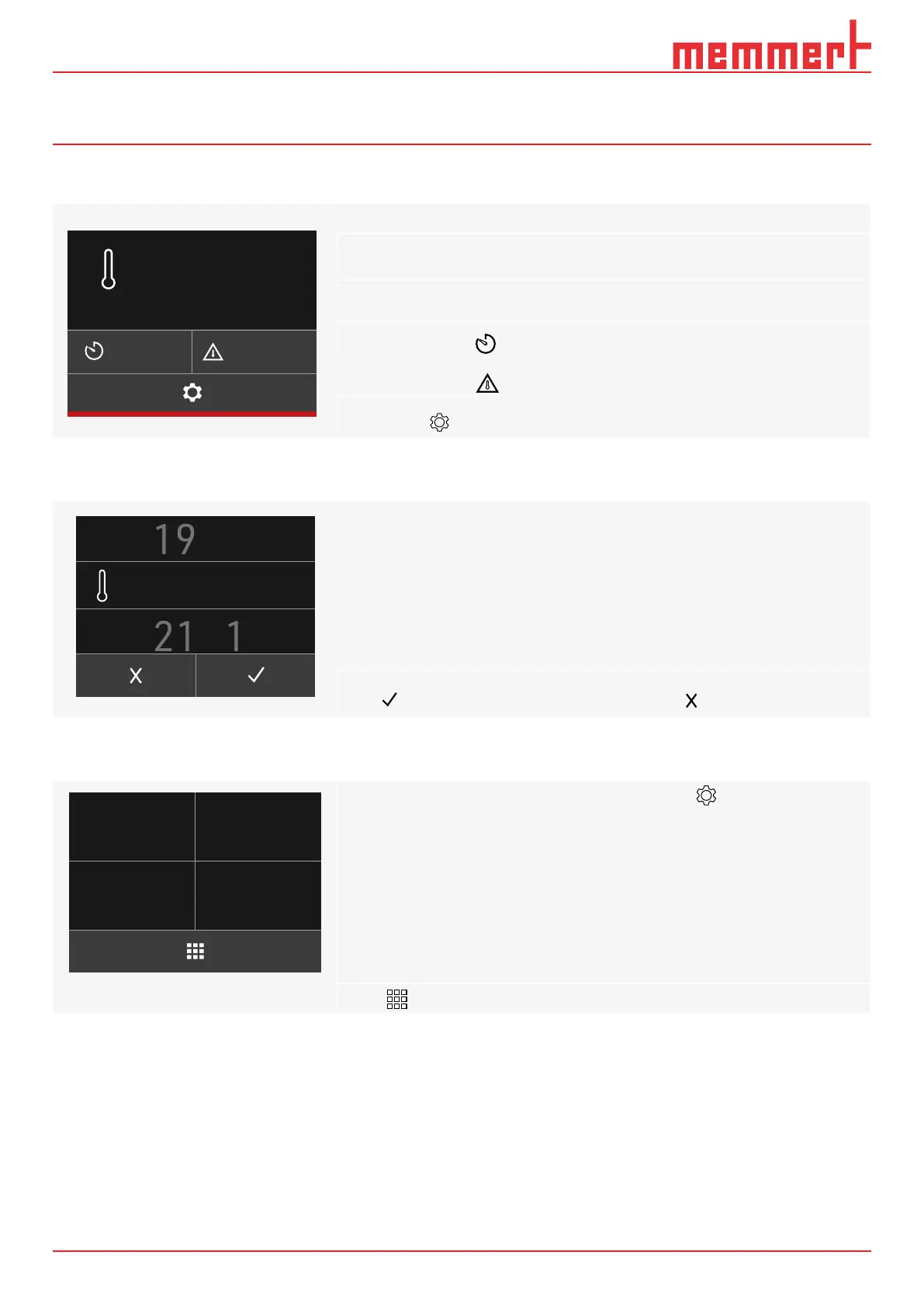
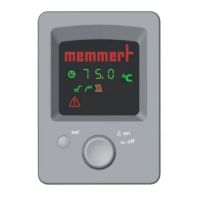
CustomView will appear rst after switching the appliance on (5.3.3)
To access the home screen, touch any spot on the TouchDisplay
► Select the set display
to adjust the set temperature
► Select the symbol to set the timer
► Select the symbol to set the alarm temperature
► Touch the symbol for other appliance settings.
5.2 Setting the temperature and time
Set the individual values by scrolling vertically on the
touch display:
► Enter the temperature for the set value in °C/ °F
► Enter the alarm temperature in °C/ °F
► Set time for the timer in minutes/hours
Press to conrm entry. The setting is not saved with
5.3 Settings
Other settings are possible under the Settings menu item :
► Set the desired temperature unit as °C or °F
► Set 2-point calibration
► Appliance information overview
► CustomView setting
Press to return to the home screen
00:00
h
000.0
°C
Set
10.0
°C
22.0 °C


 To Next Page