21 03/2021
Operation and control
5.3.3 CustomView
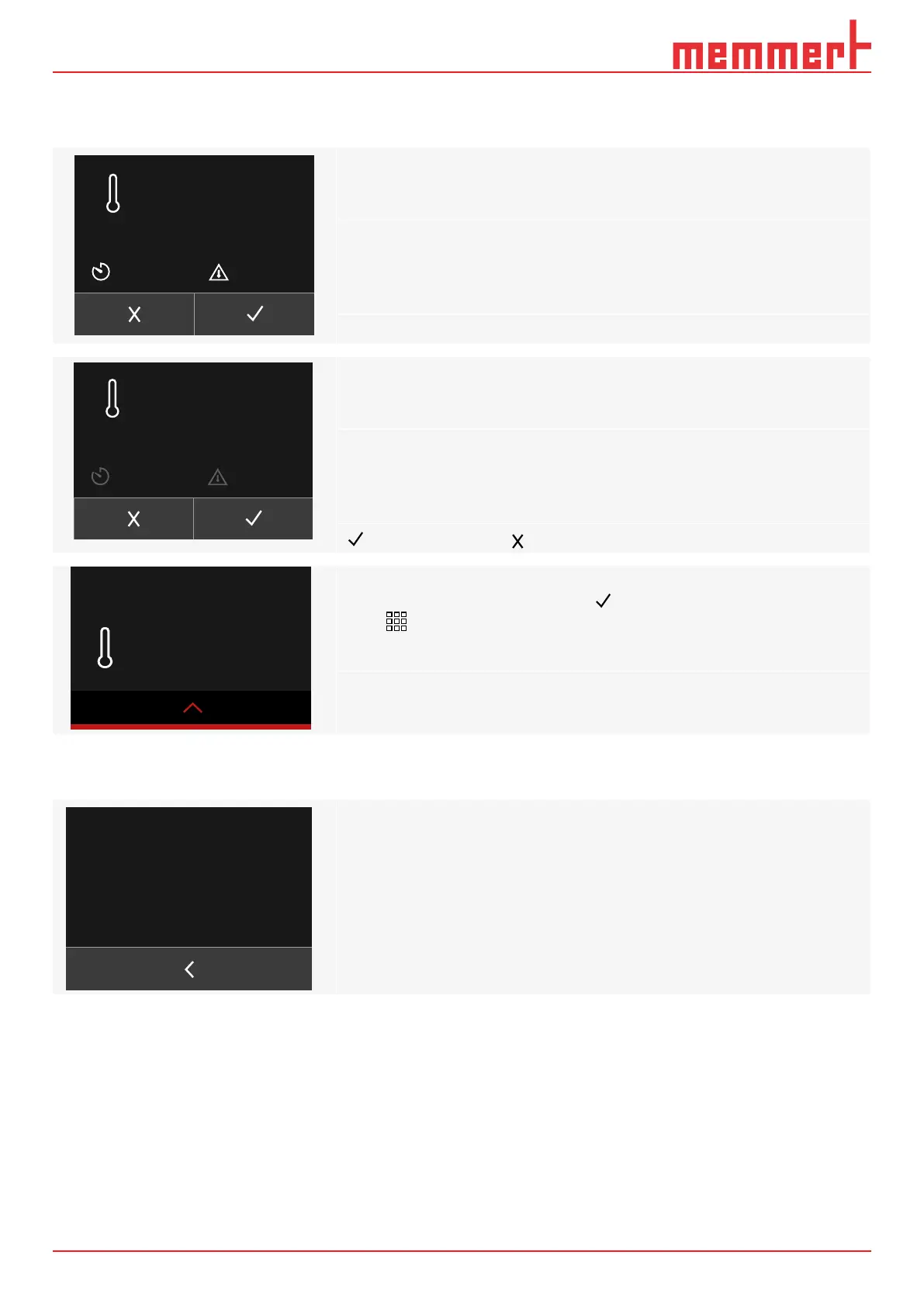
Under the Settings menu item, select
to set up the individual
display
Selecting the set temperature, timer time or alarm temperature will
activate or deactivate the respective element
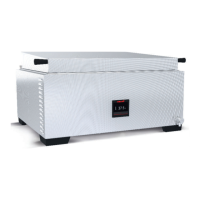
The selected element will be greyed out when deactivated
Touching the set temperature, timer time or alarm temperature will
activate or deactivate the respective element
Set temperature, timer time or alarm temperature are deactivated here
conrms the selection; changes will not be accepted
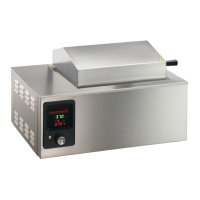
If the selection has been conrmed with ,
touch to return to the home screen,
the personalised CustomView will appear after 30 seconds
5.3.4 Information
WTB - V1.0.0 - 20201026
0.0.0
Memmert GmbH + Co. KG
Äußere Rittersbacher Straße 38
91126 Schwabach / Germany
service@memmert.com
Phone: +49 9122 9250
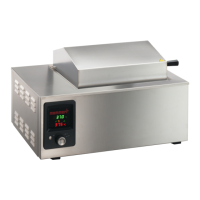
Go to
under the Settings menu item to view article information for the
water bath
Set 0.0
°C
00:00 h
0.0 °C
0.0
°C
Set 0.0
°C
00:00 h
0.0 °C
0.0
°C


 To Next Page