12
OPERATION (CONTINUED)
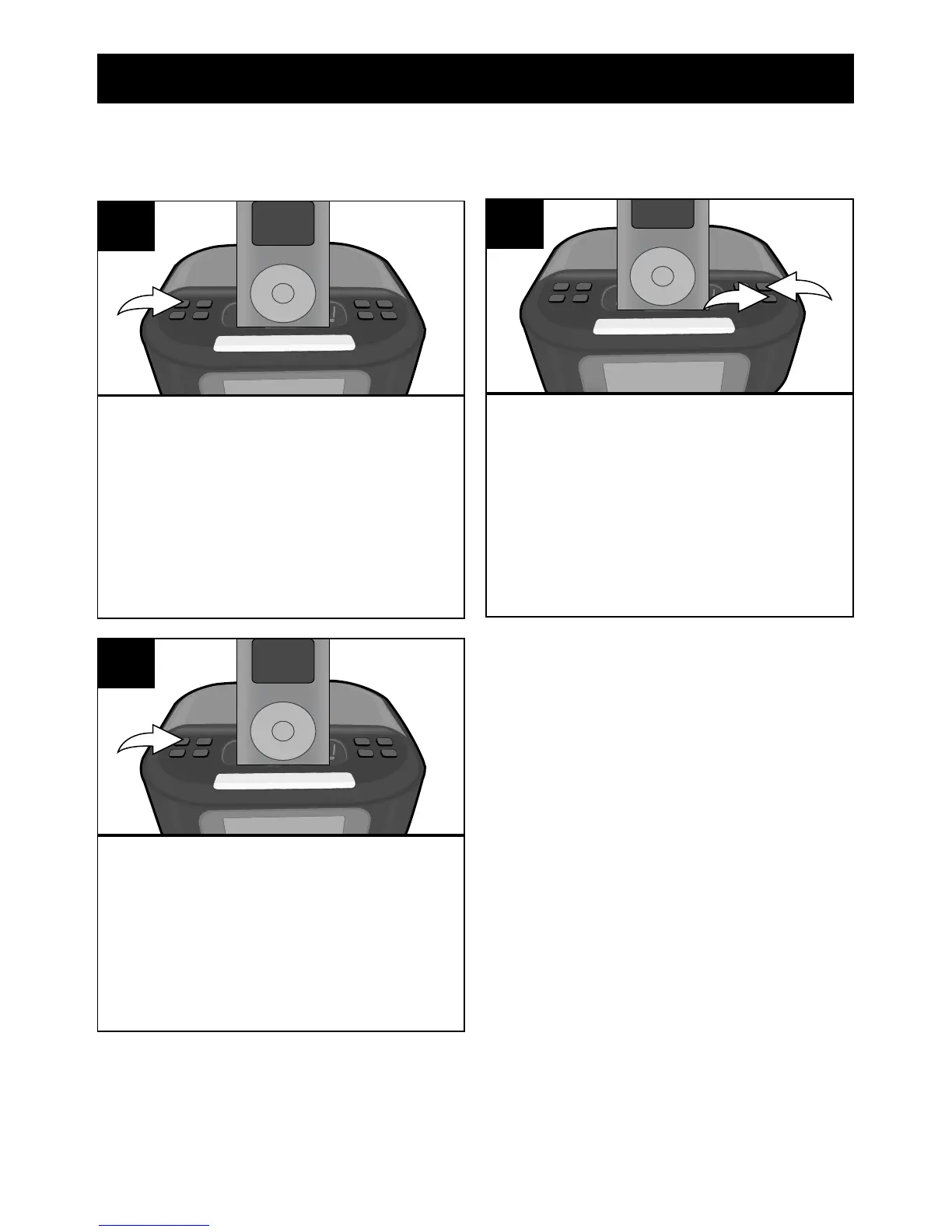
With the power off, press the TIME
SET/Tune/Skip/Search Down o
button; the time will blink.
1
Press the TIME SET/Tune/Skip/
Search Down o button (or wait
approx. 15 seconds) and the time
will be set.
3
TO SET OR RESET THE ACTUAL TIME
Follow the instructions below to manually set the time.
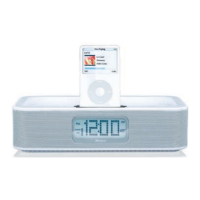
Press the VOLUME +/MIN +
button 1 to set the Minute and
the VOLUME –/HR + button 2 to
set the hour. Make sure to set the
correct AM/PM setting.
NOTE: There is no indicator for
AM in the display.
2
1
2


 To Next Page