16
OPERATION (CONTINUED)
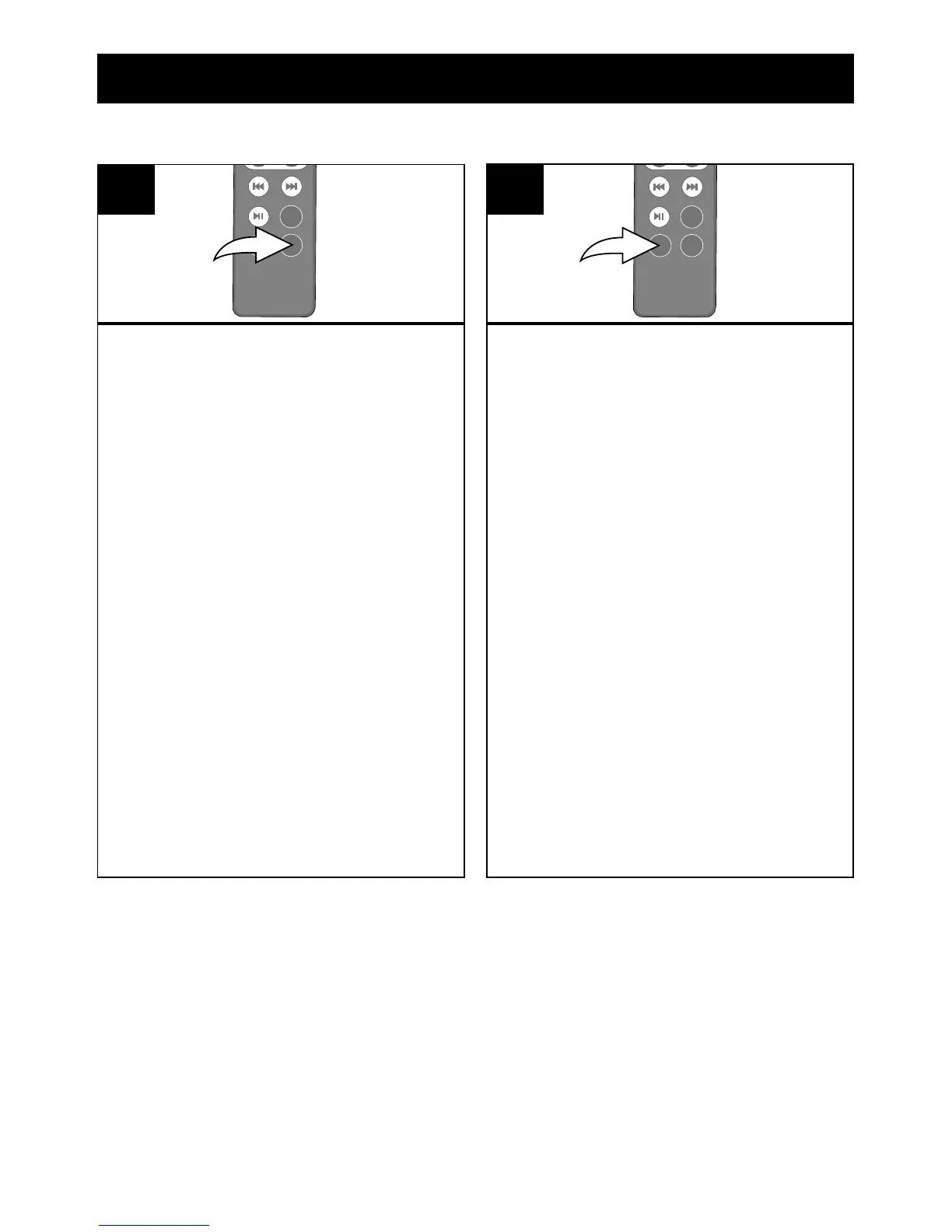
With the unit in the LINE IN , Radio or
iPod mode, press the SLEEP button
on the remote; “00” will appear in the
display for about ve seconds.
Repeatedly press the SLEEP button to
turn the SLEEP feature on (“SLEEP”
will appear in the display) and select a
SLEEP time, 15-90 minutes (i.e., “30”–
turns off automatically after 30 minutes,
“45”–turns off automatically after 45
minutes, etc.).
After about ve seconds, the SLEEP
time will disappear from the display. To
view the remaining SLEEP time, press
the SLEEP button once.
NOTE: To cancel the SLEEP function,
repeatedly press the SLEEP button until
the “SLEEP” indicator disappears from
the display and the “00” briefly appears
in the display.
1
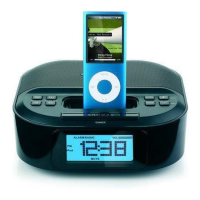
Press the DIMMER button on the
remote (shown) or the SNOOZE/
Dimmer button on the main unit
(can only be used when the alarm
is not sounding or not in snooze
mode) repeatedly to adjust the
brightness of the display.
1
SLEEP DIMMER


 To Next Page