13
OPERATION (CONTINUED)
TO SET OR RESET THE ALARM TIME
CONTINUED ON THE NEXT PAGE
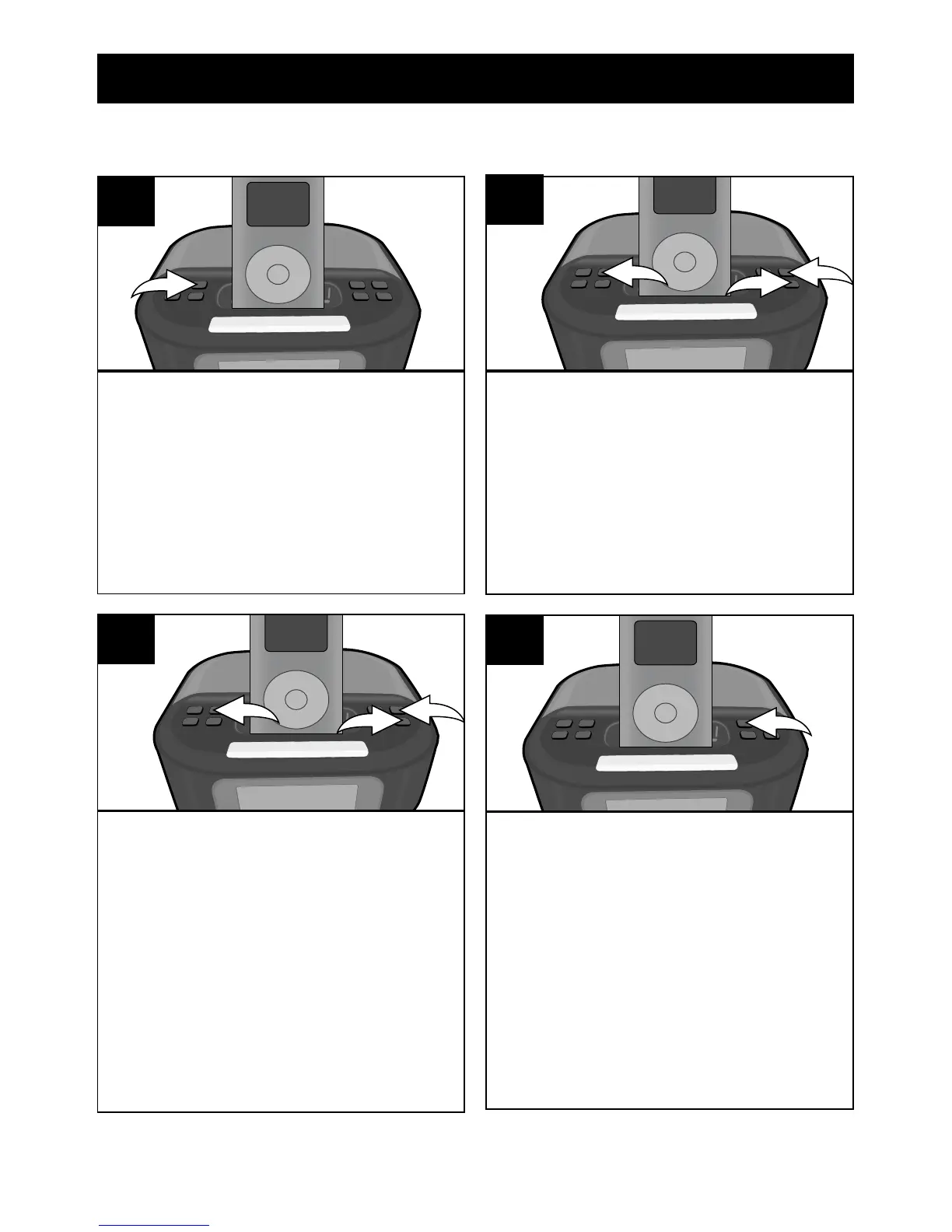
With the power off, press the
ALARM SET/Tune/Skip/Search
Up n button; the Alarm time will
blink in the display.
1
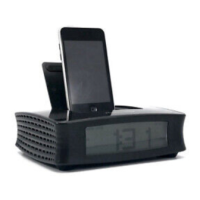
The volume setting will appear
in the display. Select a desired
maximum volume level (level 0 to
15) to wake to using the VOLUME
+/MIN + button 1 to set the alarm
minute and the VOLUME –/HR +
button 2. Press the ALARM SET/
Skip/Search Up n button 3 again
(or wait approx. 5 seconds) to
save your settings.
2
1
3
3
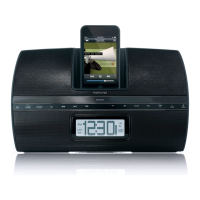
Repeatedly press the ALARM
button to select alarm off, alarm
on for iPod, alarm on for Radio or
Alarm on for Buzzer.
NOTE: Make sure the
corresponding indicator (iPod,
RADIO or BUZZER) appears in
the display.
4
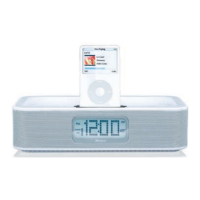
Press the VOLUME +/MIN +
button 1 to set the alarm minute
and the VOLUME –/HR + button
2 to set the alarm hour. Make
sure to set the correct AM/PM
setting. Press the ALARM SET/
Skip/Search Up n button 3 again.
2
1
3
2


 To Next Page